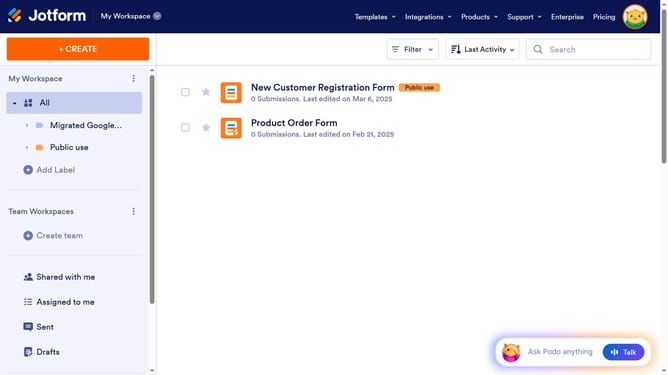
How to add a long text column in a data table in Jotform
Here is how to add a long text column in a data table in jotform
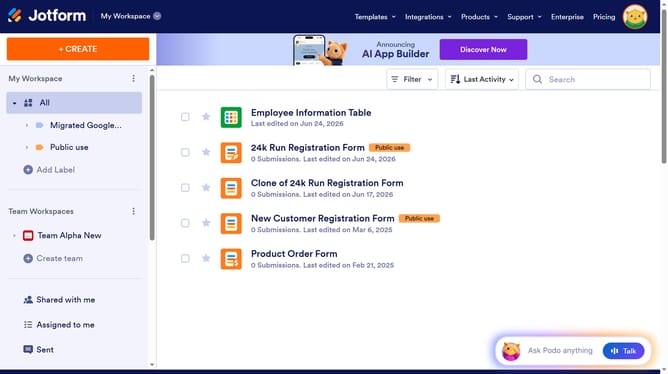
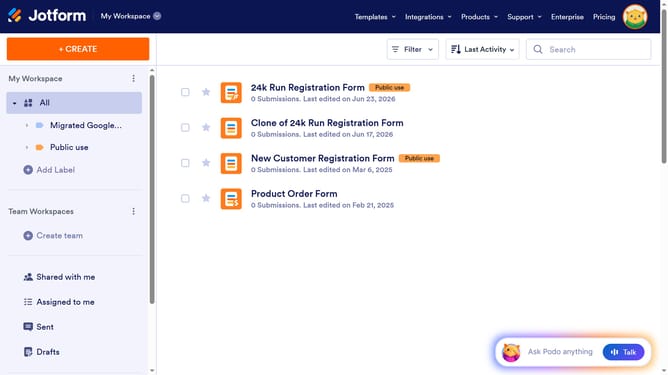
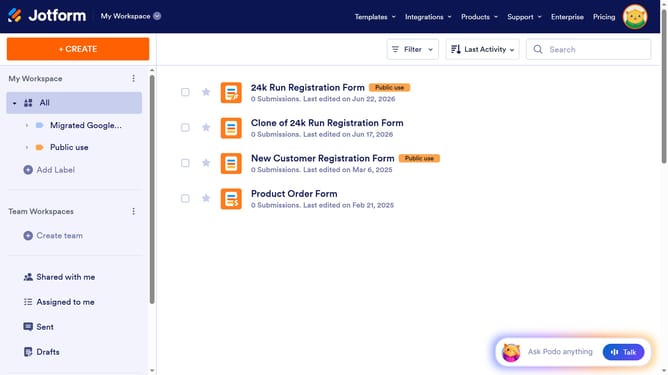
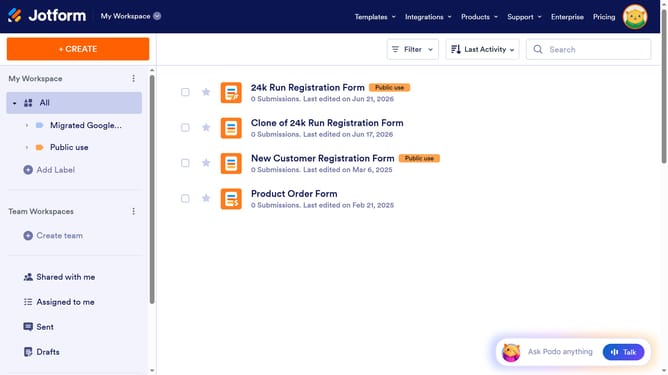
- First click on the "My Workspace" section in the left sidebar
- Next click on "View Table" button at the right side of the table name that you want to manage
- Next, click on the "+ ADD" button
- After that, select the "Long Text" input field
- Then click on the "NEXT" button
- Click on the "ENTER A COLUMN NAME" input field and enter column name
- Finally, click on the "CREATE COLUMN" button
Why should you add a long text column in a data table in Jotform
Jotform is a versatile platform designed to simplify data collection and management through customizable online forms.
Adding a long text column in a Jotform data table enhances your ability to capture and organize detailed inputs. This feature accommodates extensive information, such as customer feedback or detailed instructions, making your data management more robust.
Utilizing long text columns promotes richer data collection, contributing to deeper insights and better decision-making. It streamlines the process of categorizing comprehensive narratives in an organized manner.
Last update