How to apply bold font in a paragraph field in a registration form in Jotform
Here is how to apply bold font in a paragraph field in a registration form in jotform
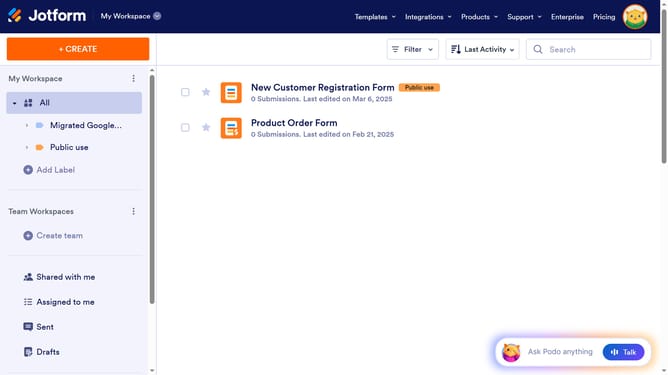
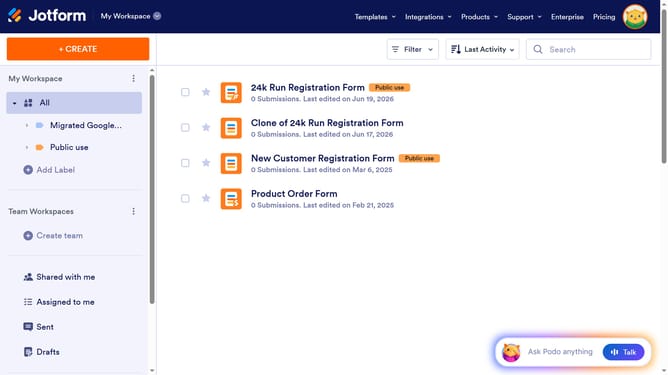
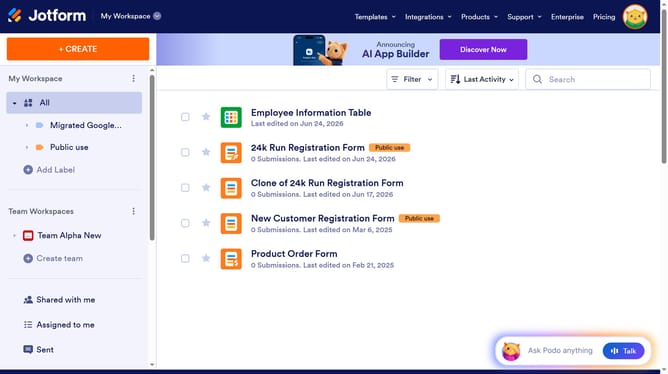
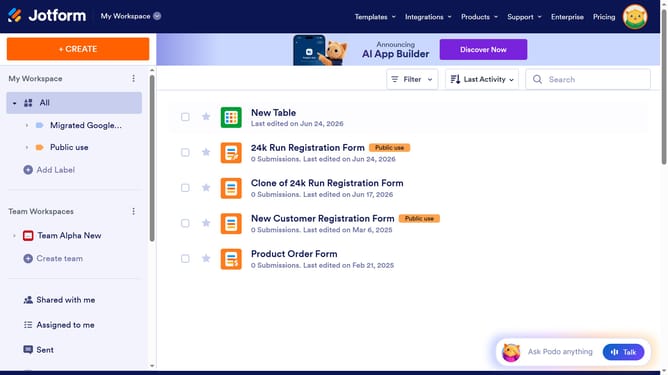
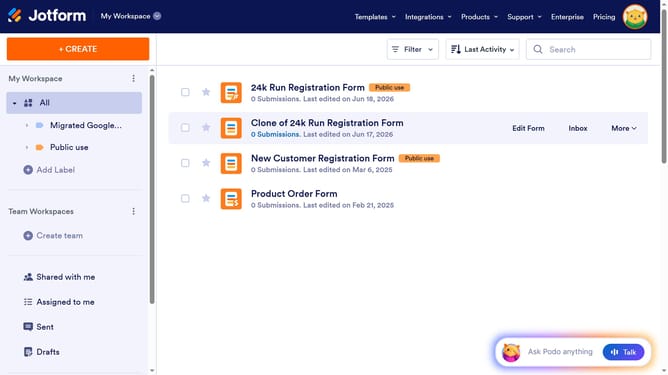
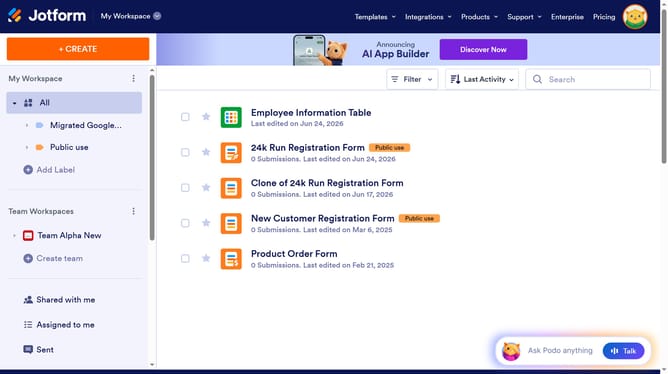
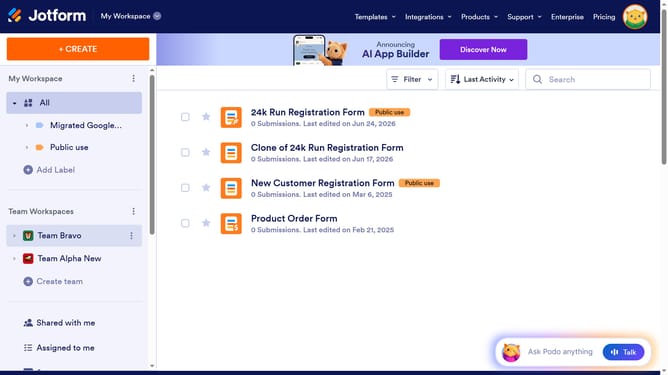
- First click on "All" in the left sidebar
- Next click on "Edit Form" button at the right side of the form name that you want to manage
- Then click on the paragraph field in the form builder
- Then click on the "Edit Text" button
- Then click on the text that you want to edit to highlight it
- Finally click on the "B" (Bold) button in the text editor toolbar
Why should you apply bold font in a paragraph field in a registration form in Jotform
Jotform is an intuitive online form builder designed to simplify data collection and enhance user interaction.
Utilizing bold font in a paragraph field within your registration form can dramatically increase readability and emphasize essential information.
This feature helps guide participants' focus, ensuring critical details aren't overlooked, which can lead to improved form submission accuracy.
It's an effective way to highlight instructions or key points, enhancing the overall user experience while reinforcing important messages.
Last update