How to allow forms to be cloned by other users in Jotform
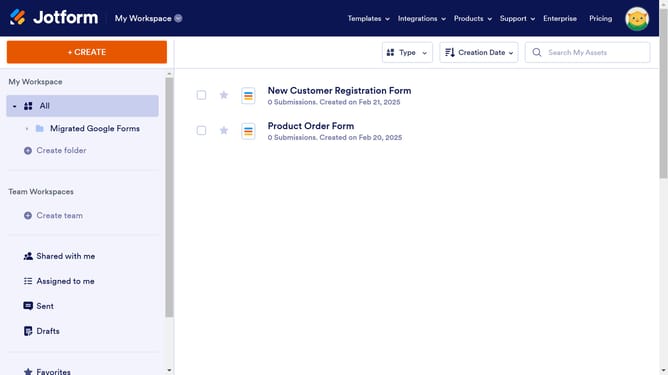
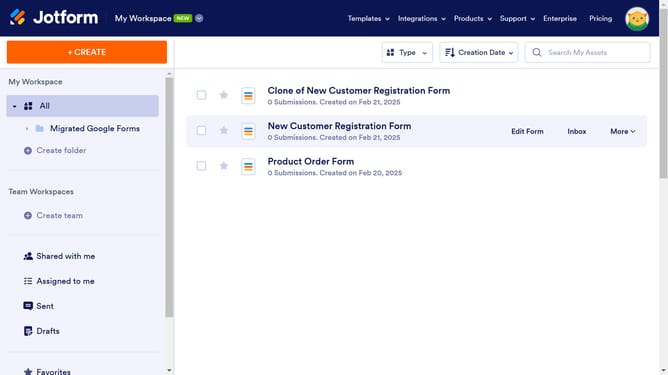
Here is how to allow forms to be cloned by other users in jotform
- First click on the user icon in the top right corner of the header
- Then click on the "Settings" option in the admin console
- Next, select "Security" from the left sidebar menu
- Finally, uncheck the checkbox for "Do not allow my forms to be cloned by other users."
Why should you allow forms to be cloned by other users in Jotform
Jotform is a dynamic online platform designed to simplify the creation and management of customizable forms for any purpose.
By allowing forms to be cloned by other users, Jotform enhances collaborative efficiency and streamlines processes. Sharing a form template means less time spent on recreating complex forms from scratch, allowing teams to focus more on data collection and analysis.
This feature is particularly beneficial for organizations looking to maintain consistency in form structure across departments. It ensures all users are aligned with a brand’s standards and saves valuable time, making Jotform a reliable tool for businesses prioritizing productivity.
Last update