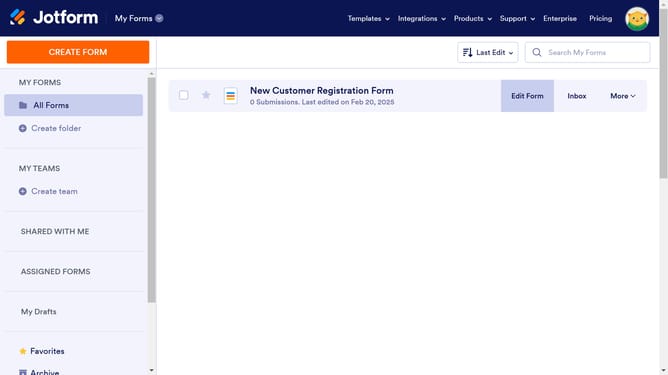
How to set heading alignment in a registration form in Jotform
Here is how to set heading alignment in a registration form in jotform
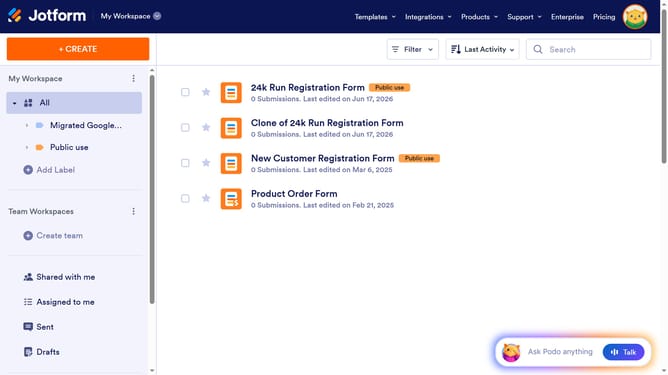
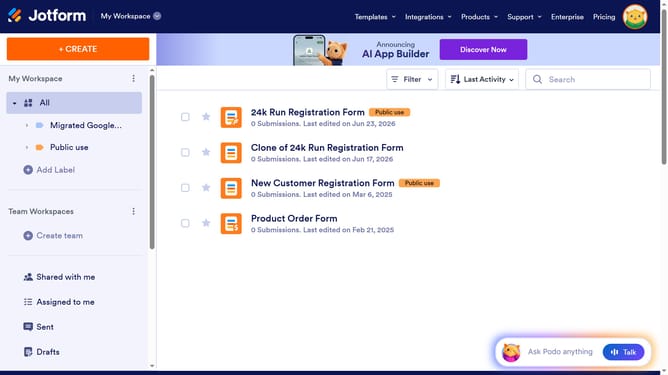
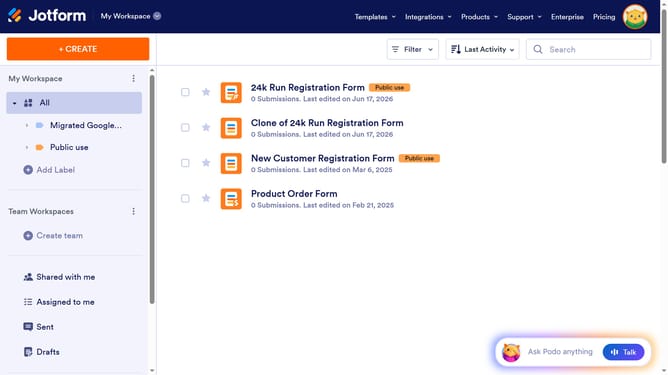
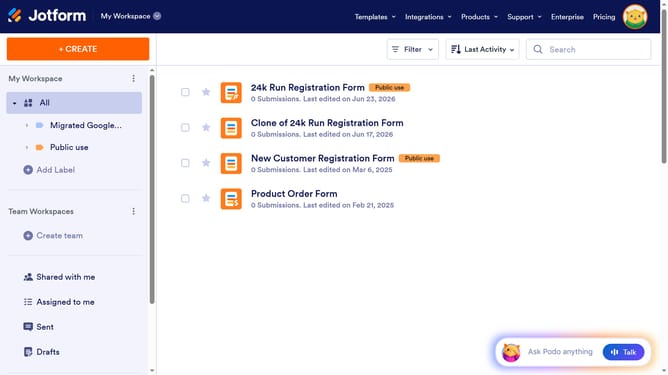
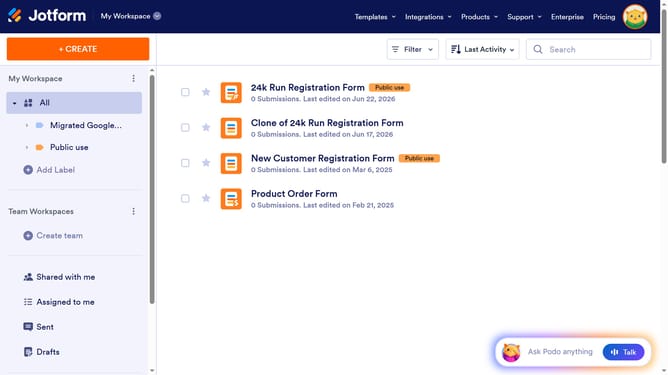
- First click on "All" in the Workspace section of the left sidebar
- Then click on "Edit Form" button at the right side of the form name that you want to edit
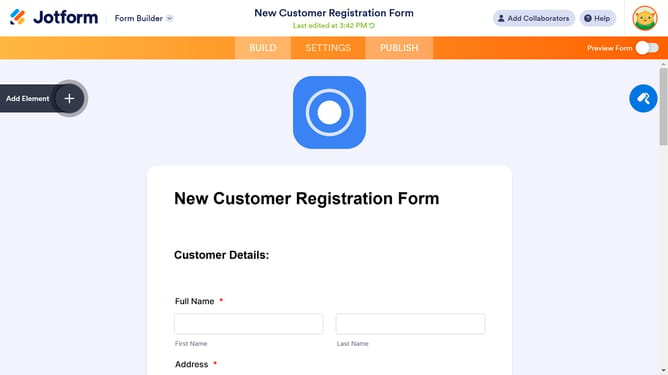
- Next, click on the heading in the form editor
- Then click on the properties option with a gear icon
- Finally, click on the alignment option in the text alignment section
Why should you set heading alignment in a registration form in Jotform
Jotform is a powerful online form builder designed to make data collection simple and efficient.
The feature of setting heading alignment in a registration form in Jotform enhances the visual appeal and readability of forms. Proper alignment ensures that headings are clearly presented, which aids respondents in quickly understanding the sections of the form.
Moreover, maintaining a well-structured form can significantly improve user experience, leading to higher completion rates. Ultimately, this feature adds to the professionalism and effectiveness of your registration forms.
Last update