How to set input type in a table field in a registration form in Jotform
Here is how to set input type in a table field in a registration form in jotform
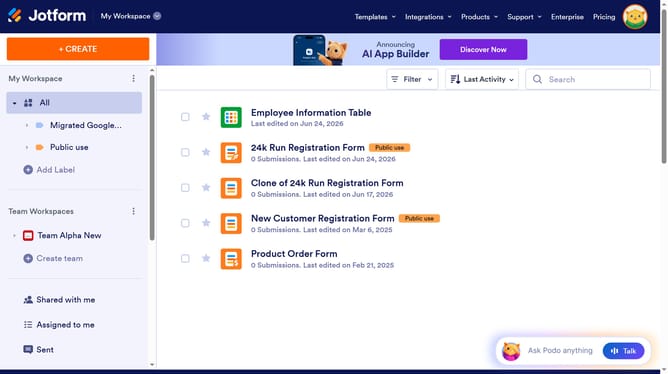
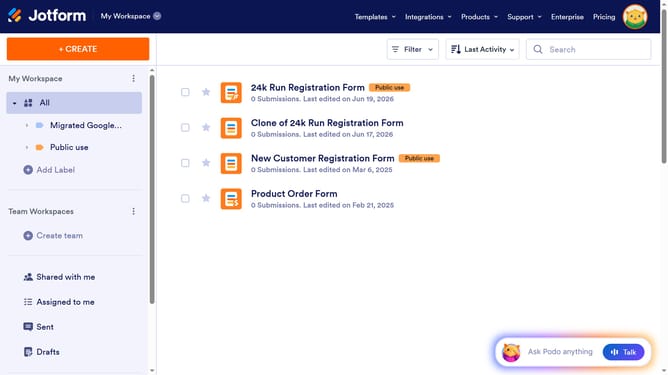
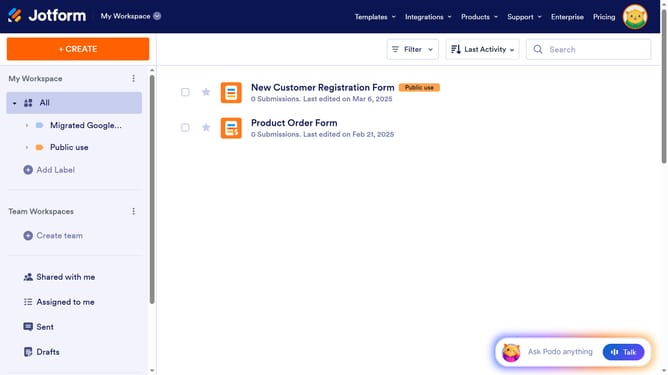
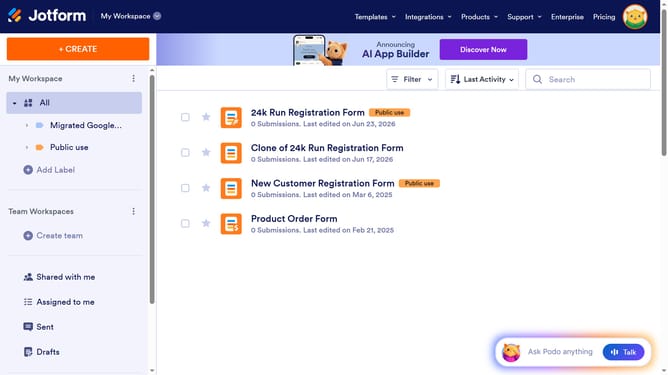
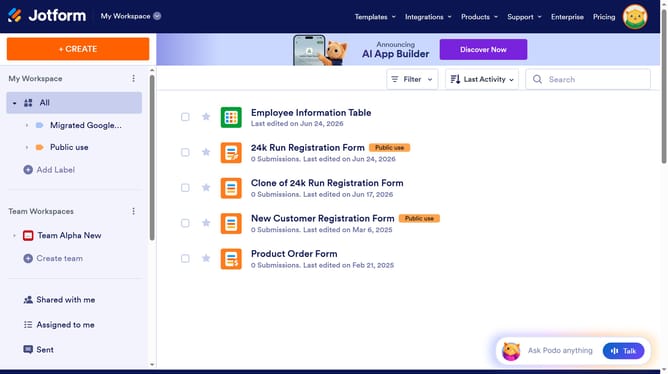
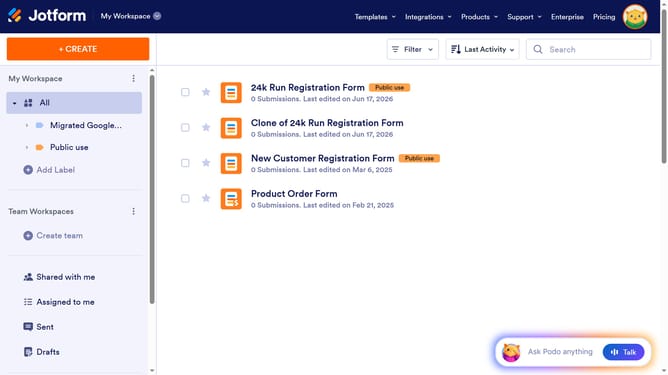
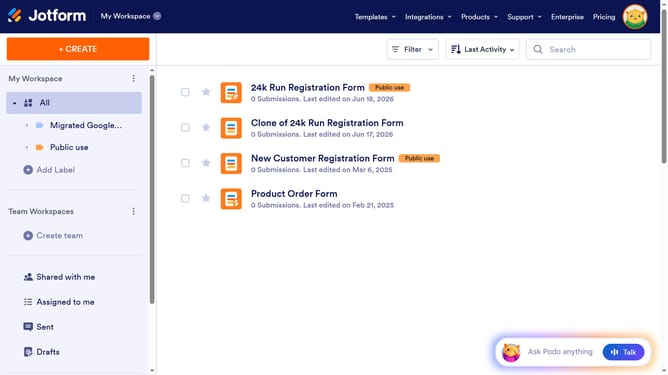
- First click on "All" item in the left sidebar
- Next click on "Edit Form" button at the right side of the form name that you want to manage
- Then click on the table input field in the form builder
- Then click on "Properties" button
- Then click on "FIELDS" tab
- Finally click on your preferred input type
Why should you set input type in a table field in a registration form in Jotform
Jotform is a versatile form-building tool designed for easy and efficient data collection.
Setting the input type in a table field in a registration form within Jotform is a feature that enhances user experience by allowing you to customize data entry methods.
It ensures that users provide the right type of data in the right format, minimizing errors and streamlining the submission process.
This feature is particularly beneficial for maintaining data consistency, ensuring smooth data analysis later on.
Last update