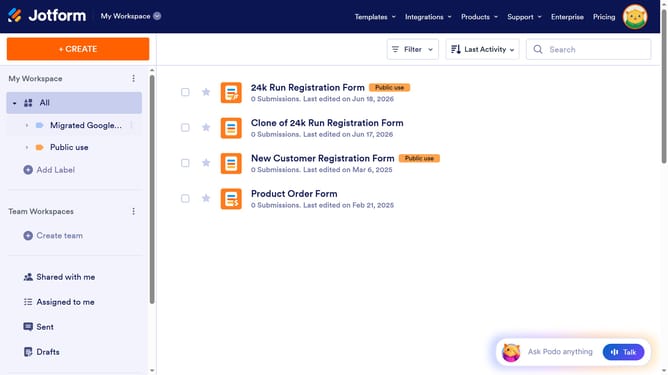
How to add a time field to a registration form in Jotform
Here is how to add a time field to a registration form in jotform
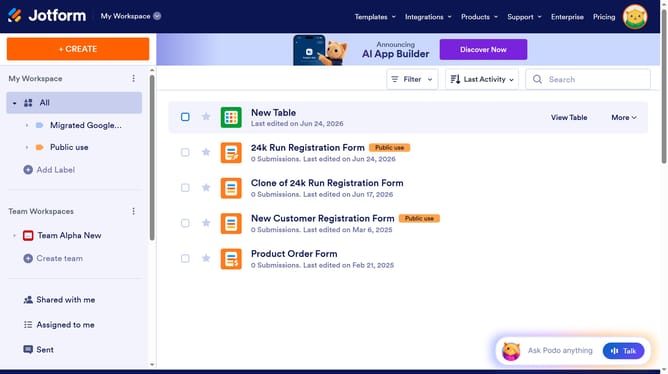
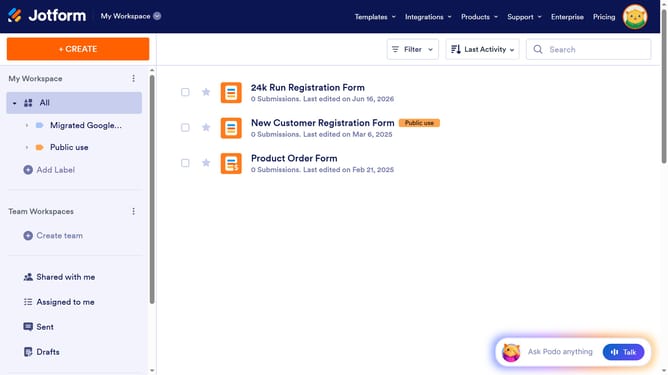
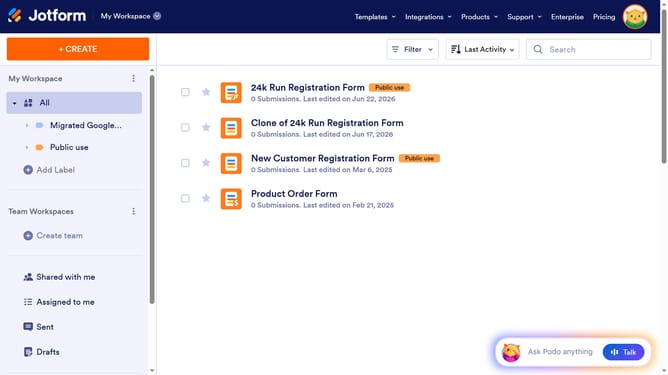
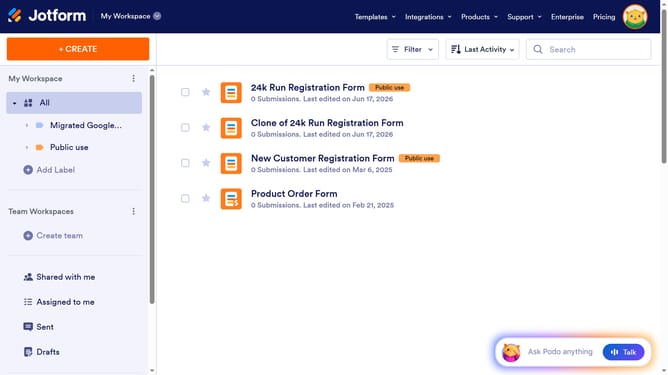
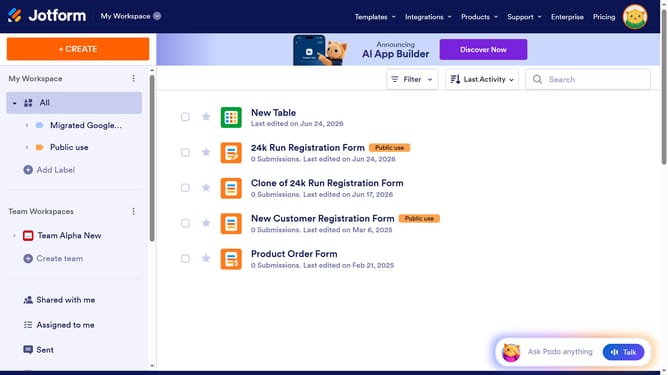
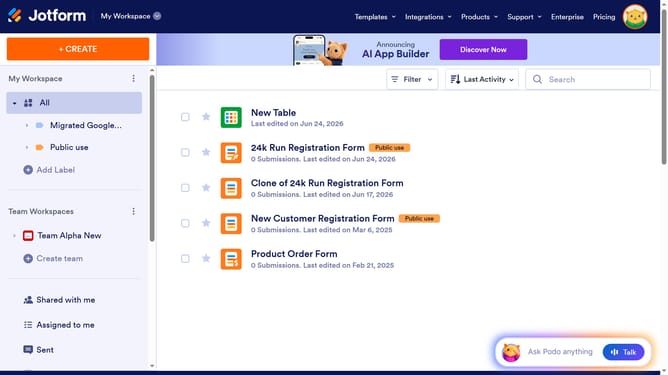
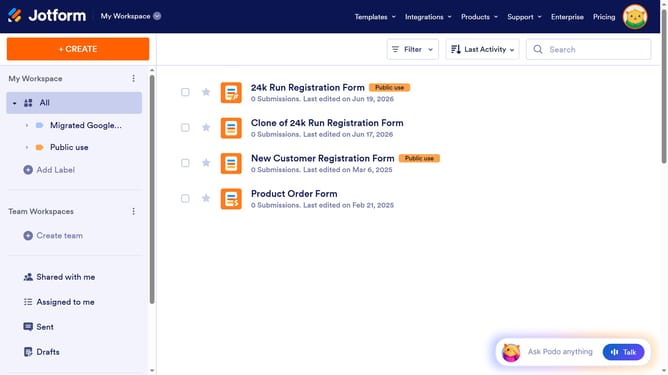
- First click on "All" in the left sidebar
- Then click on "Edit Form" button at the right side of the form name that you want to edit
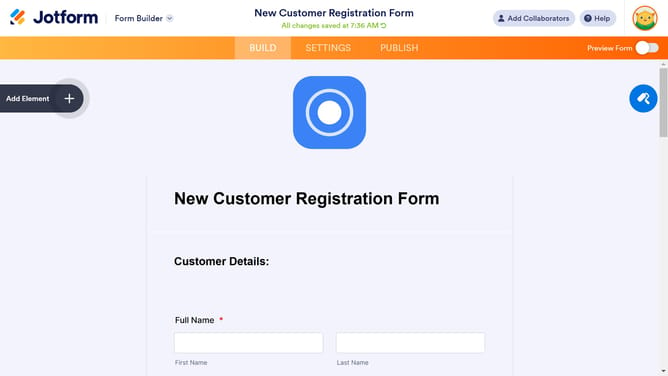
- Next click on "Add Element" button in the left sidebar
- Finally select "Time" from the left sidebar
Why should you add a time field to a registration form in Jotform
Jotform is a versatile online tool designed to simplify the creation of customizable forms.
Adding a time field to your registration form in Jotform enhances scheduling precision, allowing participants to select specific time slots conveniently.
Utilizing a time field increases registration efficiency by providing event organizers with clear time data, aiding in better resource management.
This feature promotes seamless participant experiences, making it easier to organize and plan events effectively.
Last update