How to add an input table to a registration form in Jotform
Here is how to add an input table to a registration form in jotform
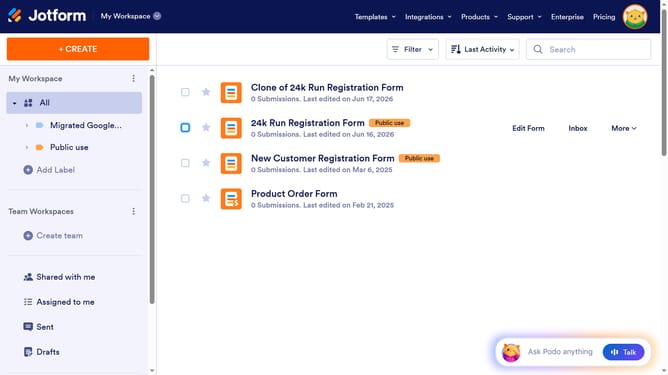
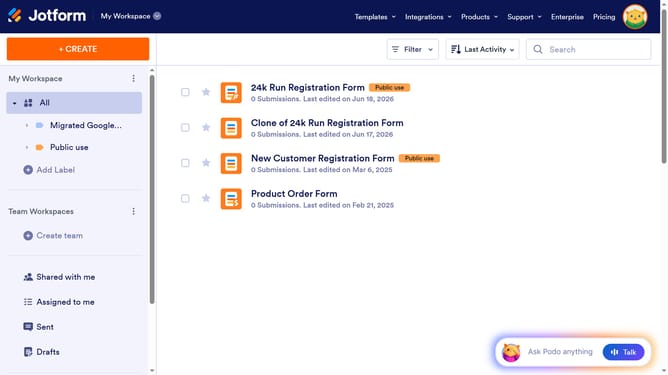
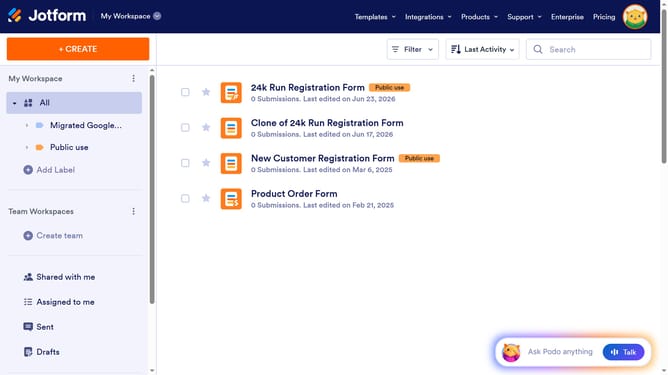
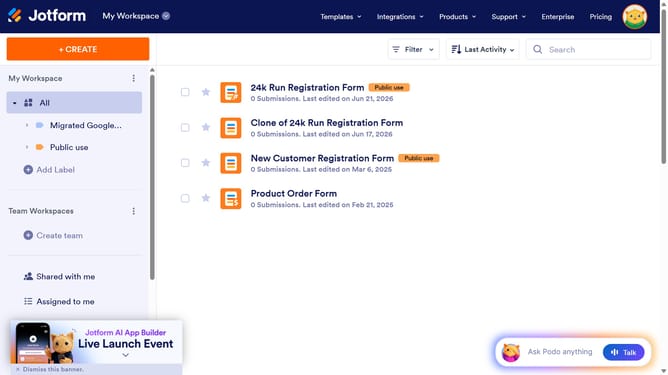
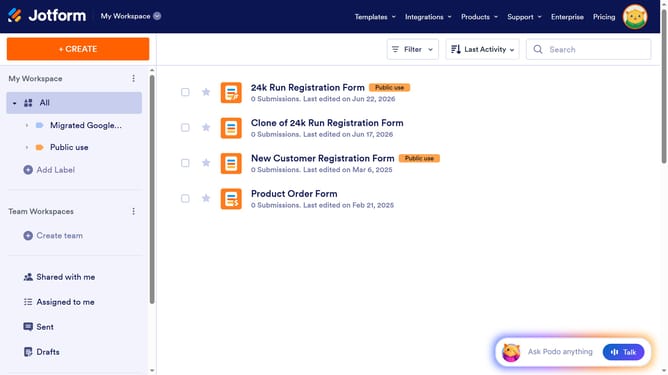
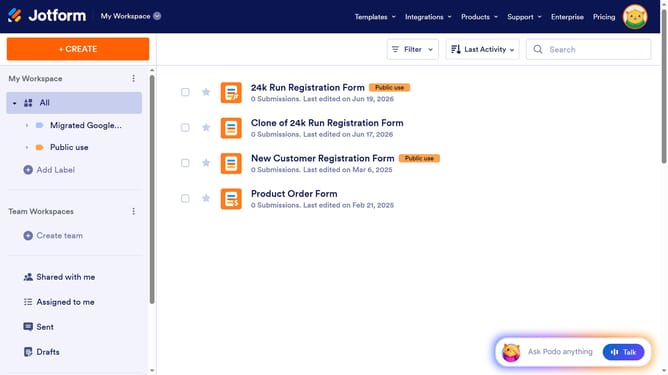
- First click on "All" in the left sidebar
- Then click on "Edit Form" button at the right side of the form name that you want to edit
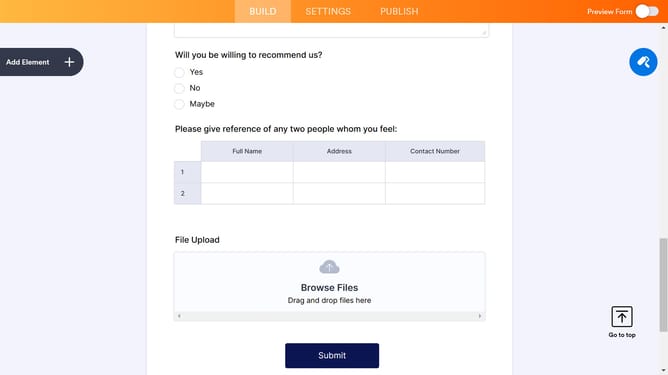
- Next click on "Add Element" button in the left sidebar
- Finally select "Input Table" element in the left sidebar
Why should you add an input table to a registration form in Jotform
Jotform is a versatile platform designed to simplify the creation and management of forms for various needs.
Adding an input table to a registration form in Jotform can significantly enhance data collection efficiency. This feature allows for organized data entry, making it easy for users to input multiple pieces of related information in a structured manner.
By using an input table, form creators can ensure consistency and clarity, enabling quicker data analysis and better decision-making processes.
Last update