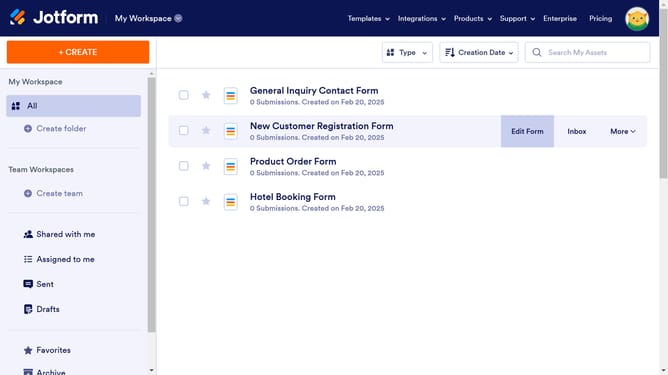
How to disable save and continue later option to a form in Jotform
Here is how to disable save and continue later option to a form in jotform
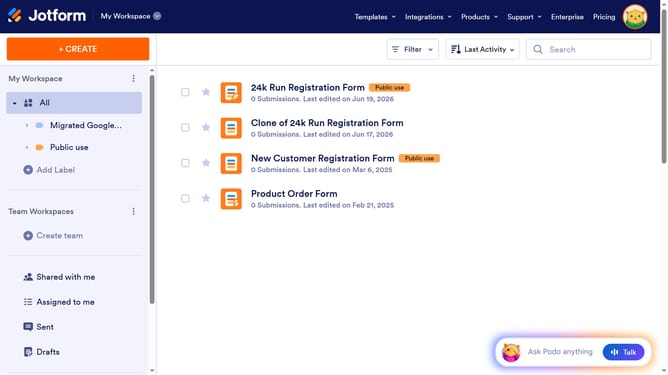
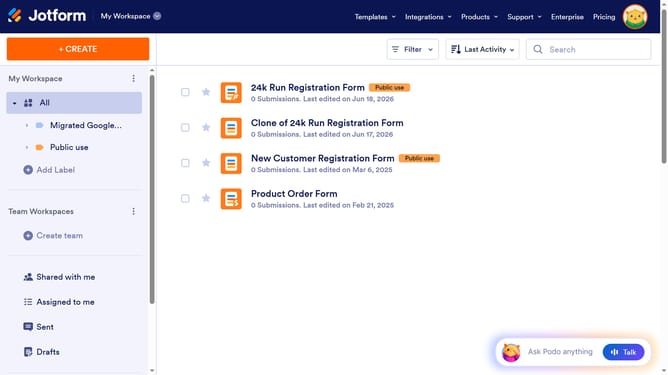
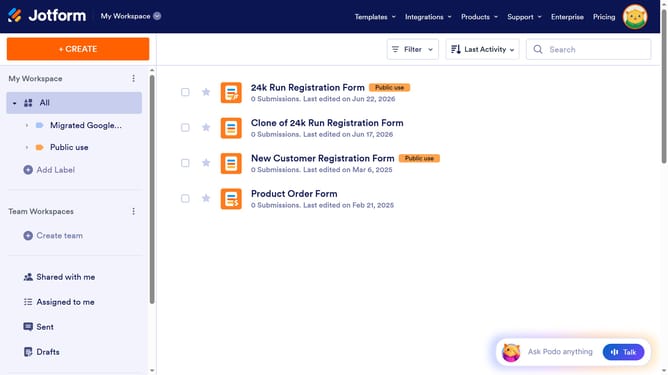
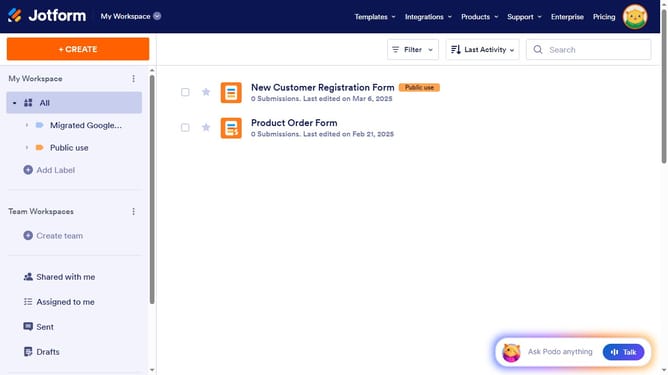
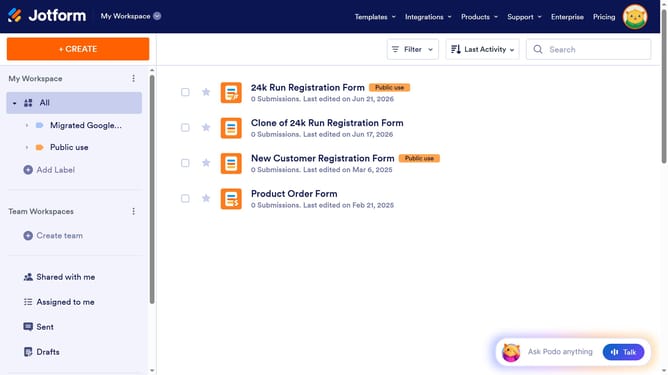
- First click on "All" item in the left sidebar
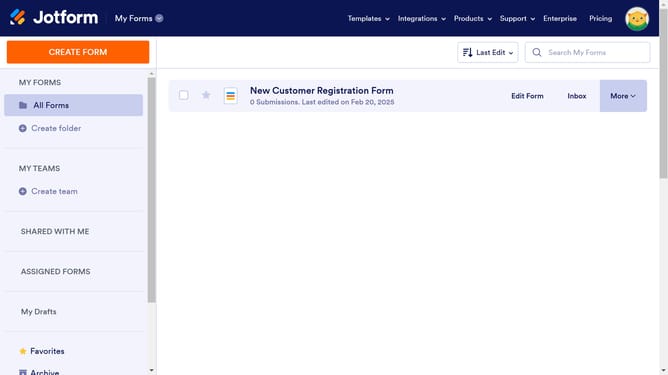
- Then click on the checkbox next to the form that you want to manage
- Then click on the "More" button
- Then click on the "Settings" option from the dropdown menu
- Then click on the "Show More Options" button
- Finally, click on the dropdown menu for "Save and Continue Later" and select "Disabled"
Why should you disable save and continue later option to a form in Jotform
Jotform is a versatile platform designed for creating and customizing online forms effortlessly.
One of its standout features is the ability to manage users’ form-saving behavior, like disabling the "Save and Continue Later" option.
This feature benefits both form creators and users by streamlining the form completion process, ensuring that responses are submitted promptly and without interruption.
By disabling this feature, you encourage immediate action, promoting higher submission rates and maintaining a seamless user experience.
Last update