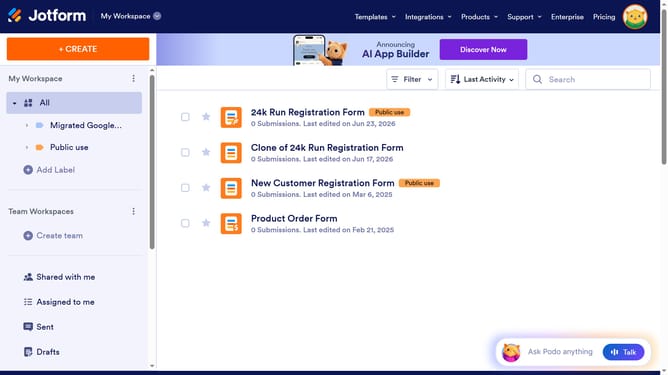
How to disable character limit on a short text field in a registration form in Jotform
Here is how to disable character limit on a short text field in a registration form in jotform
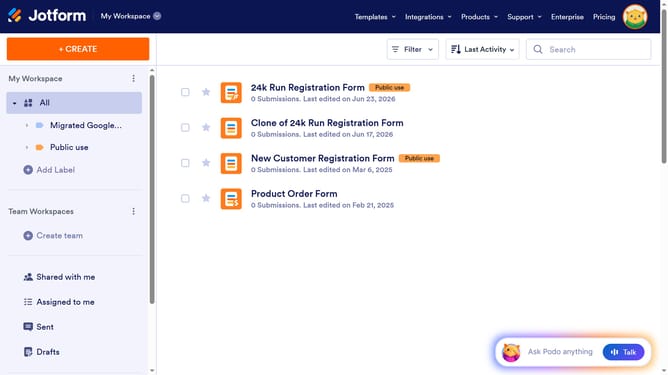
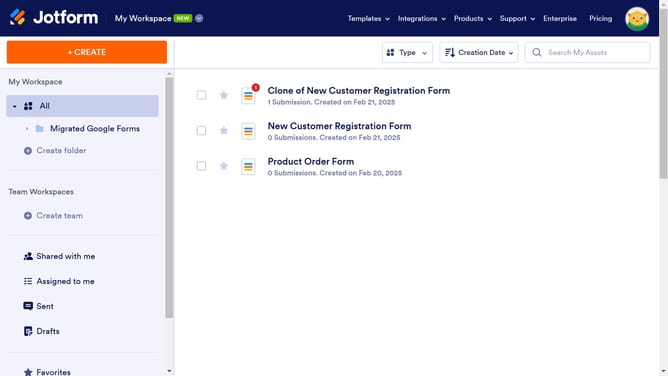
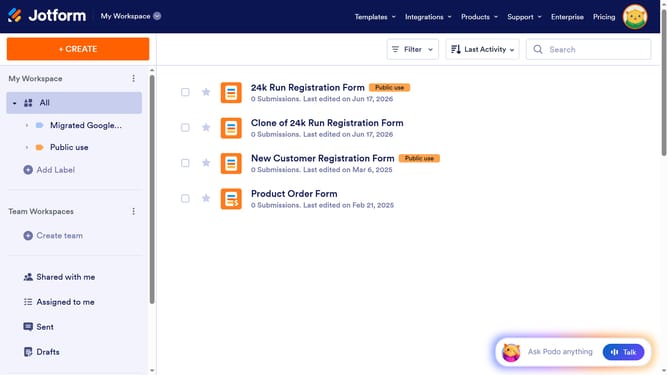
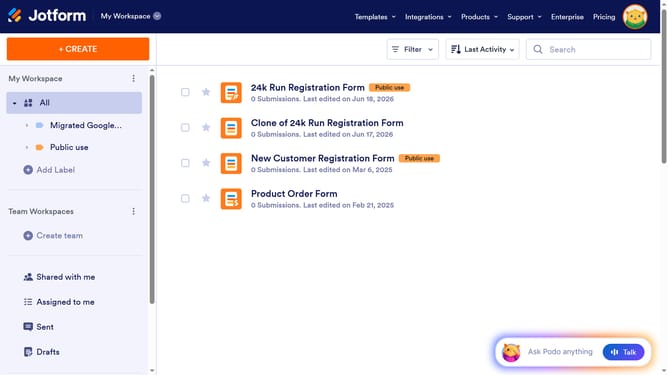
- First click on "All" option in the left sidebar
- Next click on "Edit Form" button at the right side of the form name that you want to edit
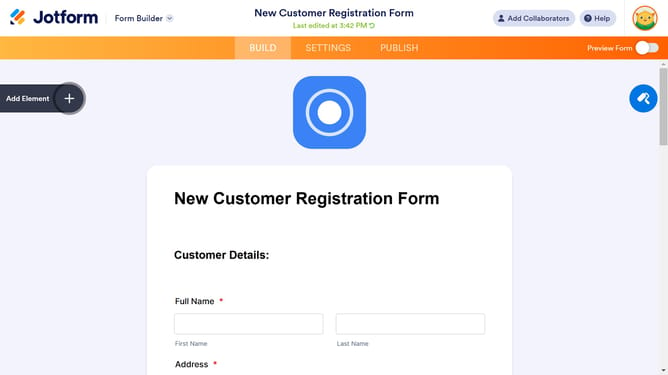
- Then click on the short text question field in the form builder
- Then click on the "Properties" button
- Then click on the "Options" tab
- Finally click on the slider under "Character Limit" to disable it
Why should you disable character limit on a short text field in a registration form in Jotform
Jotform is a versatile form builder that simplifies data collection with customizable forms.
Disabling the character limit on a short text field in your registration form allows for more flexible data input, accommodating users who may need to provide detailed or unique responses that exceed the default restrictions.
This feature enhances user experience by eliminating frustration and ensuring the data collected is comprehensive, ultimately enriching the quality of information gathered.
By offering freedom in text input, you create inclusive forms that adapt to diverse user needs.
Last update