How to add a divider in a registration form in Jotform
Here is how to add a divider in a registration form in jotform
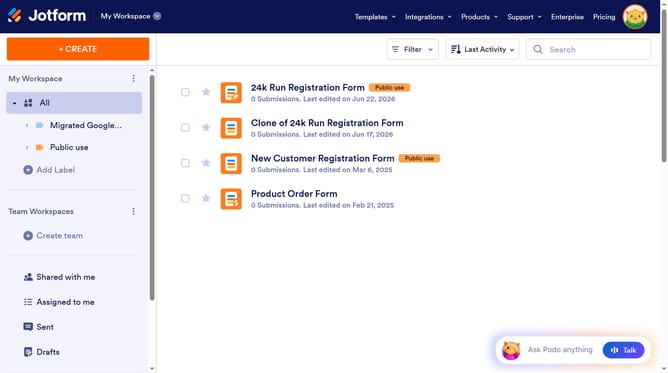
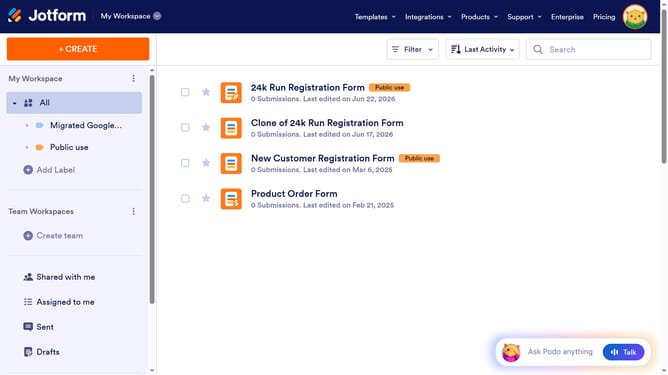
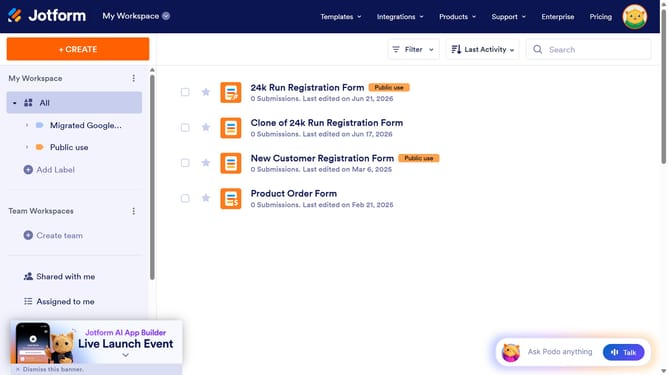
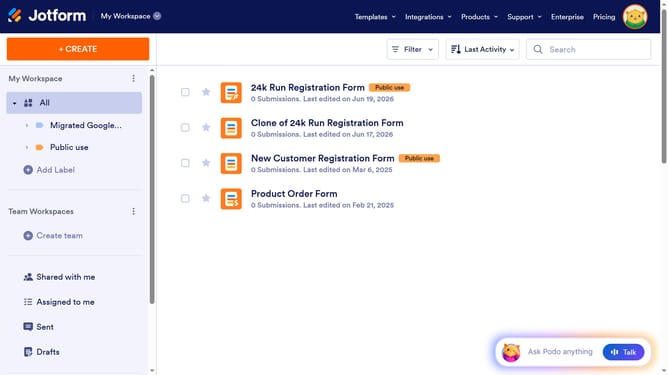
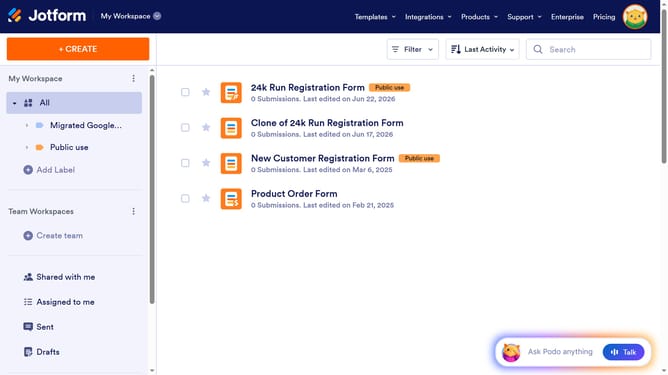
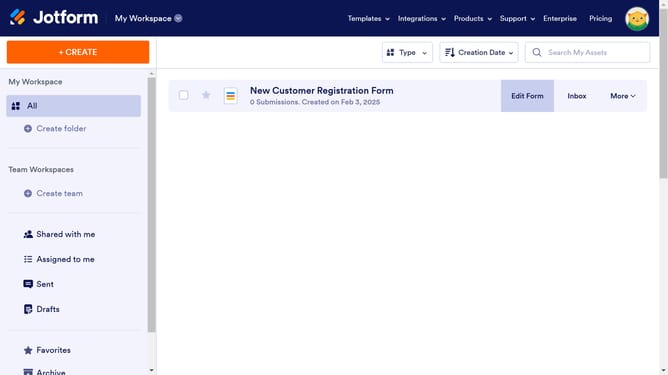
- First click on "All" item in the left sidebar
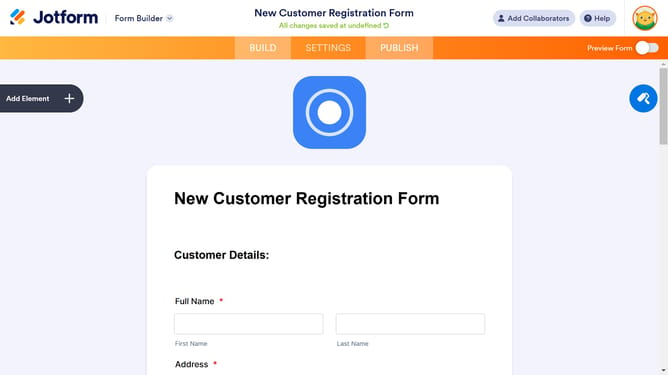
- Then click on "Edit Form" button next to the form name
- Then click on "Add Element" button
- Finally select "Signature" from the elements list
Why should you add a divider in a registration form in Jotform
Jotform is an intuitive online form builder designed to simplify data collection and enhance user interaction.
Adding a divider to your registration form within Jotform allows for a seamless and organized layout. This feature enhances the visual clarity by distinguishing sections, making it easier for users to navigate and complete the form efficiently.
Utilizing dividers not only improves the form's user-friendliness but also promotes a professional appearance, ultimately leading to a higher completion rate and better user experience.
Last update