How to add a submit button to a registration form in Jotform
Here is how to add a submit button to a registration form in jotform
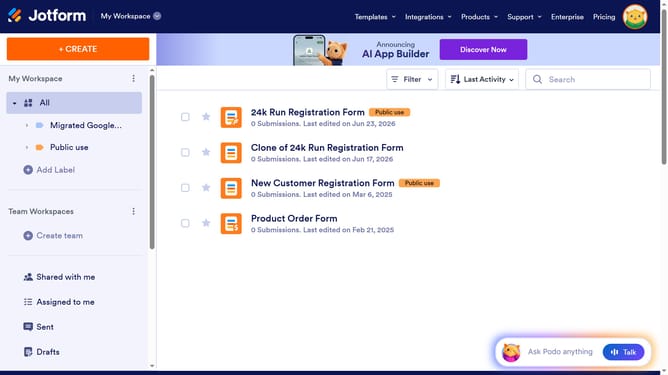
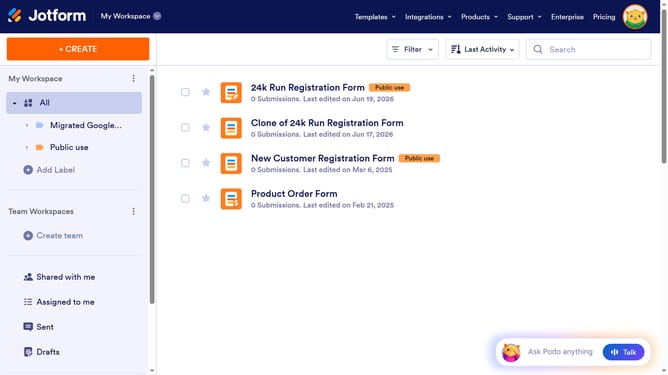
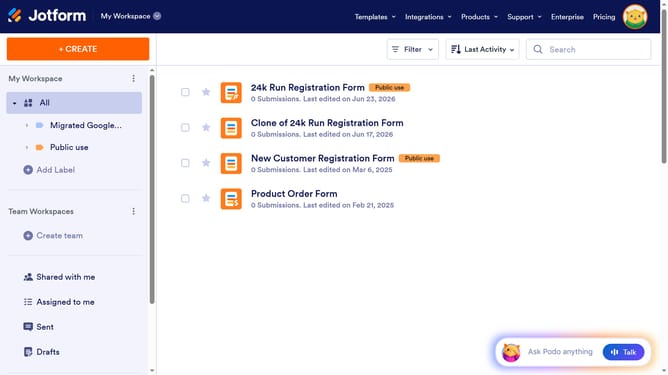
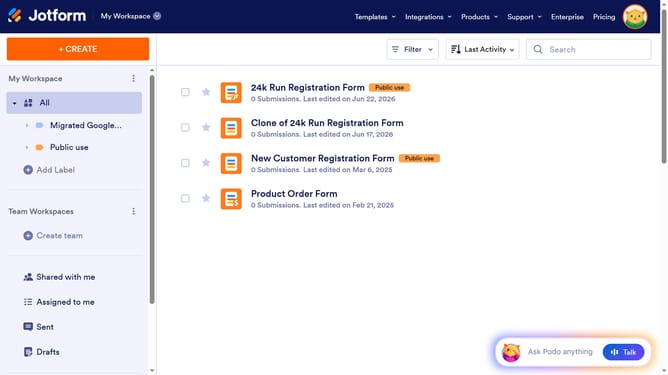
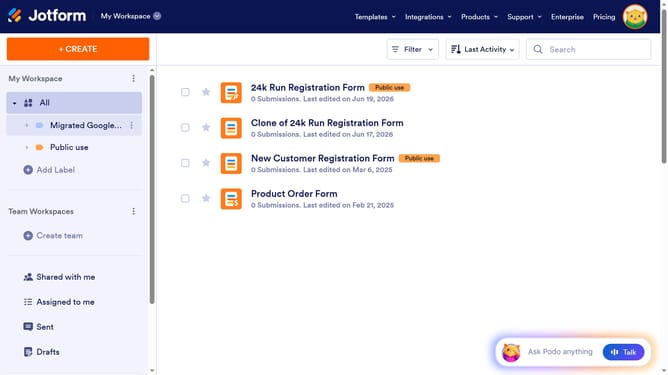
- First click on "All" in the left sidebar
- Then click on "Edit Form" button at the right side of the form name that you want to edit
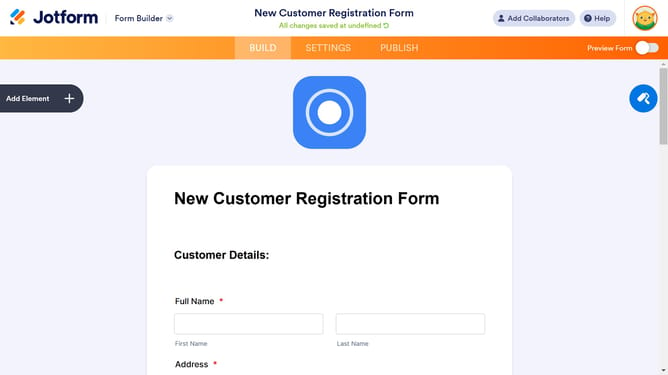
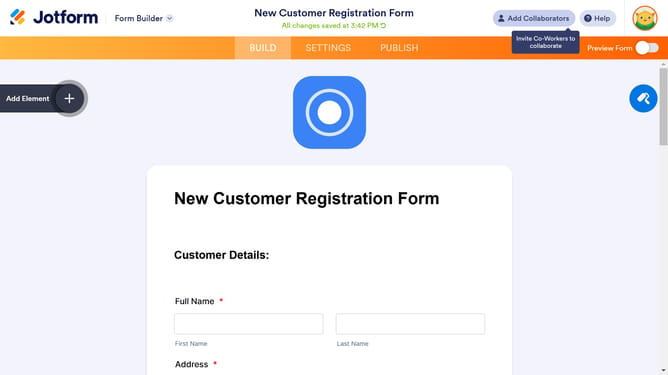
- Next click on "Add Element" button in the left sidebar
- Finally select "Spinner" element in the left sidebar
Why should you add a submit button to a registration form in Jotform
Jotform is a powerful online tool designed to simplify form creation and data collection.
Adding a submit button to a registration form in Jotform ensures that your users can easily complete and submit their information with just one click. It's a simple yet crucial feature that enhances the user experience by making the form completion process intuitive and straightforward.
The ability to add a submit button seamlessly integrates into the design, maintaining a professional appearance while improving the functionality of any form. This streamlines data gathering, making your processes more efficient and user-friendly.
Last update