How to set up the thank you page on Jotform
Here is how to set up the thank you page on jotform
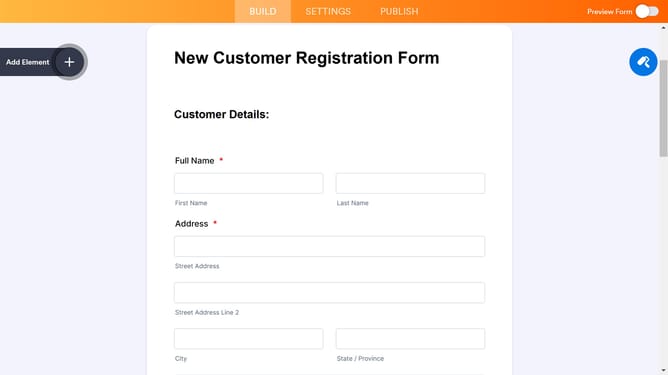
- First click on the "SETTINGS" tab in the top navigation menu
- Then click on "THANK YOU PAGE" option in the left sidebar menu
- You can completely customize the look of your Thank You Page directly from the editor. You can insert images, links, paragraphs, and tables
Why should you set up the thank you page on Jotform
Jotform is a dynamic tool designed to simplify form creation and enhance data collection with ease.
The thank you page feature on Jotform offers a seamless way to communicate with users once they’ve submitted a form. It allows you to customize a closing message that can express gratitude or provide further instructions, enhancing the user experience.
By setting up a personalized thank you page, you can strengthen user engagement, reinforce brand identity, and potentially improve conversion rates. It's a straightforward feature with significant impact, providing immediate feedback and a more professional touch to interactions.
Last update