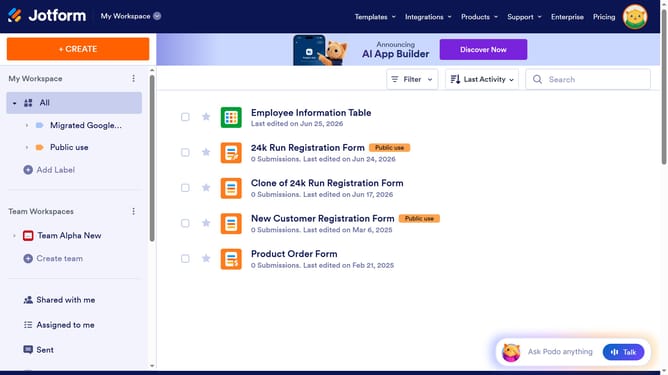
How to remove middle name field in a registration form in Jotform
Here is how to remove middle name field in a registration form in jotform
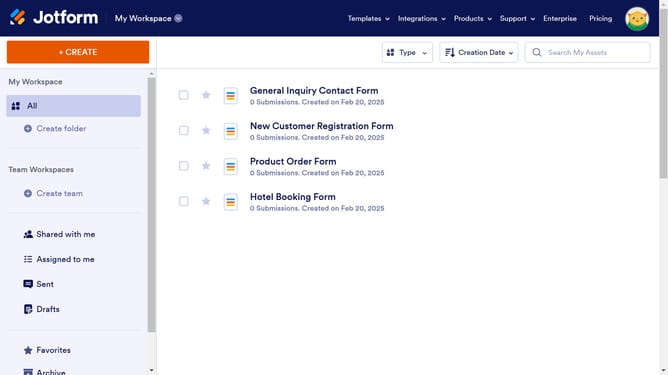
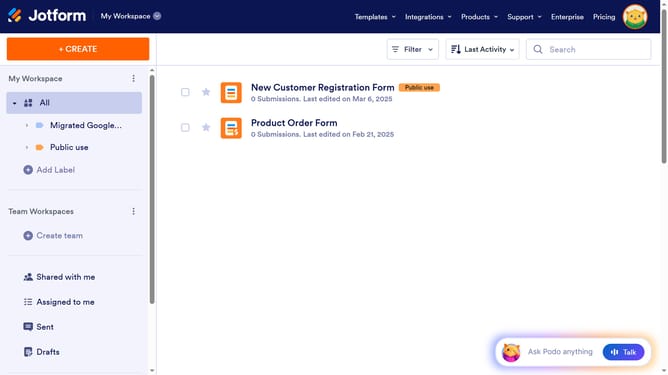
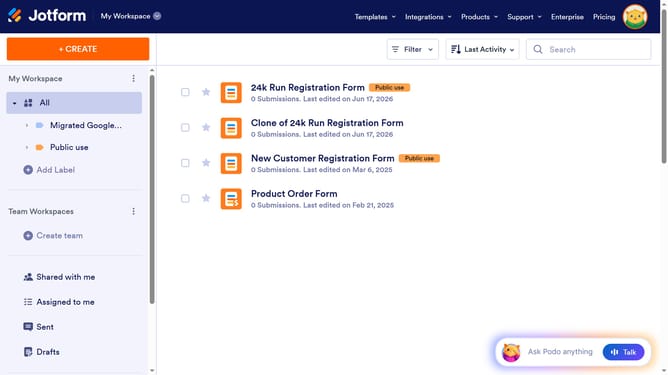
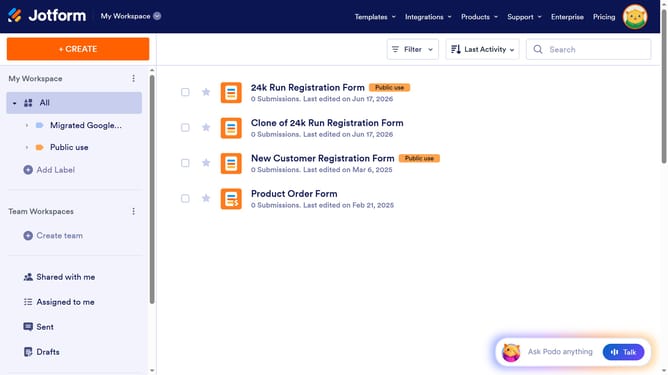
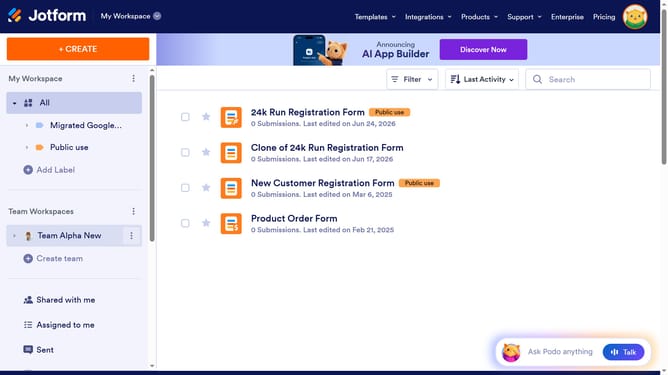
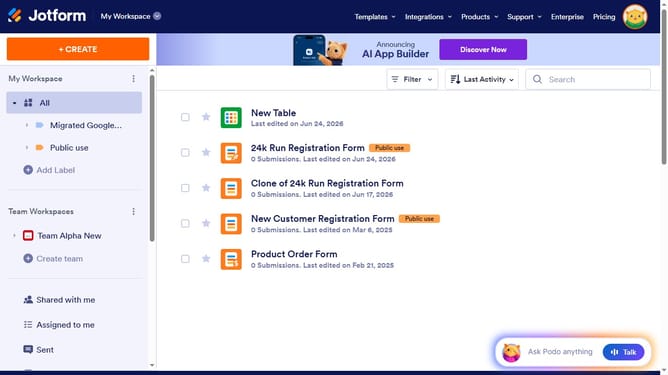
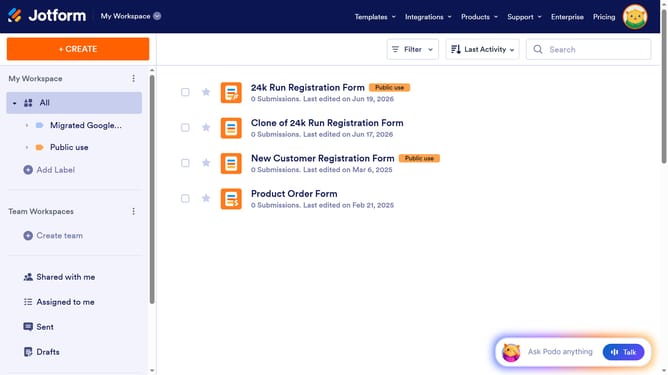
- First click on "All" in the sidebar
- Then click on "Edit Form" button at the right side of the form name that you want to edit
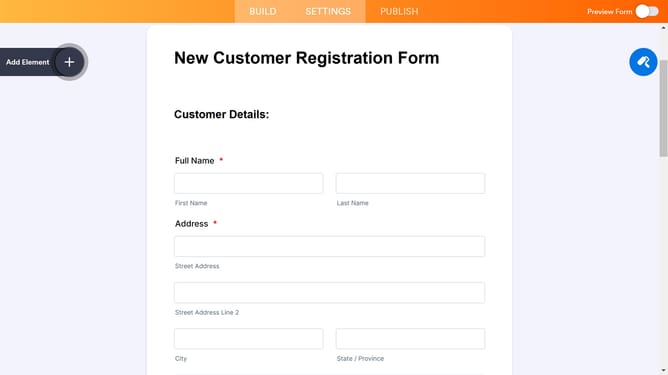
- Then click on "Name" field
- Then click on the gear icon in the form editor
- Then click on the "Options" tab
- Finally, toggle off the "Middle Name" option
Why should you remove middle name field in a registration form in Jotform
Jotform is a versatile online platform that empowers users to effortlessly create and customize forms for any occasion.
Removing the middle name field in a registration form can streamline the process and enhance user experience. By simplifying the form, it becomes more intuitive and less time-consuming for users to complete, which can lead to higher form submission rates.
This feature is particularly beneficial in situations where middle names are not essential data, allowing organizations to maintain cleaner databases and focus on collecting only critical information.
Last update