How to make your forms multilingual on Jotform
Here is how to make your forms multilingual on jotform
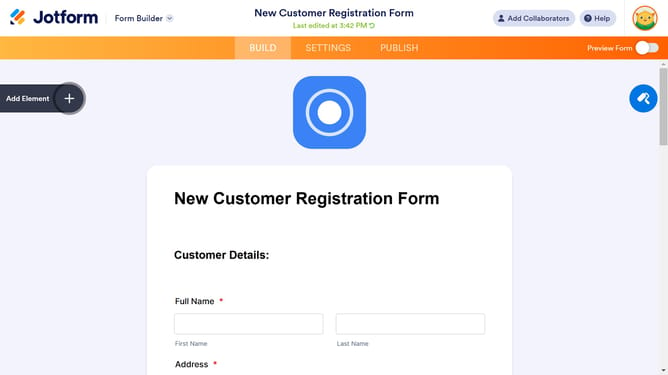
- First click on the "SETTINGS" tab in the top navigation menu
- Then click on the "SHOW MORE OPTIONS" button in the form settings section
- Next click on the "EDIT" button next to "Form Languages" in the settings panel
- Then click on "Add language" button in the translations section
- Next click on the "Select language" dropdown menu
- Then click on "ADD" button after selecting a language from the language dropdown
- Finally click on "Preview Form" toggle button to check the changes
Why should you make your forms multilingual on Jotform
Jotform is an intuitive online form builder designed to streamline data collection.
Making your forms multilingual on Jotform is a powerful feature that broadens your reach, allowing you to connect with a global audience.
This feature ensures your surveys, questionnaires, or any form can easily cater to diverse linguistic groups, enhancing user experience and engagement.
By breaking down language barriers, you can gather richer data and foster inclusivity, making every respondent feel valued and understood.
Last update