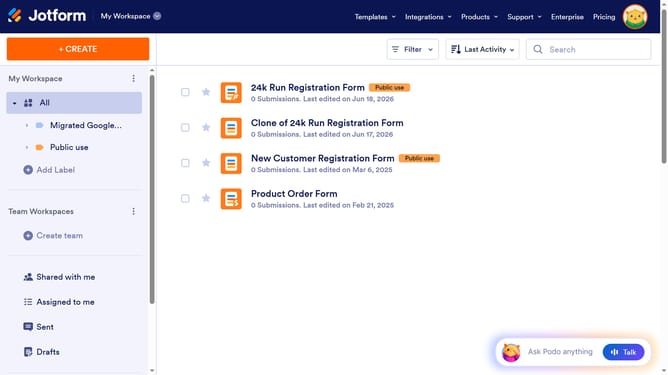
How to import Wufoo forms to Jotform
Here is how to import wufoo forms to jotform
- First click on the "Start Migrating Now" button in the center of the main page
- Next click here to enter your Wufoo username
- Then click here to enter your Wufoo API key
- After entering your credentials, click on the "Authenticate" button
- In the form selection screen, click on the checkbox next you want to import
- Click on the "Migrate" button to start the migration process
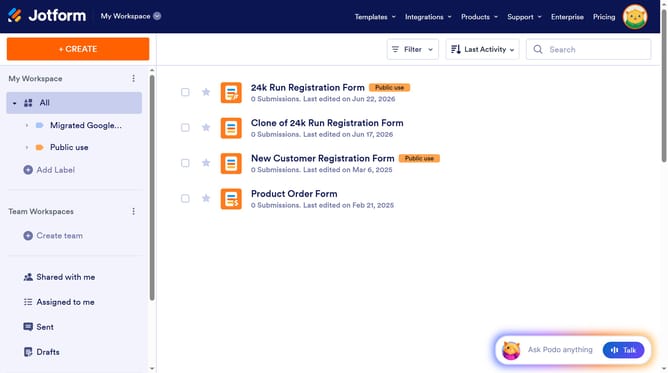
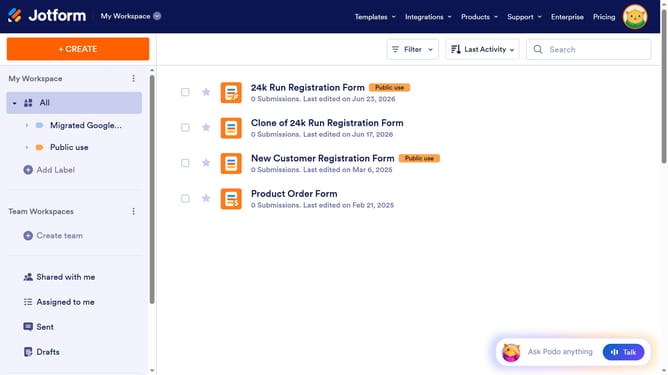
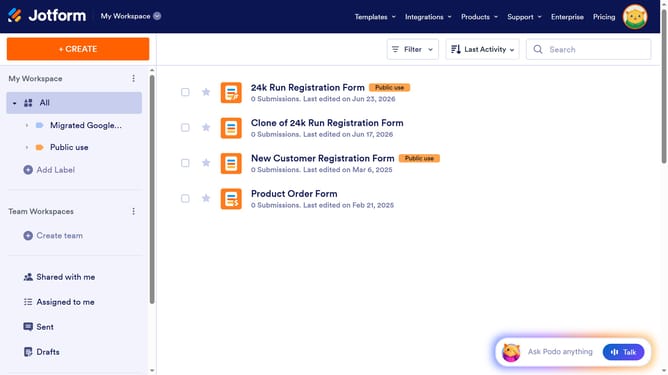
- Finally, click on the "Go to My Forms" button after the migration is complete
Why should you import Wufoo forms to Jotform
Jotform, a leading online form builder, empowers users to create custom forms with ease.
Effortlessly transitioning Wufoo forms into Jotform enhances your workflow by consolidating form management under one intuitive platform.
This import feature ensures that all existing data and form designs are retained, providing continuity and saving you the hassle of starting from scratch.
By centralizing forms, you increase efficiency, streamline processes, and enable seamless integration with Jotform’s robust suite of features.
Last update