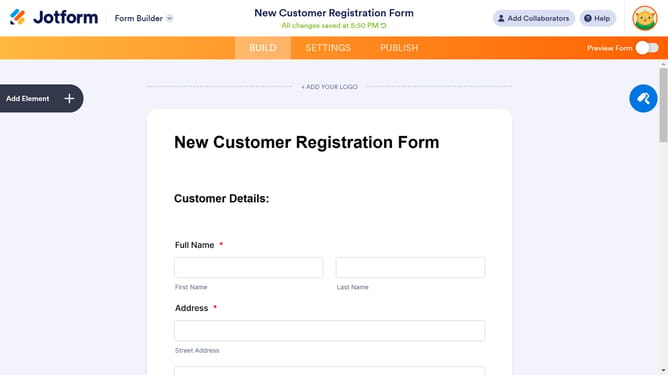
How to add full name to a registration form in Jotform
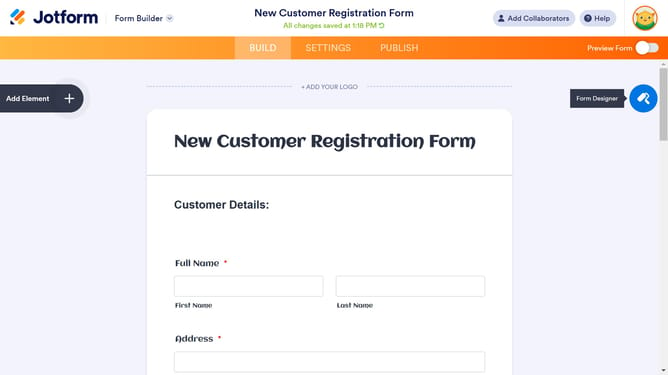
Here is how to add full name to a registration form in jotform
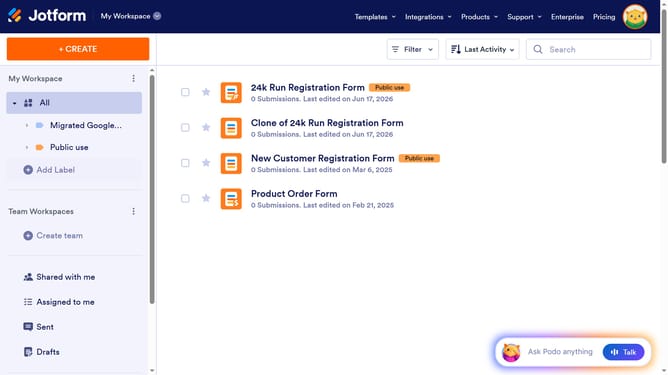
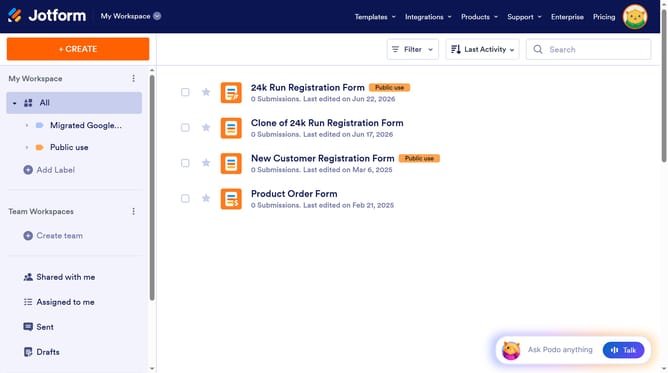
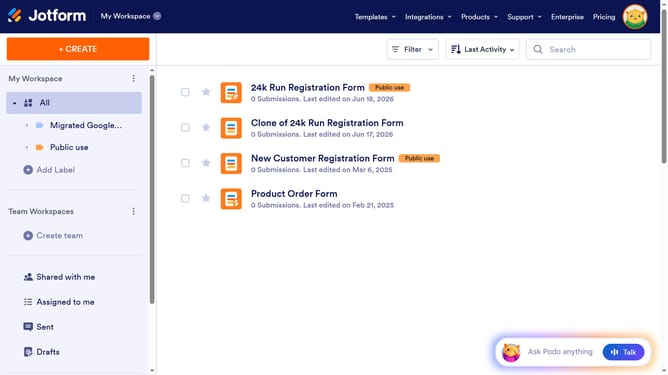
- First click on "All" item in the left sidebar
- Then click on "Edit Form" button in the right side of the form title
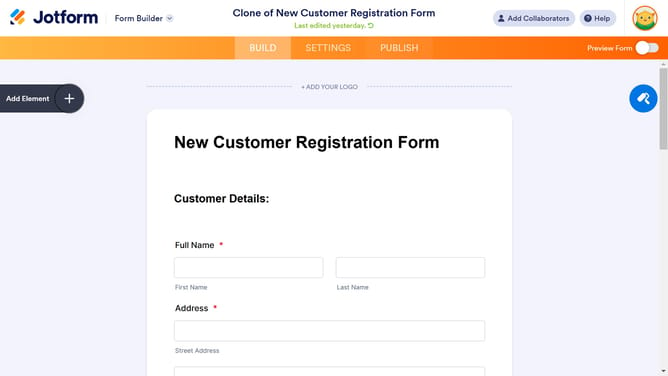
- Next click on the "+" button in the top left corner
- Finally select "Full Name" from the left sidebar under the widgets section
Why should you add full name to a registration form in Jotform
Jotform is a dynamic tool designed to simplify form creation with powerful customization options.
Integrating the "full name" feature into your registration form offers simplicity and clarity, ensuring that each entry captures all necessary personal details in one cohesive field.
This streamlined approach enhances user experience, minimizing form completion time, and promotes efficient sorting and managing of participant data for administrators.
By customizing your form to include this feature, you ensure accuracy and professionalism in data collection, crucial for effective event handling and communication.
Last update