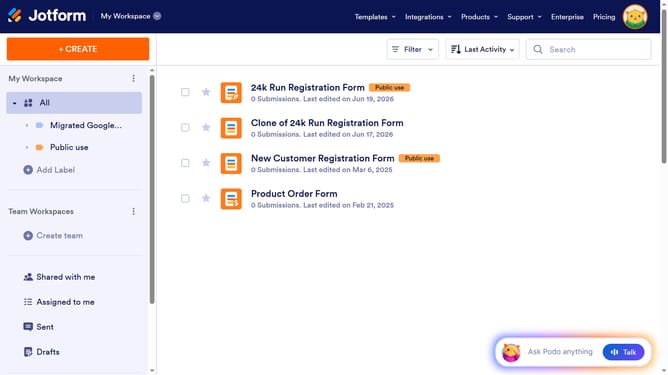
How to take pictures on your forms on Jotform
Here is how to take pictures on your forms on jotform
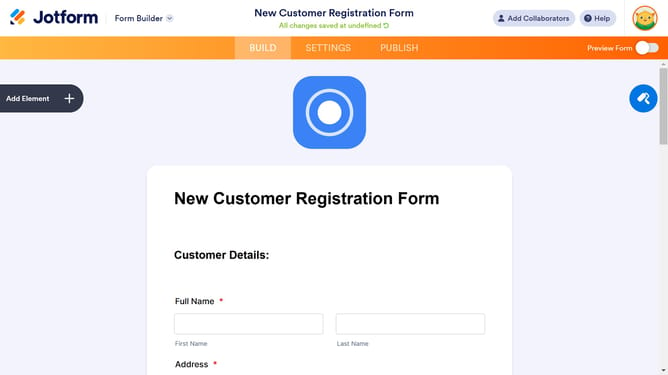
- First click on the "Add Element" button in the left sidebar
- Then click on the "WIDGETS" tab in the Form Elements panel
- Next click on the "Take Photo" option in the widgets list
- Finally click the "UPDATE" button in the Widget Settings panel to confirm the camera settings
Why should you take pictures on your forms on Jotform
Jotform effortlessly transforms how you collect and manage data with its intuitive online form-building solutions.
Integrating the option to take pictures directly on your forms is a game-changer, enhancing user interaction while streamlining data collection. This feature enriches responses, providing visual context essential for detailed surveys, reports, or inventories.
Taking pictures on Jotform increases accuracy and authenticity in submissions, making it perfect for businesses, educators, and researchers who prioritize comprehensive, reliable data.
Last update