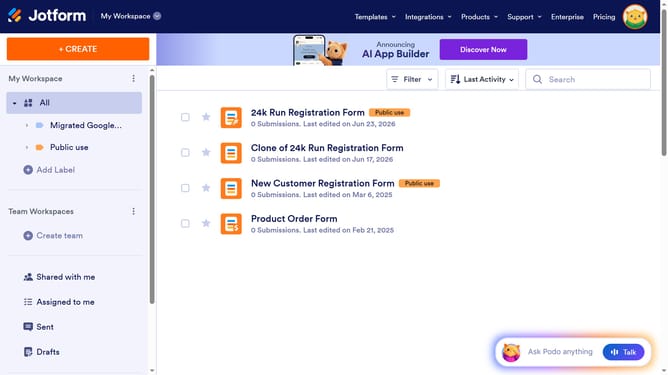
How to add a single selection column in a data table in Jotform
Here is how to add a single selection column in a data table in jotform
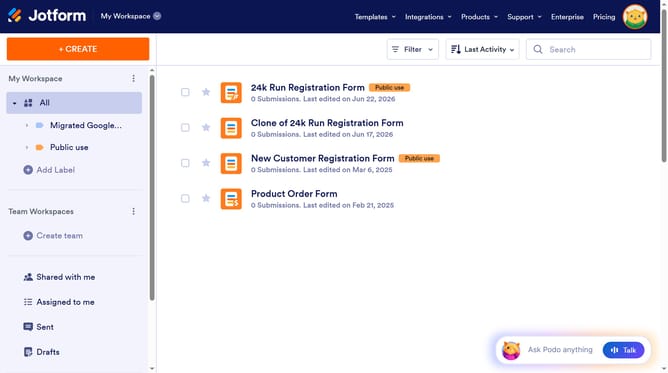
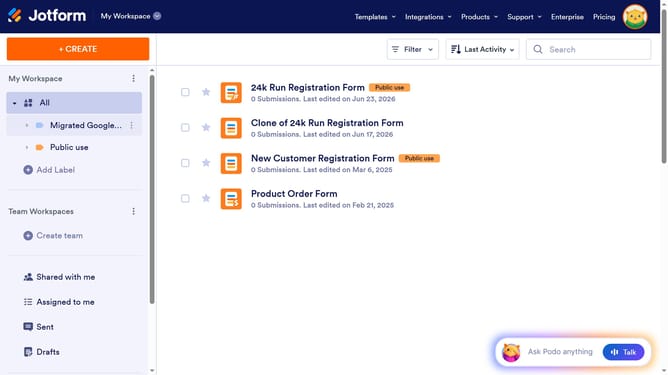
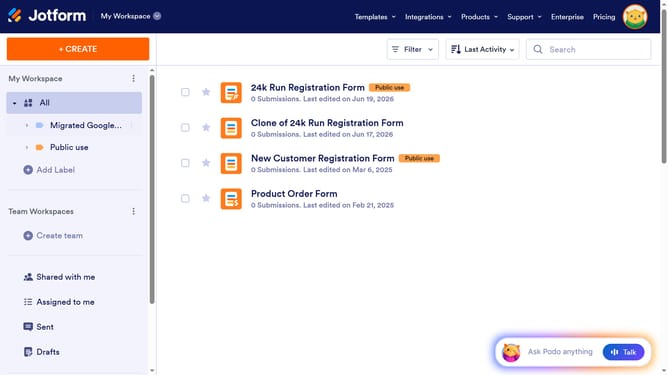
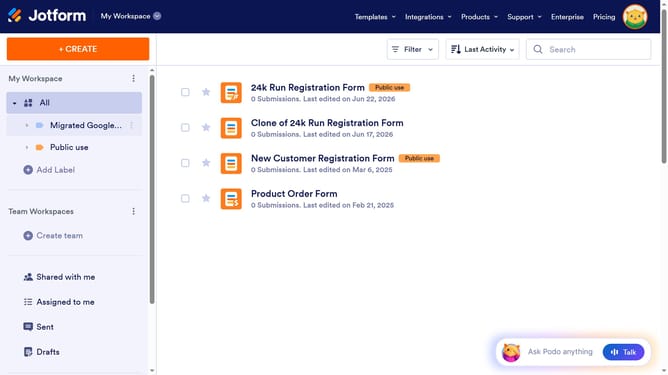
- First, click on the "All" item in the left sidebar navigation
- Next click on "View Table" button at the right side of the table name that you want to manage
- Next, click on the "+ ADD" button
- Then select "Single Selection" option
- Next, click on the "NEXT" button
- Then click on the first input box for the options and enter your first option
- Next, click on the "+ Add" button
- Then click on the second input box for the options and enter your second option
- Finally click on the "CREATE COLUMN" button
Why should you add a single selection column in a data table in Jotform
Jotform is a versatile form-building tool designed to simplify data collection and management.
Adding a single selection column to a data table in Jotform introduces a new level of organization and precision.
By allowing users to select only one option from a predefined list, this feature ensures that data entry is straightforward and reliable.
This results in clear, actionable insights, enhancing decision-making processes and streamlining workflows.
Last update