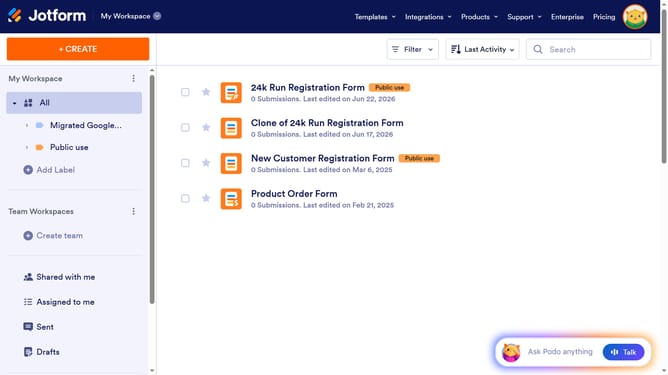
How to set name as a required field in a registration form in Jotform
Here is how to set name as a required field in a registration form in jotform
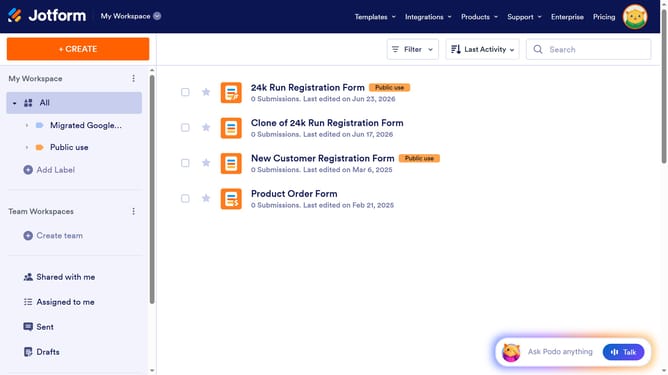
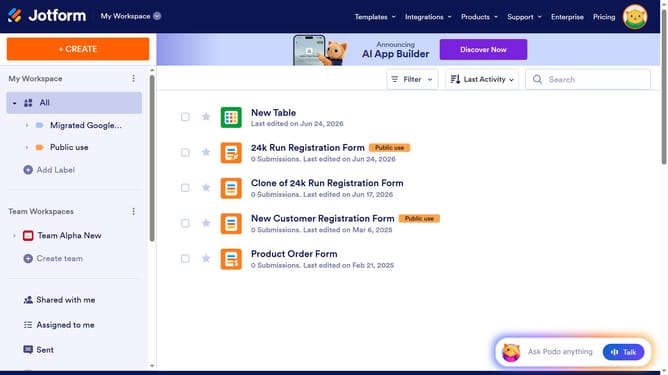
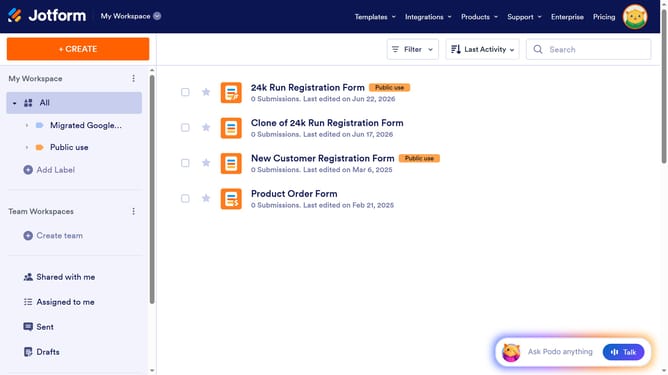
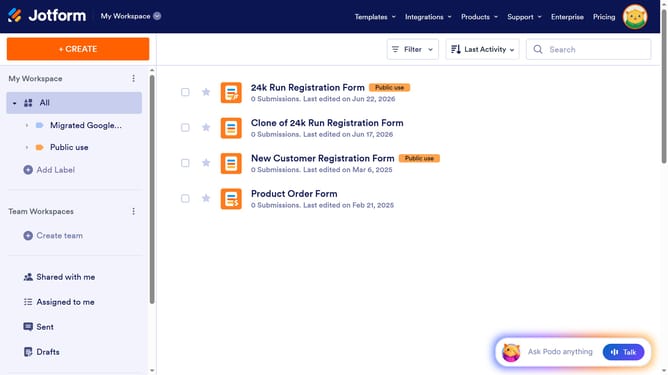
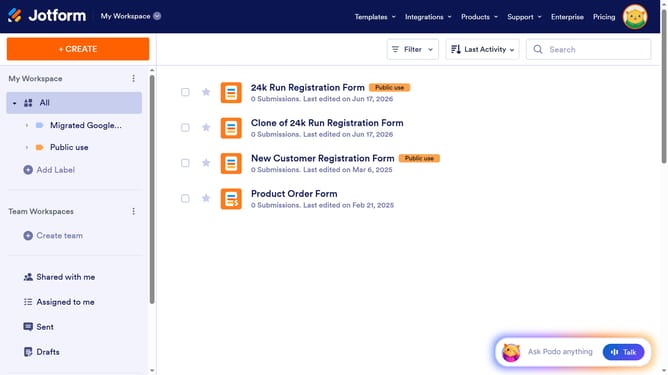
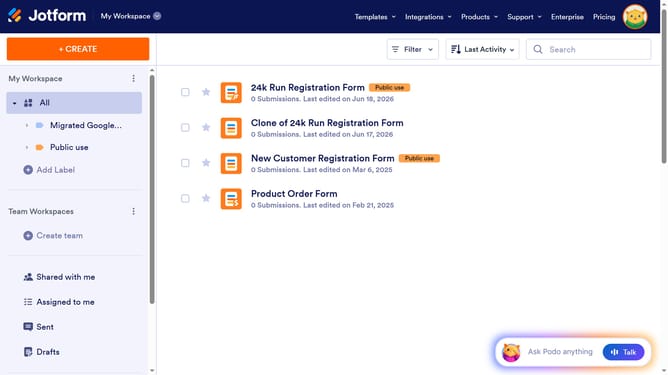
- First click on "All" in the sidebar menu
- Then click on "Edit Form" button at the right side of the form name that you want to edit
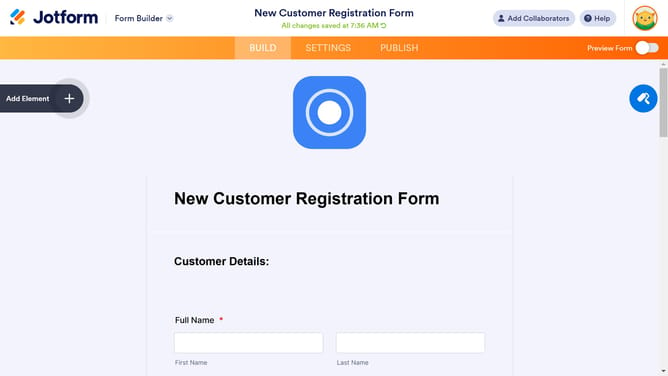
- Then click on "Name" field in the form builder
- Next click on the properties option
- Then click on the checkbox for "Required" in the Full Name Properties pane
- Finally click on the slide bar for "Required" in the Full Name Properties panel to enable it
Why should you set name as a required field in a registration form in Jotform
Jotform is an intuitive online platform designed to simplify form creation for businesses and individuals alike.
Ensuring that the name field is required in a registration form is a useful feature, enhancing data accuracy and communication.
By setting the name as a required field, you guarantee the collection of essential information, which is crucial for personalized interactions and user management.
This functionality supports streamlined processes, ensuring that every participant's identity is recorded without extra steps.
Last update