How to set highest rating text in a scale rating in a registration form in Jotform
Here is how to set highest rating text in a scale rating in a registration form in jotform
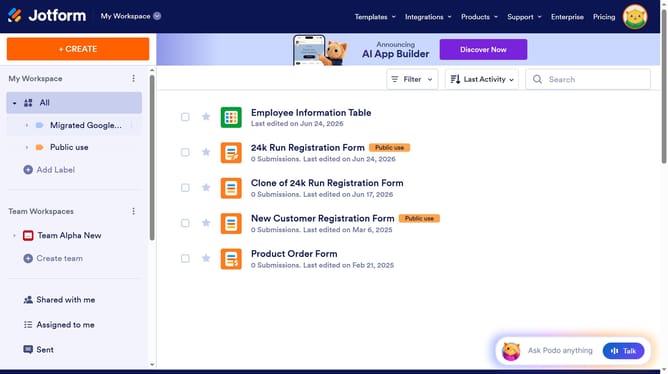
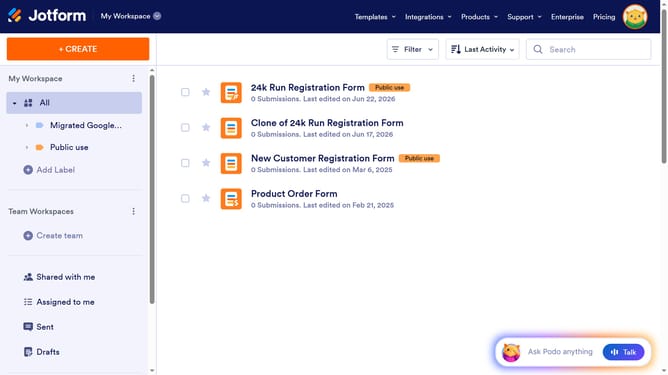
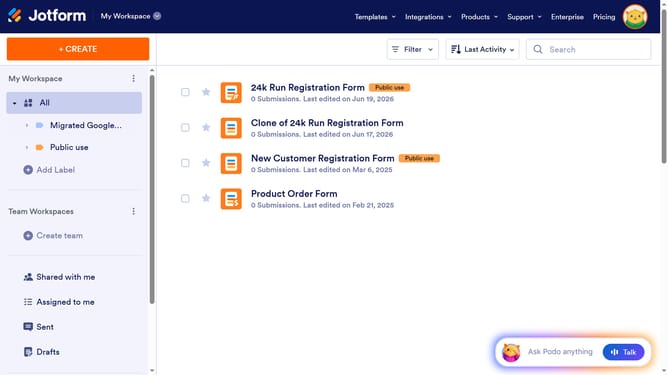
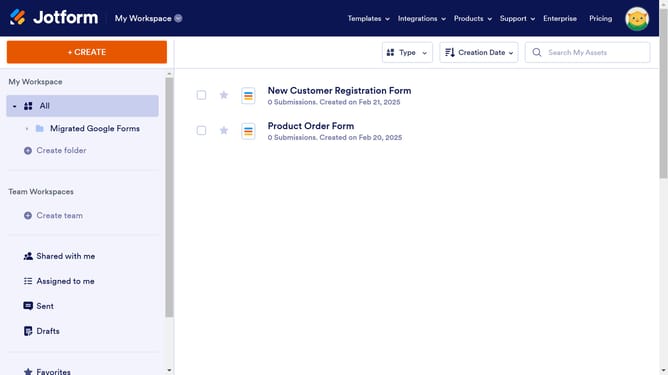
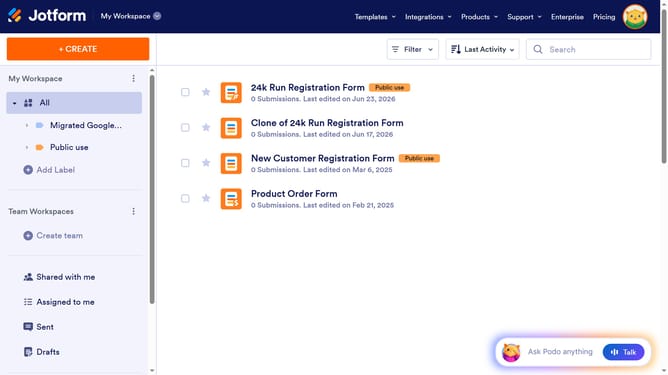
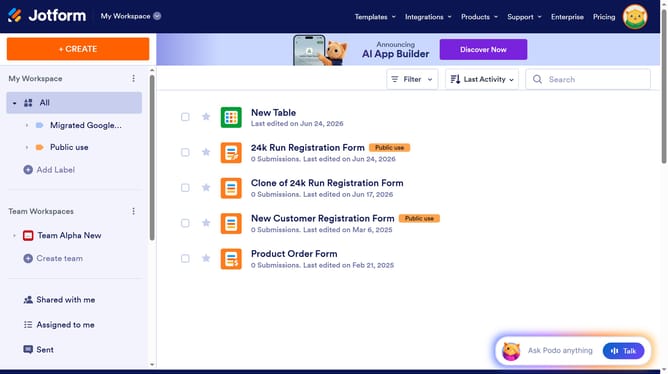
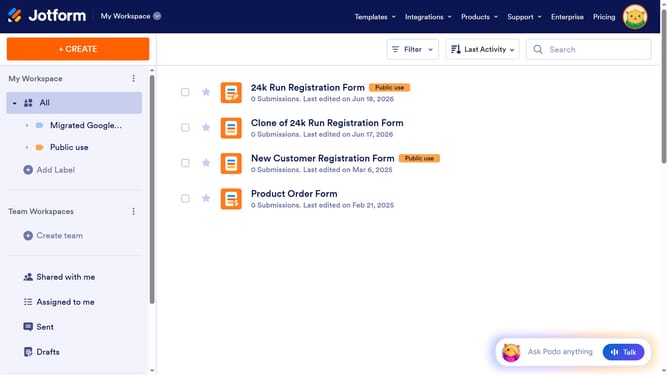
- First click on "All" in the left sidebar
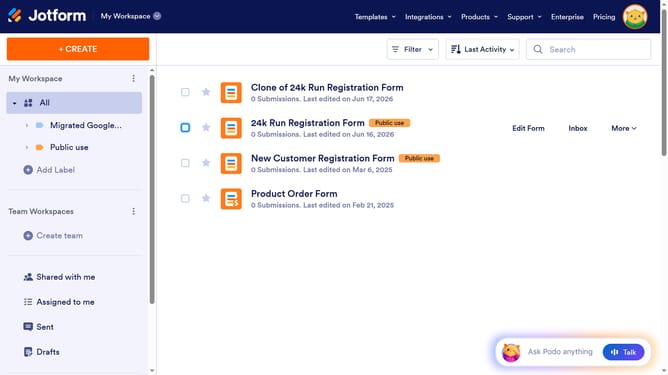
- Then click on "Edit Form" button in the main content area
- Then click on the scale rating field in the form builder
- Then click on the "Properties" button
- After that click on the "OPTIONS" tab
- Finally click on the "Highest Rating Text" input field and edit it
Why should you set highest rating text in a scale rating in a registration form in Jotform
Jotform is a versatile platform designed for creating and customizing powerful online forms with ease.
Setting the highest rating text in a scale rating on a registration form is a beneficial feature Jotform offers, allowing users to personalize their forms more effectively.
By customizing the highest rating text, you can better communicate the desired feedback or evaluation scales to your audience, ensuring they understand your expectations clearly.
This feature not only enhances the user experience by making forms more intuitive but also aids in collecting more accurate and relevant data.
Last update