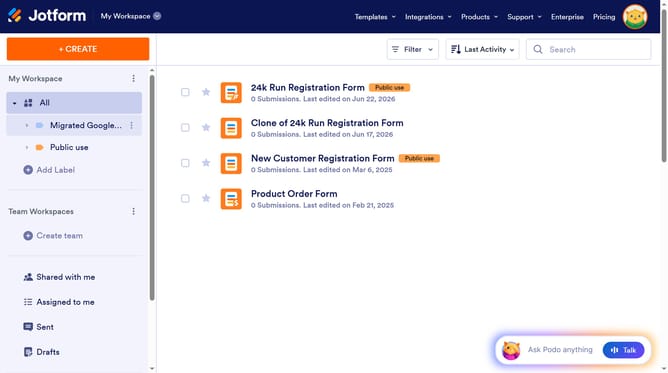
How to change font style in a paragraph field in a registration form in Jotform
Here is how to change font style in a paragraph field in a registration form in jotform
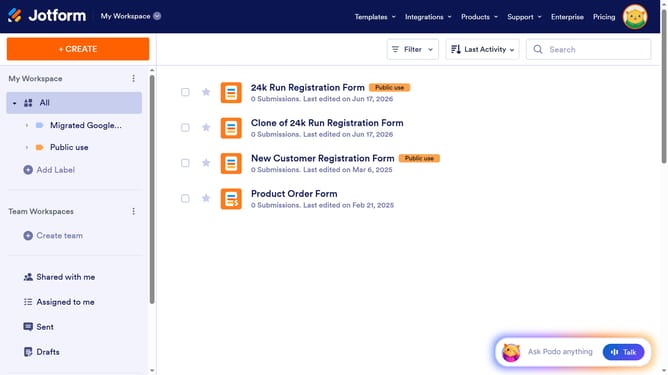
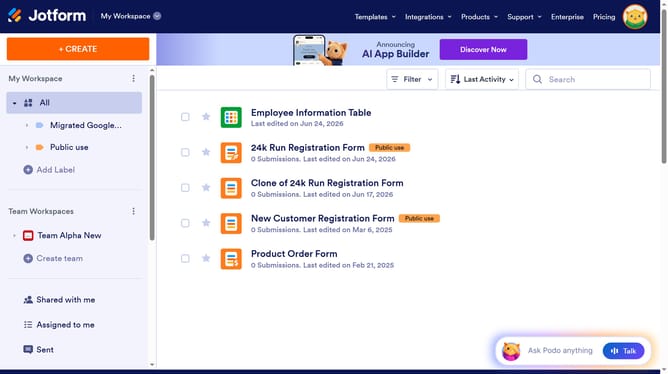
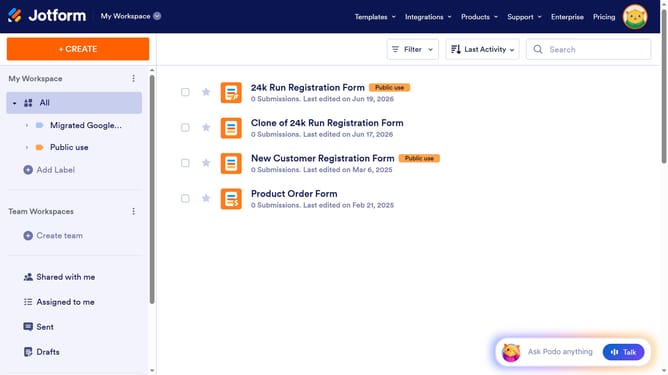
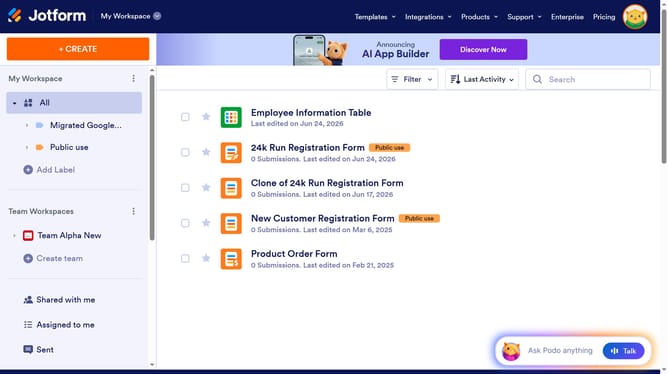
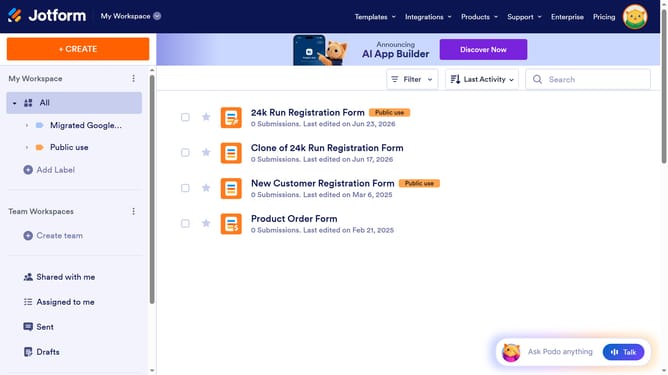
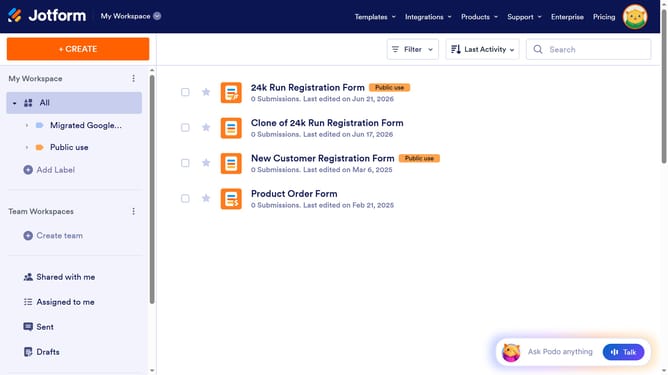
- First click on "All" item in the left sidebar
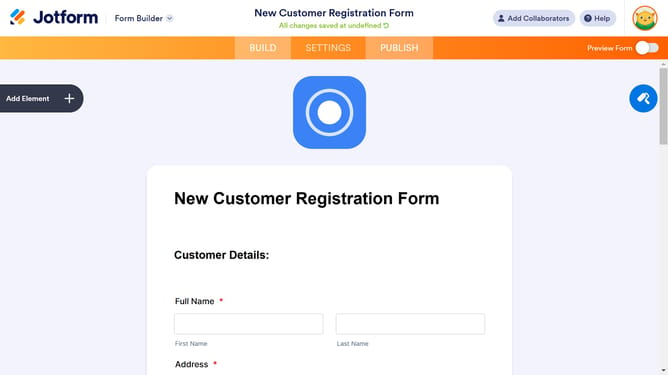
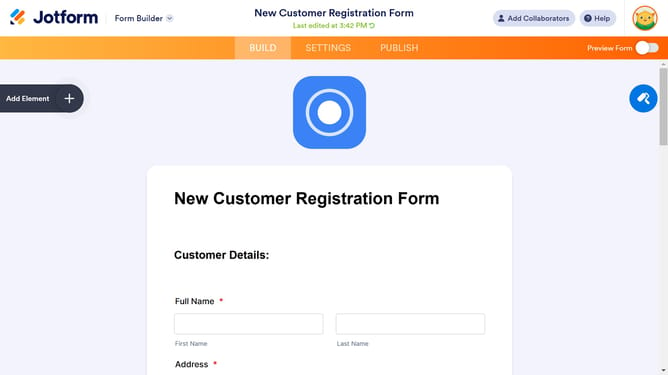
- Next click on "Edit Form" button at the right side of the form name that you want to manage
- Then click on the text area in the paragraph field
- Then click on "Edit Text" button
- Then click on the "T" icon in the text formatting toolbar
- Finally select a font from the dropdown menu
Why should you change font style in a paragraph field in a registration form in Jotform
Jotform is a powerful online form builder designed to simplify the creation and management of virtually any type of form.
Changing the font style in a paragraph field of a registration form in Jotform enhances readability and visual appeal, tailoring the form to reflect your brand's identity.
This customization makes forms cohesive and professional, ensuring that important information stands out and grabs attention effectively.
Incorporating unique fonts can also evoke the desired emotion or tone, helping to engage and retain the user's attention throughout the form-filling process.
Last update