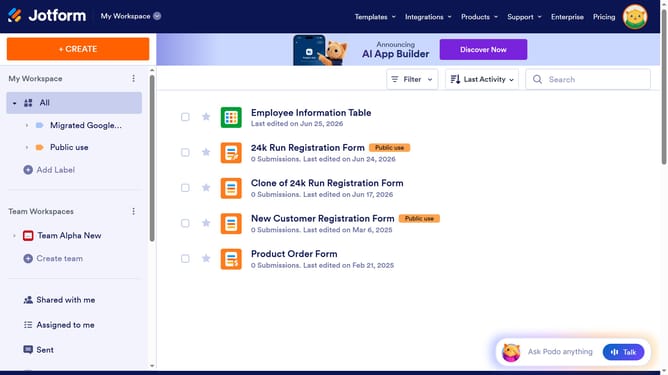
How to embed a form into a web page on Jotform
Here is how to embed a form into a web page on jotform
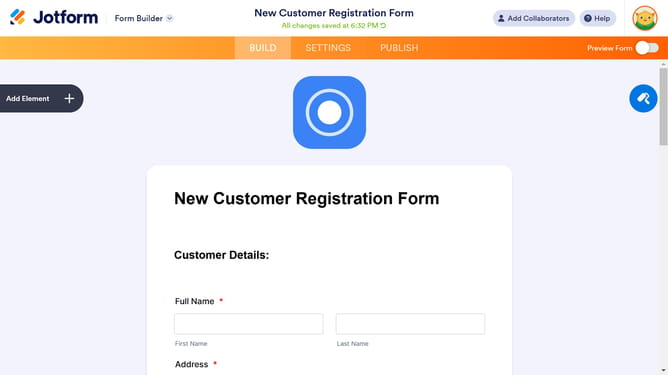
- First click on the "PUBLISH" button in the top navigation bar
- Then click on the "EMBED" option in the left sidebar menu
- Finally click on the "COPY CODE" button and add it to your website
Why should you embed a form into a web page on Jotform
Jotform is an intuitive online form builder designed to simplify the creation and sharing of forms.
Embedding a form into a webpage using Jotform is an efficient way to seamlessly integrate your custom forms directly onto your website.
This feature streamlines the user experience by allowing visitors to interact with your form without leaving your page, fostering higher engagement levels.
Effortlessly merging form functionality with website design, Jotform’s embedding capabilities enhance accessibility and professionalism.
Last update