How to change your account email address on Jotform
Here is how to change your account email address on jotform
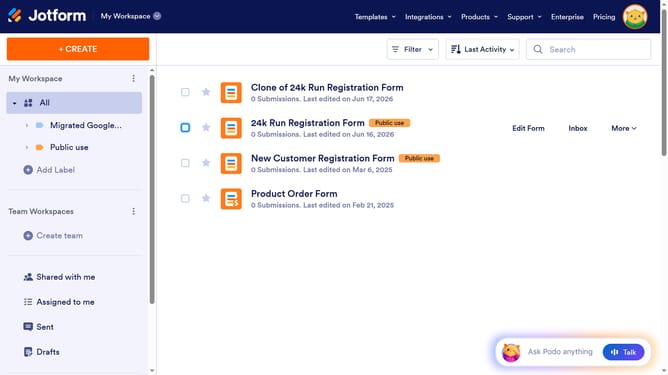
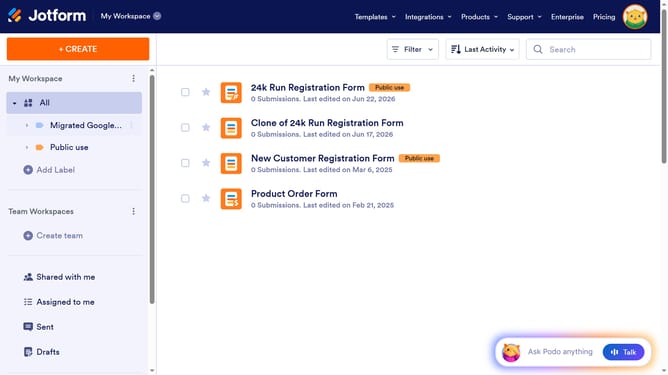
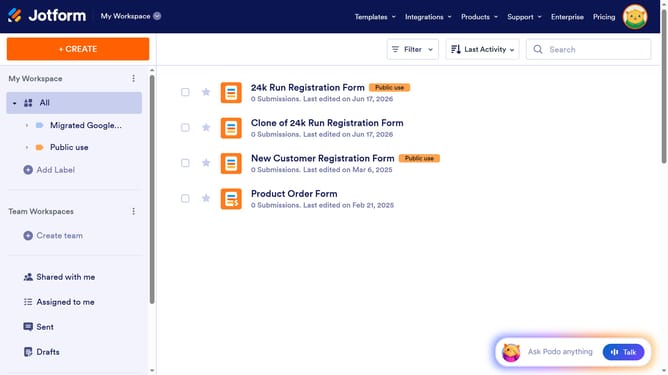
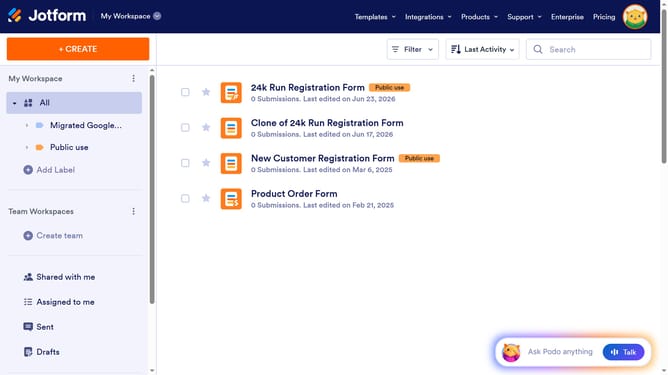
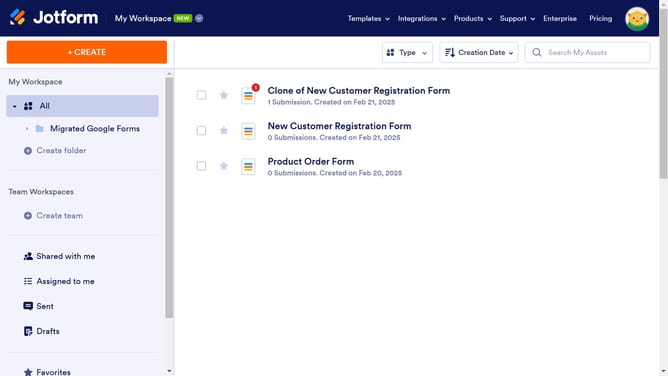
- First click on the profile icon in the top-right corner of the navigation bar
- Then click on the "Settings" option in the dropdown menu
- Next click on the "Account" tab in the left sidebar menu
- Then click on the "Edit" button next to the Email field
- Enter your new email in the text input field labeled "New e-mail"
- Finally click on the green "Save" button to confirm the email change
Why should you change your account email address on Jotform
Jotform is an intuitive platform designed to streamline the creation and management of online forms for various purposes.
Changing your account email address on Jotform is a straightforward feature that grants you flexibility and security. By keeping your contact details current, you ensure seamless communication and uninterrupted access to your account.
Whether you're updating company contacts or simply switching personal emails, this feature allows you to maintain a direct connection with Jotform’s services, enhancing your user experience and ensuring your information is always up to date.
Last update