How to apply a theme to your form on Jotform
Here is how to apply a theme to your form on jotform
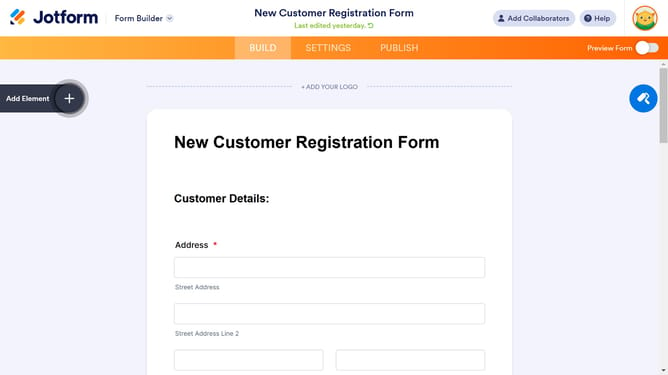
- First click on the "Form Designer" icon in the top-right corner of the form builder interface
- In the Form Designer sidebar, click on the "THEMES" tab at the top
- Under "Featured Themes" in the Form Designer sidebar, click the "Use Theme" button for your chosen theme
Why should you apply a theme to your form on Jotform
Jotform is a dynamic online tool designed to simplify and enhance the process of form creation.
Applying a theme to your form on Jotform allows you to transform the visual appeal with just a few clicks, making your form not only functional but also visually engaging.
The benefits of this feature are immense—it ensures consistency with your brand's identity and helps engage users more effectively.
By expressing your branding through beautiful themes, you create a memorable user experience, which can lead to higher completion rates on your forms.
Last update