How to change the allowed file types in file upload on Jotform
Here is how to change the allowed file types in file upload on jotform
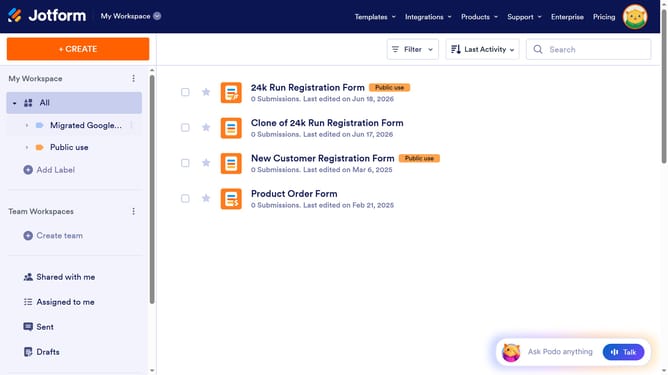
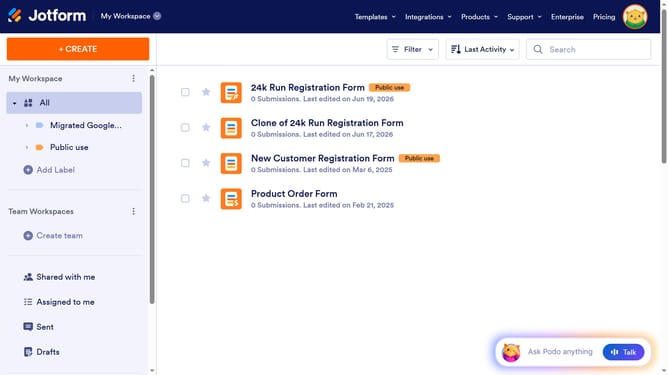
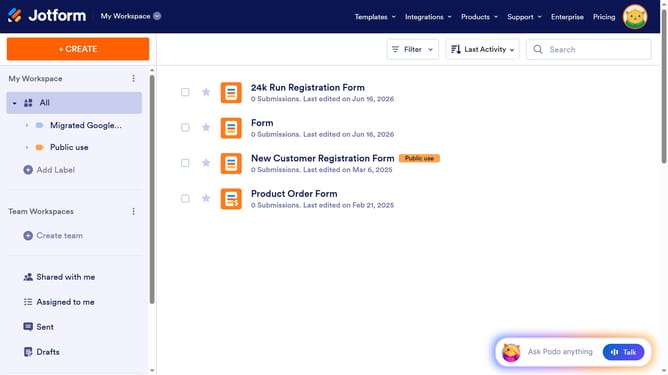
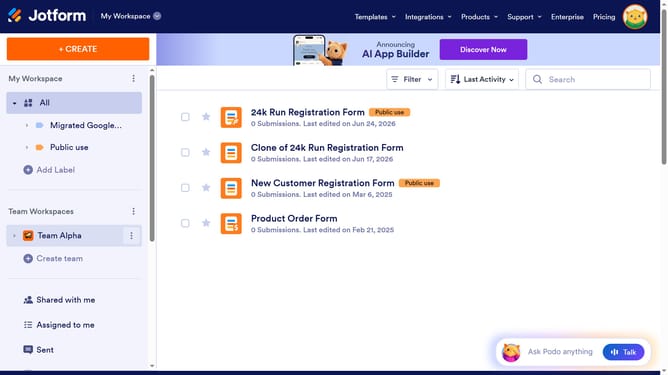
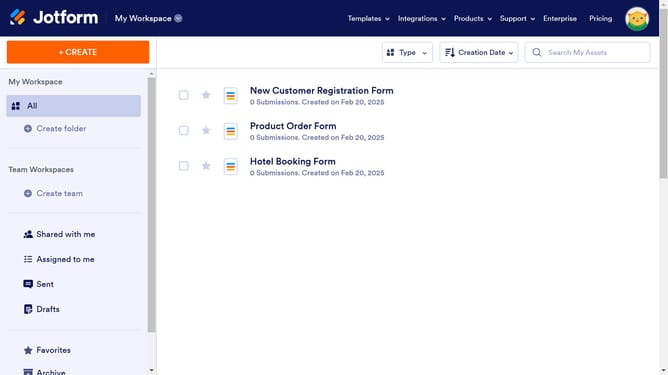
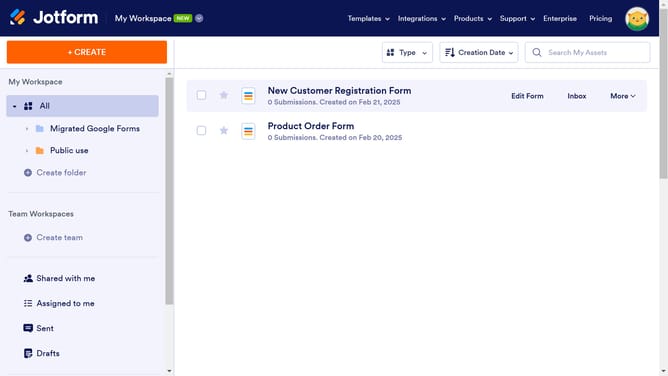
- In the main list view, click on the "Edit Form" button of the form you want to use
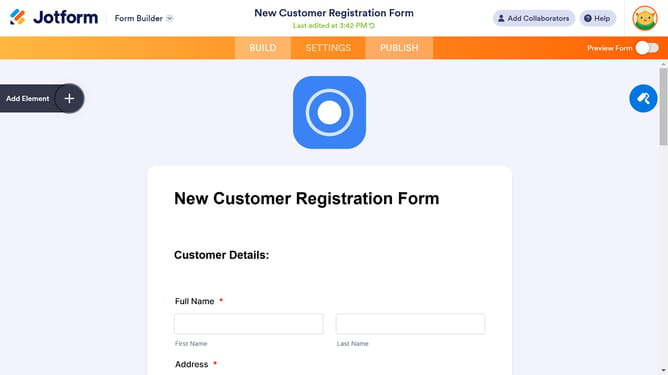
- In the form editor, click on the "File Upload" field area
- Click on the "Properties" gear icon in the File Upload field settings
- In the File Upload Properties modal window, click on the "OPTIONS" tab
- In the Options section, locate the "File Types" section and edit to your choice
Why should you change the allowed file types in file upload on Jotform
Jotform is a versatile tool that empowers users to create customized forms effortlessly, catering to various needs.
One of its valuable features is the ability to change the allowed file types in file uploads. This feature offers flexibility, enabling users to specify exactly which file formats they are willing to accept.
Utilizing this feature ensures that you get the data in the right formats, streamlining data processing and minimizing compatibility issues. This customization enhances user engagement and improves overall efficiency in data collection.
Last update