How to delete a form in Jotform
Here is how to delete a form in jotform
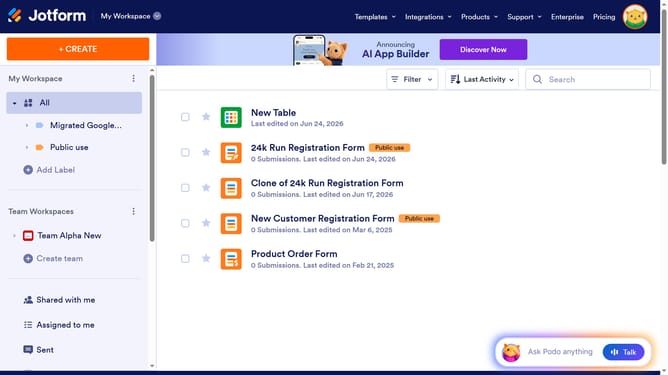
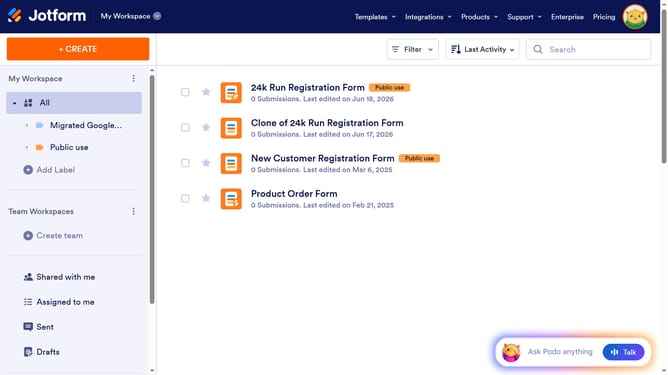
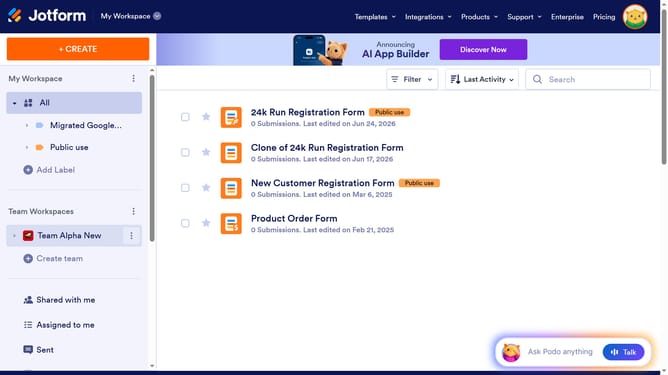
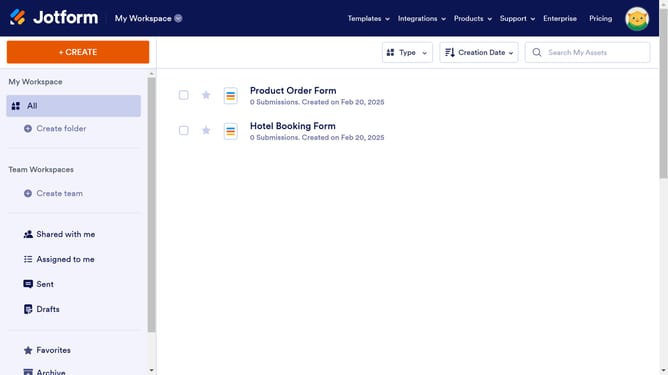
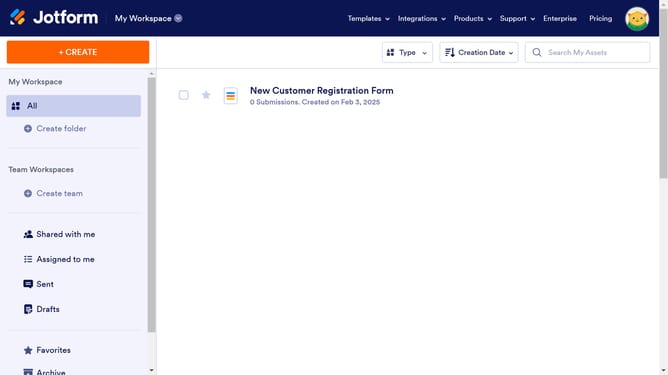
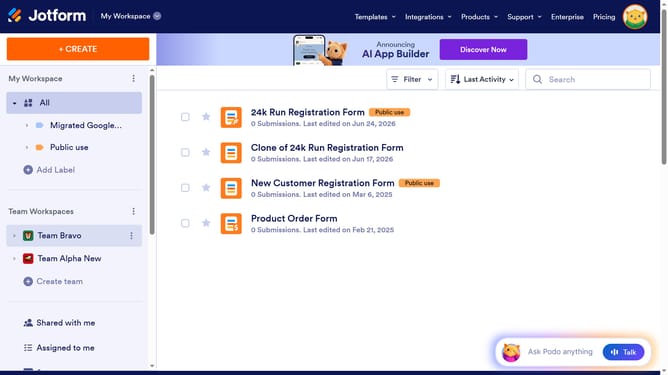
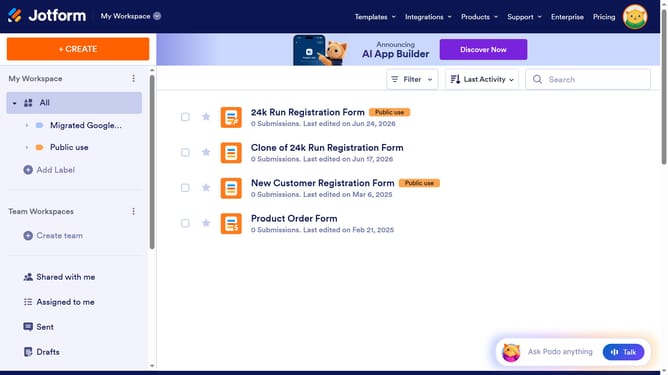
- First click on "All" button in the sidebar
- Then click on the checkbox next to the "Form" item
- Next, click on the "Delete" icon in the top menu
- Finally click on the "Delete Item" button
Why should you delete a form in Jotform
Jotform is a versatile tool designed for creating customized forms with ease and efficiency.
One notable feature of Jotform is the ability to delete forms effortlessly. This functionality allows users to maintain a tidy workspace by removing outdated or unnecessary forms, ensuring focus on current projects.
Utilizing the deletion feature not only aids in organization but also optimizes storage space within the platform. It supports efficient data management, making Jotform an even more powerful tool in your productivity arsenal.
Last update