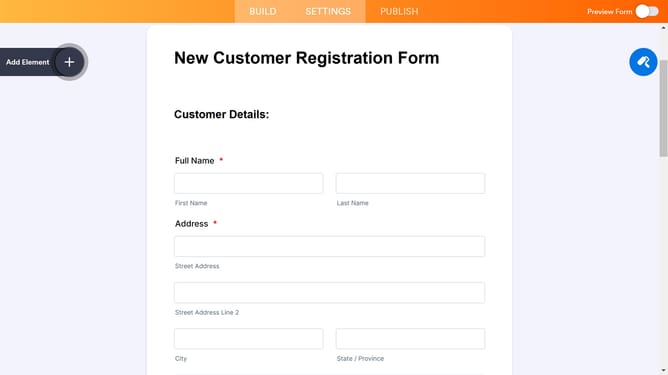
How to create a pop-up form with Jotform
Here is how to create a pop-up form with jotform
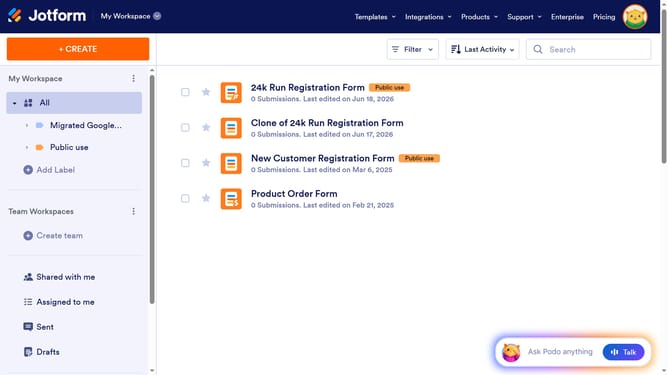
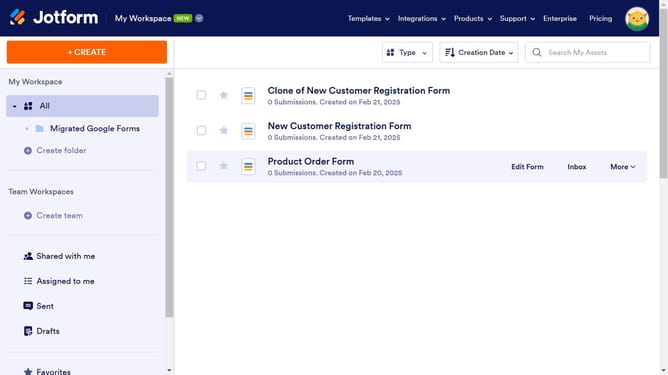
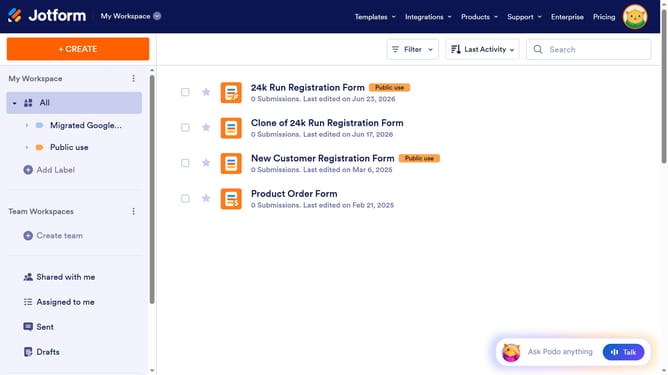
- First click on the "Edit Form" button next to the form you want to use
- Then click on the "PUBLISH" tab in the top navigation menu
- Next click on the "EMBED" option in the left sidebar menu
- Then select the "POPUP" embed option from the list of available embed types
- Finally click the "COPY CODE" button to get the popup form embed code
Why should you create a pop-up form with Jotform
Jotform is an intuitive online form builder designed to simplify business operations through seamless data collection.
Creating a pop-up form using Jotform is a breeze thanks to its user-friendly drag-and-drop features.
This tool enhances user interaction by effortlessly capturing visitor information, making it ideal for boosting engagement and conversions. Its customization options ensure the form aligns perfectly with your branding, while the mobile-friendly design guarantees accessibility on all devices.
Last update