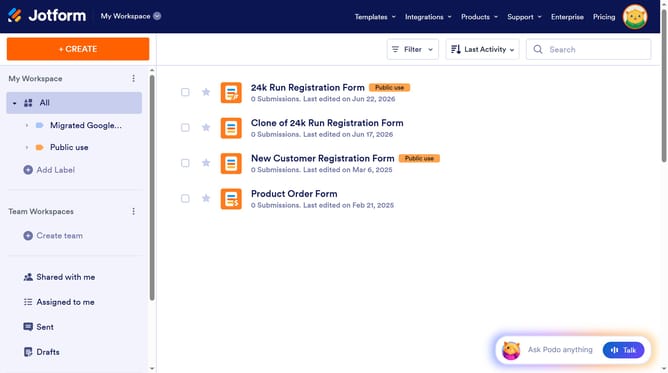
How to transfer your forms and data to another account on Jotform
Here is how to transfer your forms and data to another account on jotform
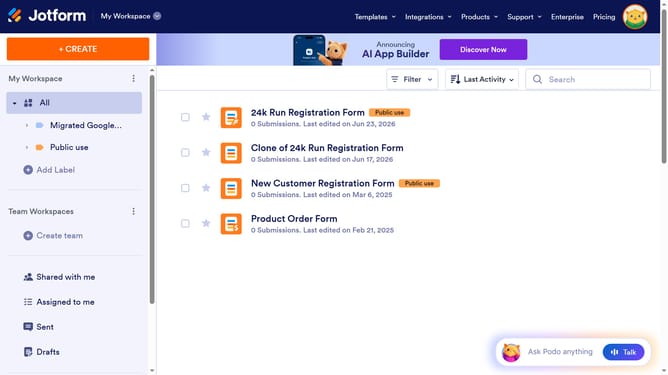
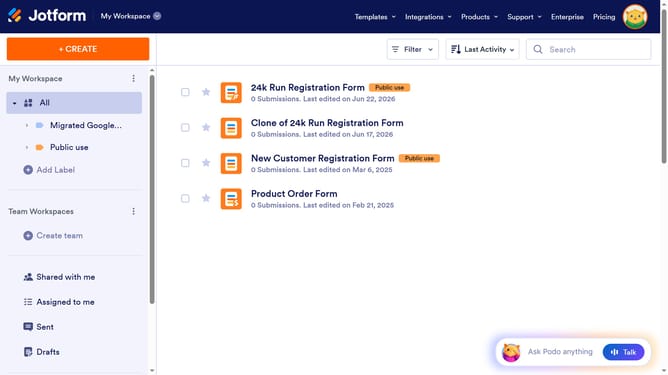
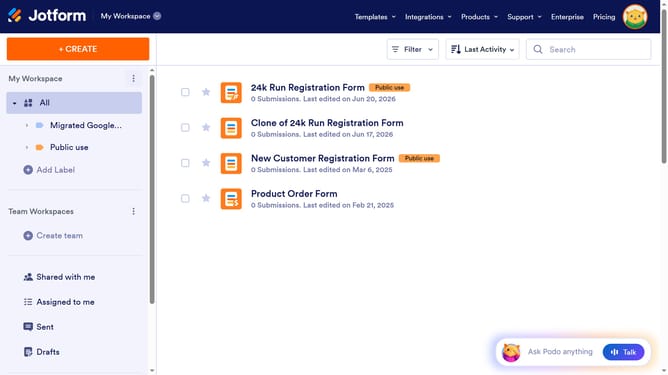
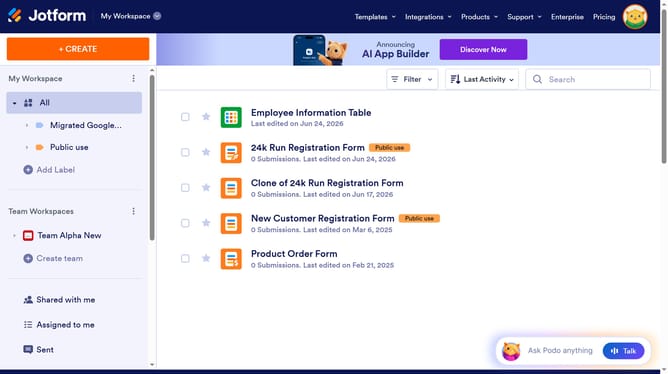
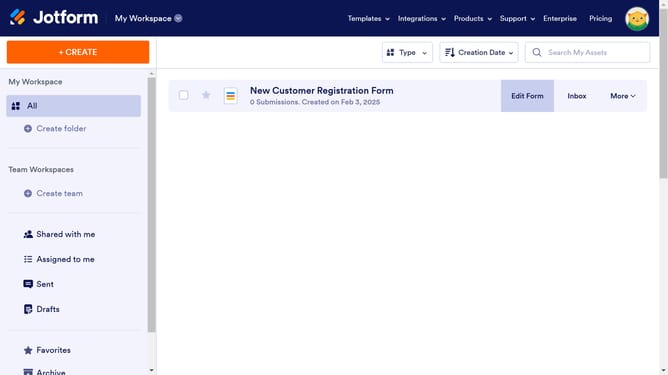
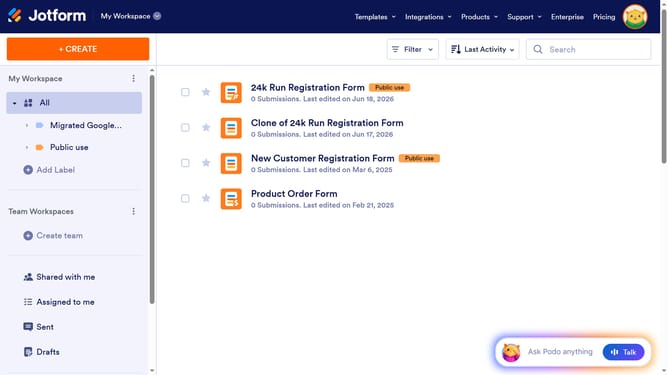
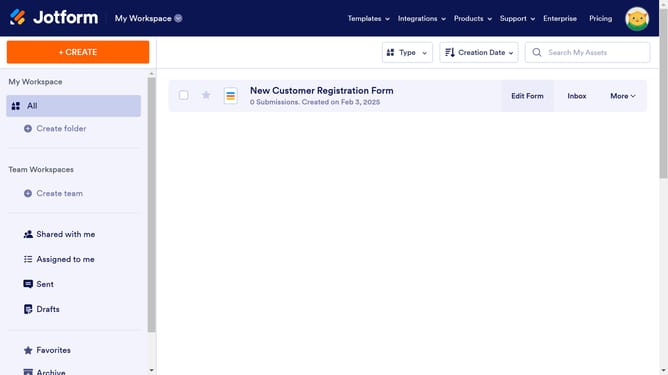
- First click on the form you want to transfer
- Then click on the "More" dropdown button in the form header
- Click on "Publish Form" option from the dropdown menu
- Click on "COPY LINK" button in the publish dialog
- Click on "Support" dropdown in the top navigation menu
- Select "Contact Support" option from the support dropdown menu
- Click on the message text area and type "Move form/s"
- Paste in the link of your form and the account on where the support team will transfer the form
- Here is an example that you may use
- Next click on the "Make private" checkbox to make the ticket private
- Finally click on the "Post Question" button to submit your support request
Why should you transfer your forms and data to another account on Jotform
Jotform is an intuitive platform designed to simplify the creation, management, and sharing of forms.
Effortlessly transferring your forms and data to another account on Jotform ensures seamless collaboration with team members or a smooth transition when passing responsibilities.
This feature is particularly beneficial for maintaining data integrity and continuity, avoiding the hassle of manually re-creating forms and ensuring all previous submissions are preserved.
Experience efficient workflows and enhanced productivity with this convenient transfer capability.
Last update