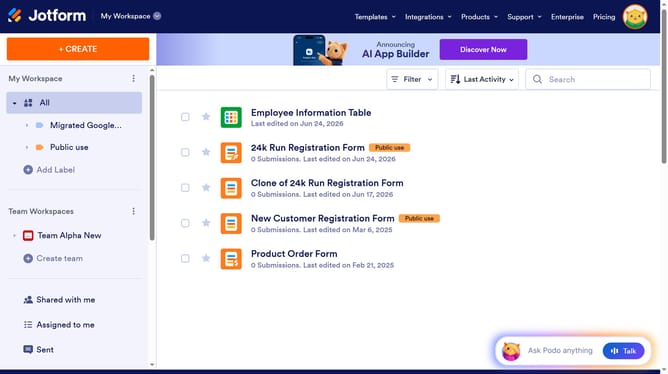
How to delete row in a table field in a registration form in Jotform
Here is how to delete row in a table field in a registration form in jotform
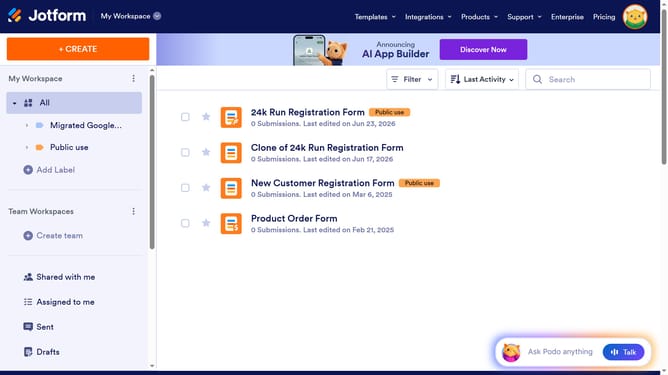
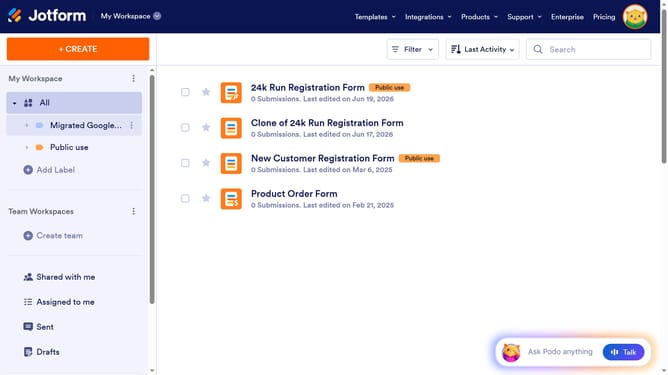
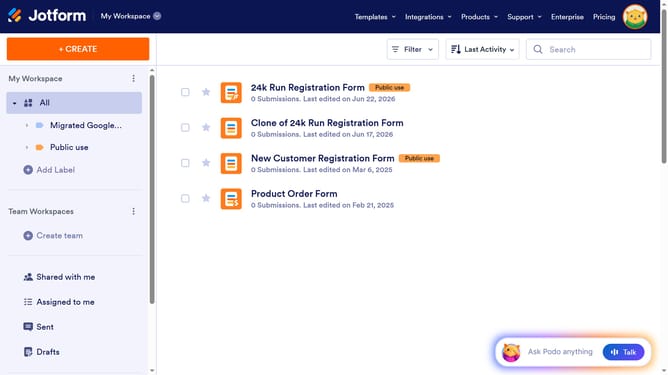
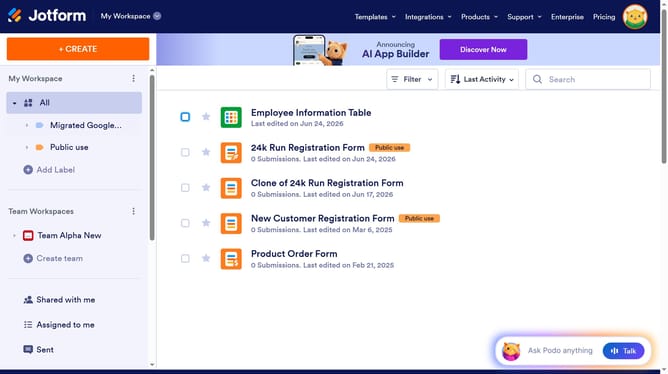
- First click on "All" in the left sidebar
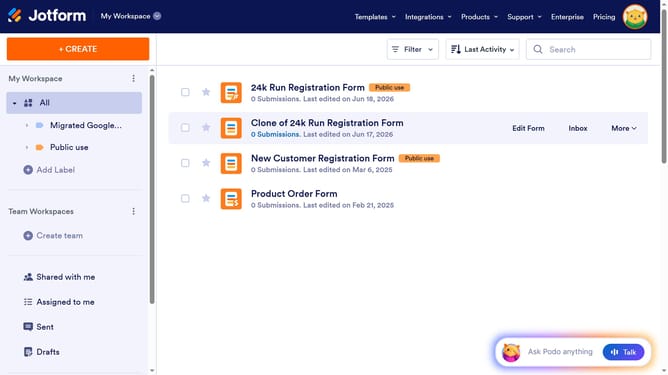
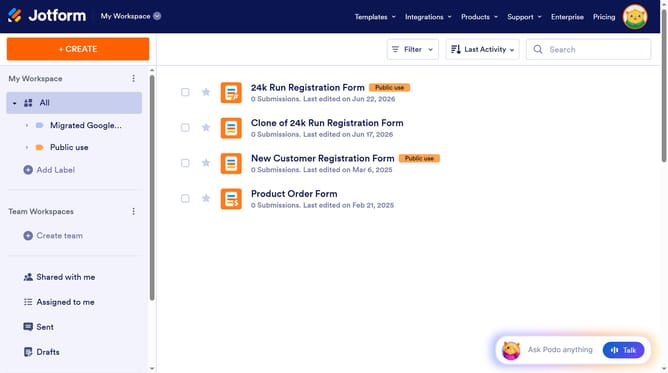
- Next click on "Edit Form" button at the right side of the form name that you want to manage
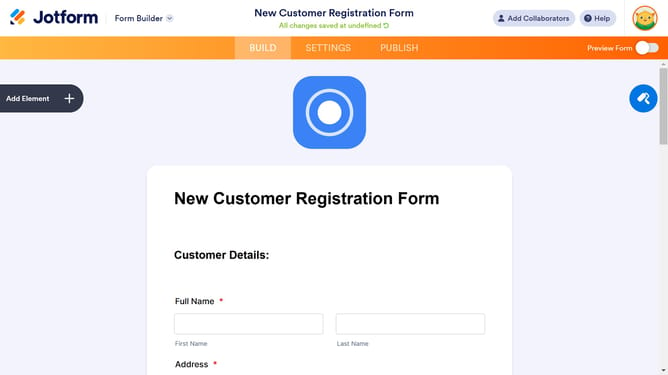
- Then click on the table input field in the form builder
- Then click on the settings icon in the main panel
- Then click on "FIELDS" tab in the "Input Table Properties" modal
- Finally click on the delete icon for the row you wish to remove
Why should you delete row in a table field in a registration form in Jotform
Jotform is a powerful tool designed to simplify form creation and data collection.
Effortlessly managing data is crucial, and the ability to delete a row in a table field within a registration form is vital. This feature enables users to maintain up-to-date and accurate information, making data management seamless.
By easily removing unnecessary or outdated entries, users can ensure their forms remain relevant and organized. This leads to improved data quality while streamlining the registration process, enhancing overall efficiency and user satisfaction.
Last update