How to add a a date and time column in a data table in Jotform
Here is how to add a a date and time column in a data table in jotform
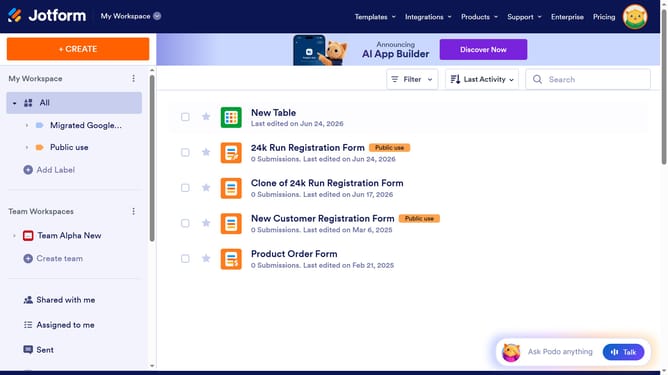
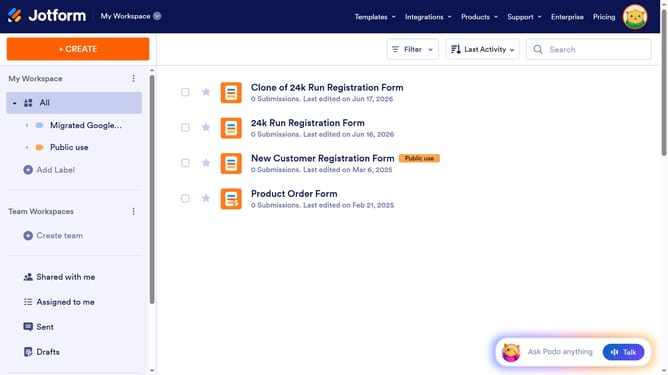
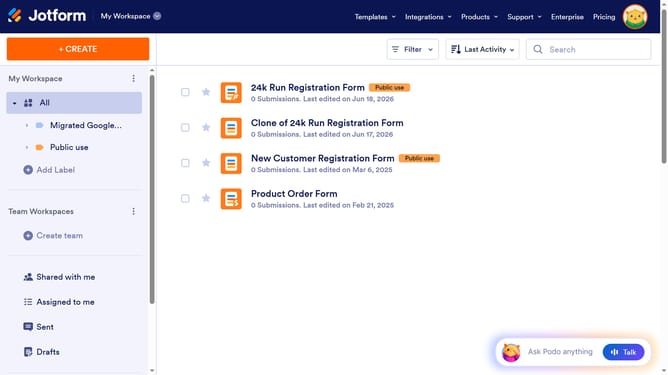
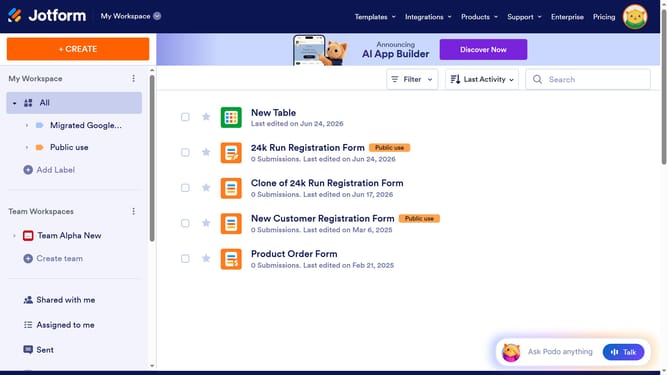
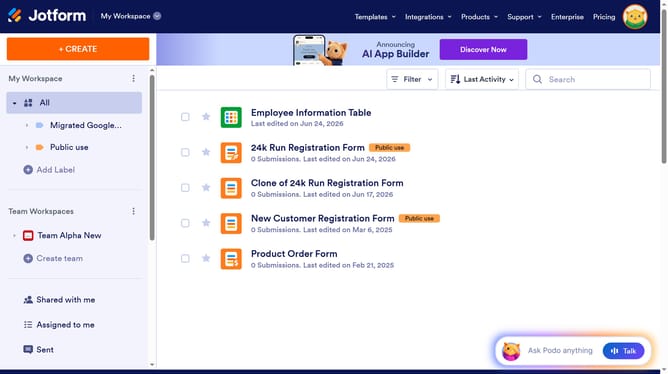
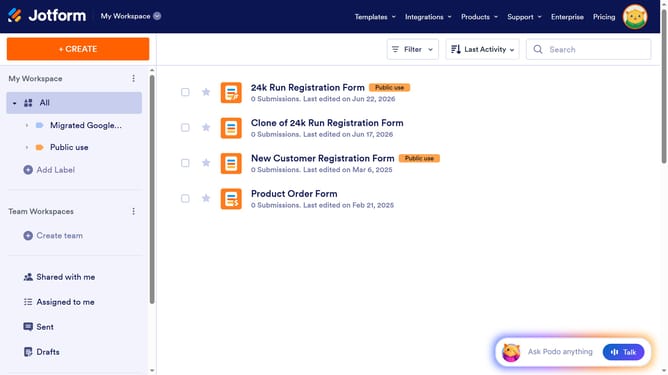
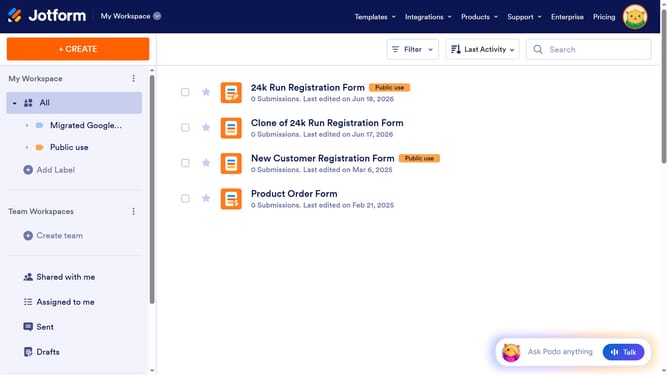
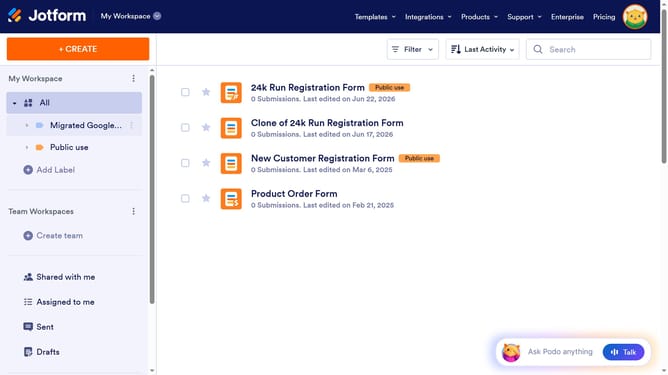
- First, click on the "All" item in the left sidebar
- Next click on "View Table" button at the right side of the table name that you want to manage
- Next, click on the "+ ADD" button in the column toolbar
- Then select the "Date & Time" option from the basic column types
- After that, click on the "NEXT" button
- Then enter a column name in the "ENTER A COLUMN NAME" input field
- Next click on the "NEXT" button in the "Add a New Column" dialog
- Finally, click on the "CREATE COLUMN" button to add the new column
Why should you add a a date and time column in a data table in Jotform
Jotform is a versatile tool designed to streamline form creation and data management effortlessly.
Including a date and time column in your data table in Jotform enhances your data tracking capabilities, ensuring that every entry is time-stamped for accuracy.
This feature is particularly valuable for organizing events, managing schedules, or tracking activity logs, as it brings clarity and order to your data records.
By incorporating this simple, yet powerful feature, you enhance decision-making and improve workflow efficiency across your projects.
Last update