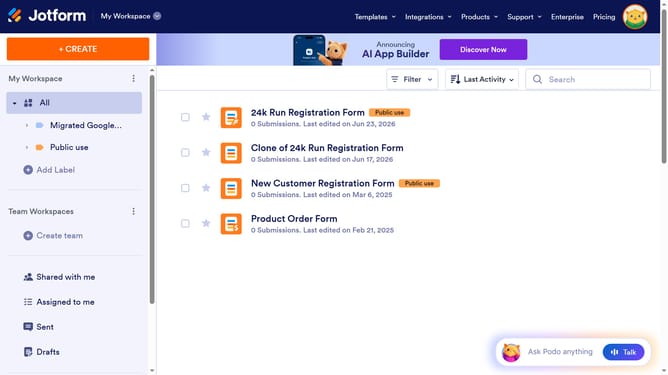
How to add an email confirmation field on Jotform
Here is how to add an email confirmation field on jotform
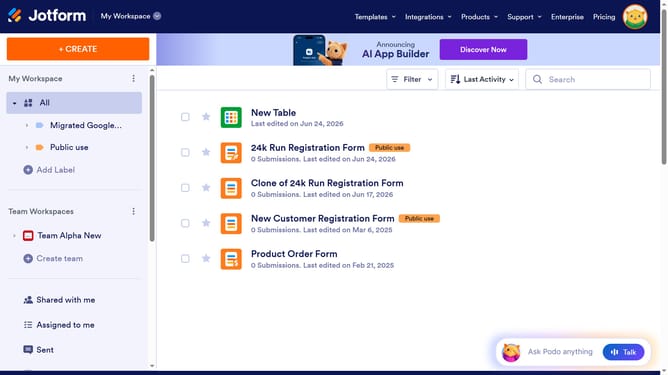
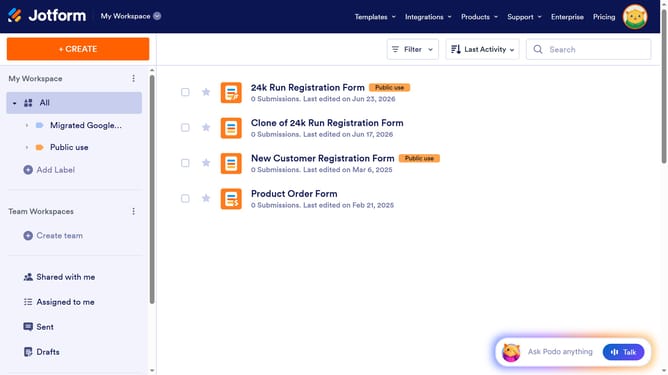
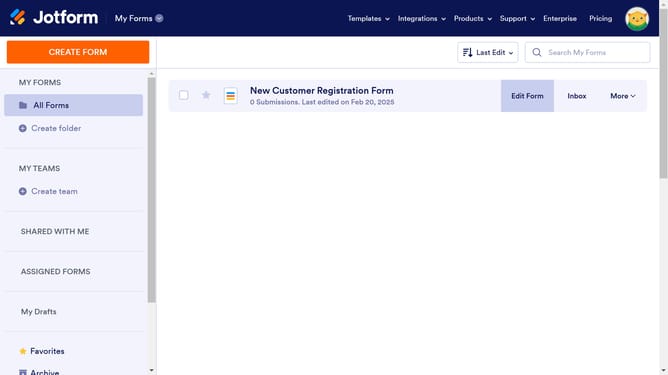
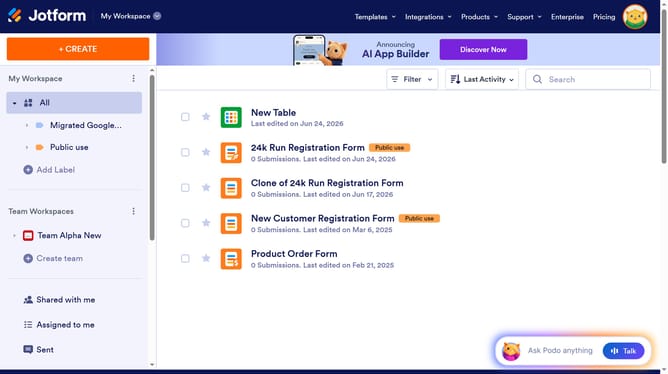
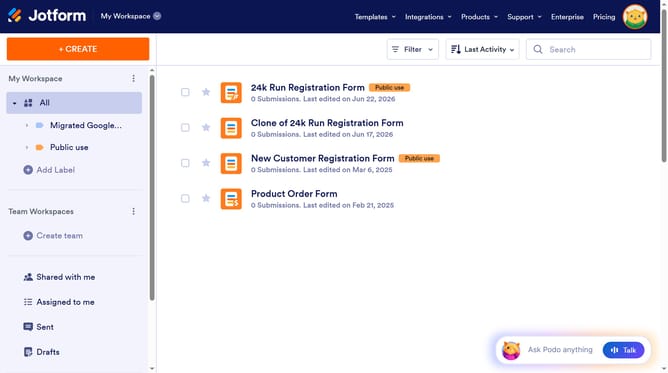
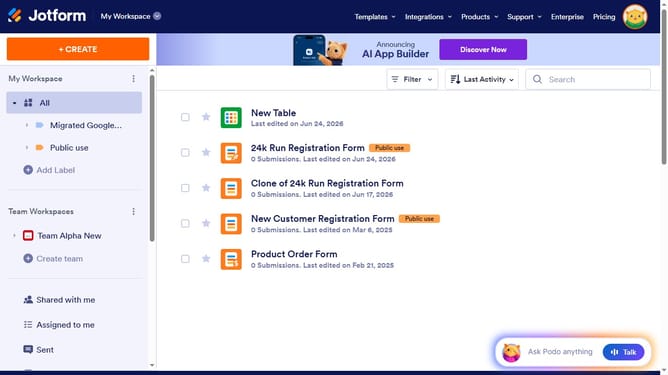
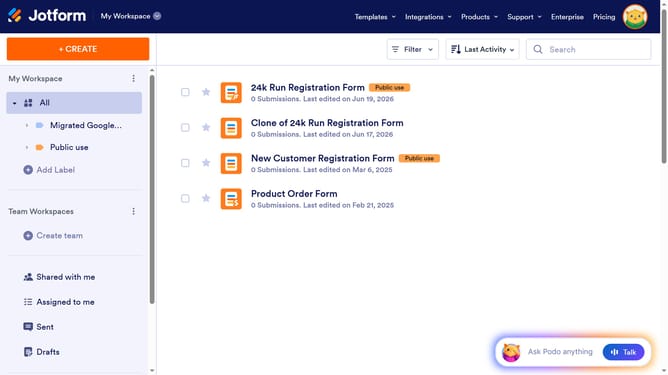
- First click on the "Edit Form" button in the main content area next to the form you want to use
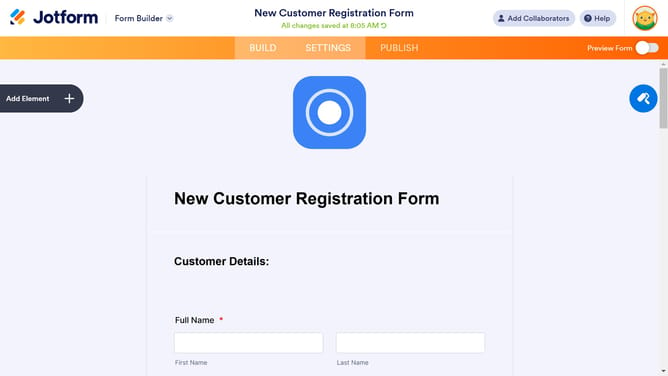
- Then click on the "Add Element" button in the left sidebar
- Next click on the "Email" option in the Form Elements sidebar under the BASIC tab
- Then click on the "Properties" gear icon next to the email field in the form
- Next click on the "OPTIONS" tab in the Email Properties dialog
- Finally click on the "Confirmation Field" toggle switch to turn it on
Why should you add an email confirmation field on Jotform
Jotform is an intuitive online form builder designed to simplify data collection.
Adding an email confirmation field on Jotform enhances the reliability of user-submitted information. This feature prompts users to verify their email entries, reducing errors and ensuring accurate data collection.
Utilizing email confirmation boosts the quality of submissions and enhances communication with respondents by guaranteeing that you reach users through valid email addresses.
This results in streamlined processes and improved user engagement, making your forms more effective.
Last update