How to send submission data via a webhook
Here is how to send submission data via a webhook
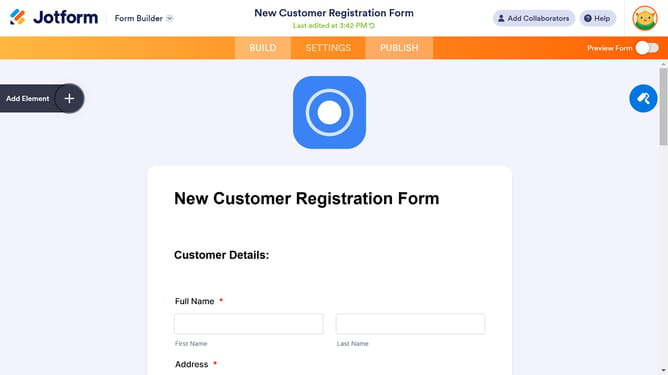
- First click on the "SETTINGS" tab in the top navigation menu
- Then click on "INTEGRATIONS" option in the left sidebar menu
- Click on the search box in the integrations page
- Type "Webhooks" in the search box to filter integrations
- Click on the "Webhooks" integration card
- Click on the webhook URL input field and add your endpoint or webhook URL
- Finally click on the "COMPLETE INTEGRATION" button to finish the webhook setup
Why should you send submission data via a webhook
Jotform empowers users to seamlessly create and manage online forms with ease.
Sending submission data via a webhook enhances data-handling efficiency by automating real-time data transfer from Jotform to various platforms.
This feature eliminates the need for manual data entry, significantly reducing errors and saving valuable time.
By ensuring immediate data flow, webhooks maintain consistency and enable swift responses, crucial for businesses seeking streamlined operations.
Last update