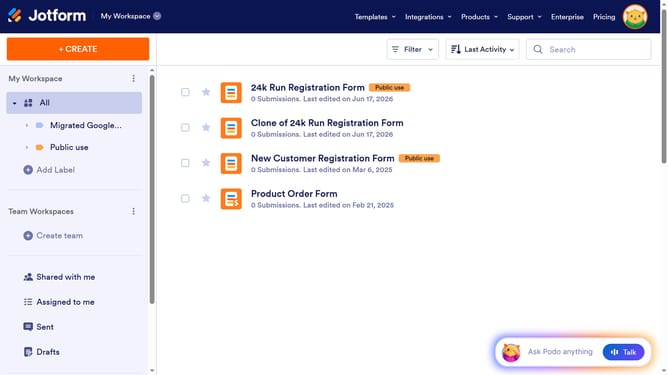
How to set a date format in a registration form in Jotform
Here is how to set a date format in a registration form in jotform
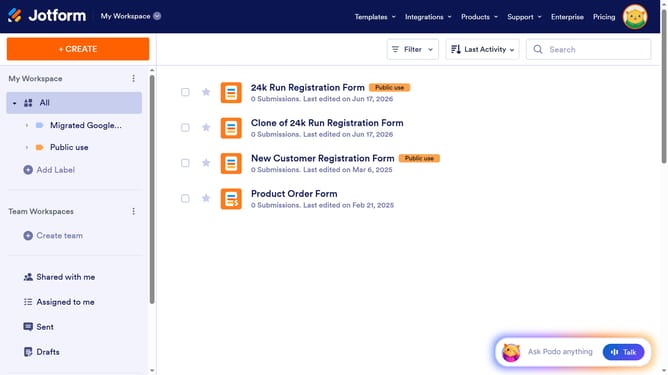
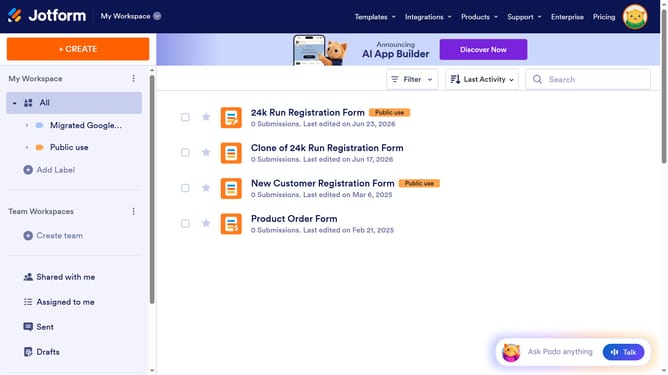
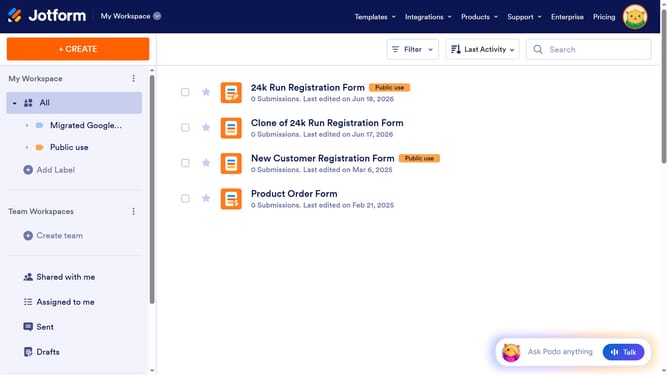
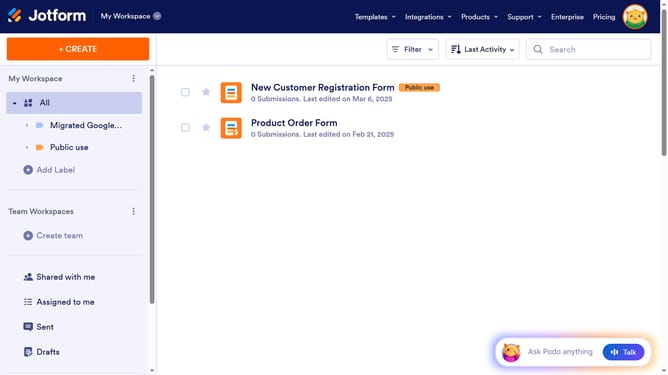
- First, click on "All" in the sidebar
- Next click on "Edit Form" button at the right side of the form name that you want to edit
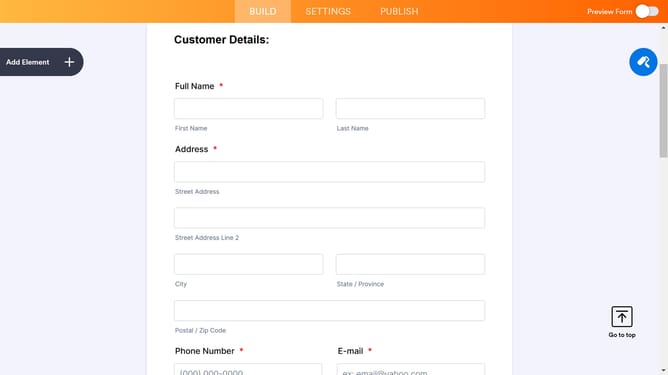
- Next, click on the date field
- Then, click on the gear icon to open form field settings
- After that, select the "OPTIONS" tab
- Finally, click on your preferred date format option
Why should you set a date format in a registration form in Jotform
Jotform, a versatile online form builder, empowers users to create customized forms with ease and efficiency.
One standout feature is the ability to set a date format in registration forms. This allows users to tailor the date input according to regional preferences or specific event requirements, enhancing the user experience.
Adapting the date format ensures clarity and prevents errors, making it more approachable for a diverse audience. By specifyng the format, users can maintain consistency and organize collected data effectively.
Last update