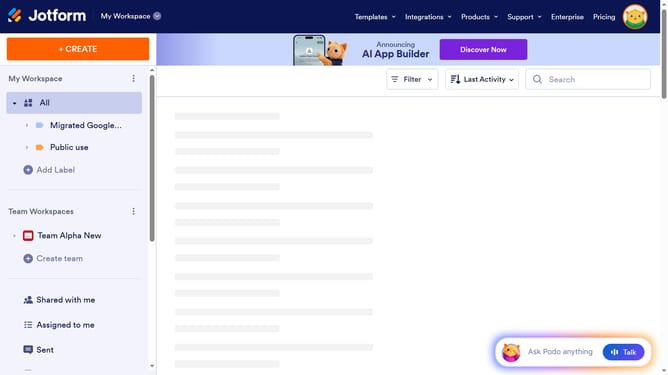
How to unlock all data in column in a data table in Jotform
Here is how to unlock all data in column in a data table in jotform
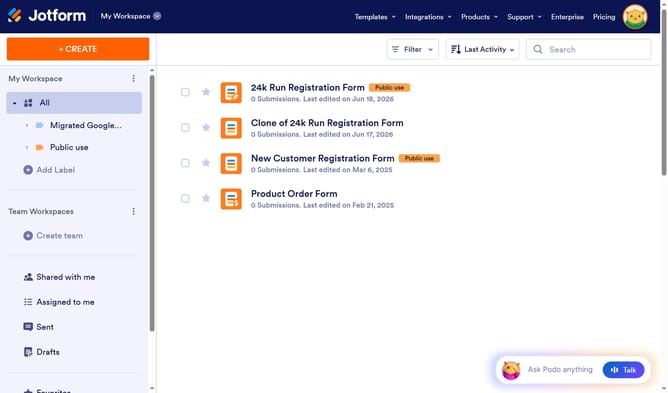
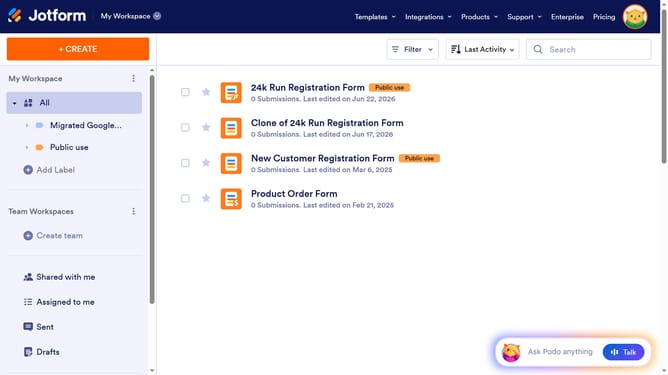
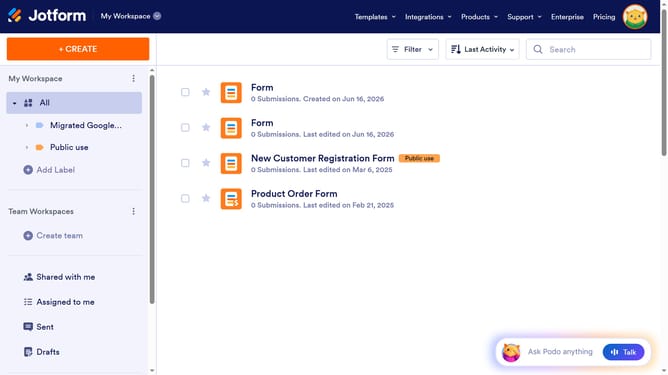
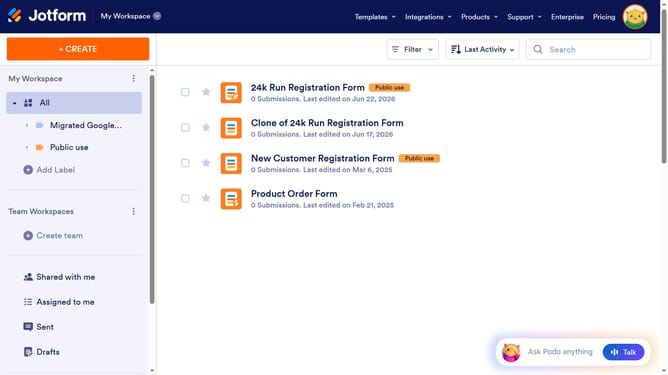
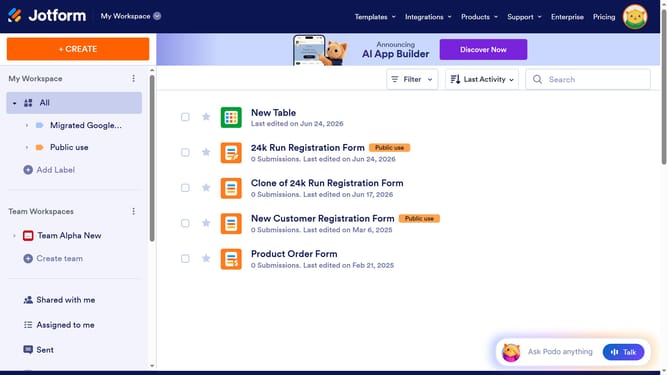
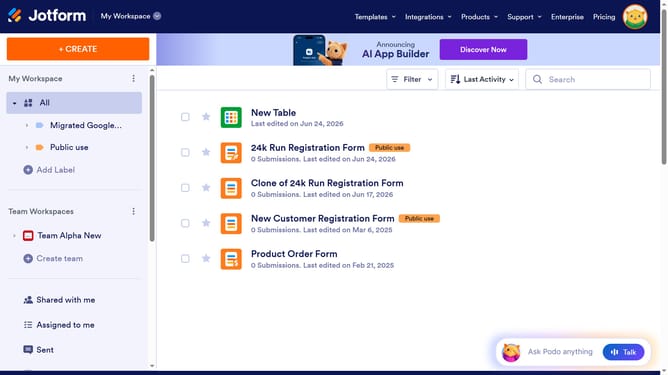
- First, click on the "All" button in the sidebar
- Next click on "View Table" button at the right side of the table name that you want to manage
- Next, click on the "Columns & AI" button
- Finally, click on the "Unlock All" button
Why should you unlock all data in column in a data table in Jotform
Jotform is a versatile form builder designed to streamline data collection and management with ease.
One beneficial feature is the ability to unlock all data in a column within a data table. This capability enables users to swiftly manage vast collections of information without individually handling each data point.
Unlocking data in entire columns significantly enhances efficiency, making data oversight more organized and time-saving. It particularly benefits those managing extensive datasets, promising streamlined operations and improved accuracy.
Last update