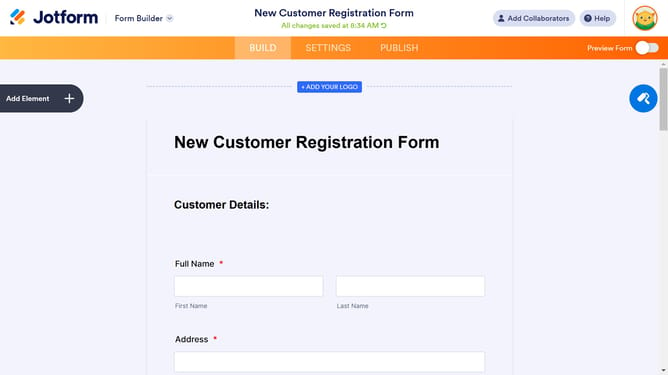
How to rename a registration form in Jotform
Here is how to rename a registration form in jotform
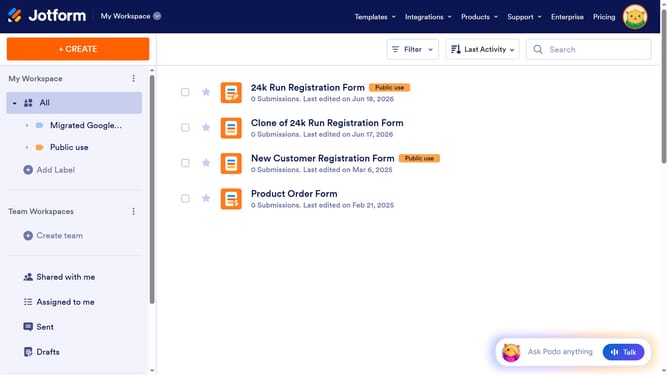
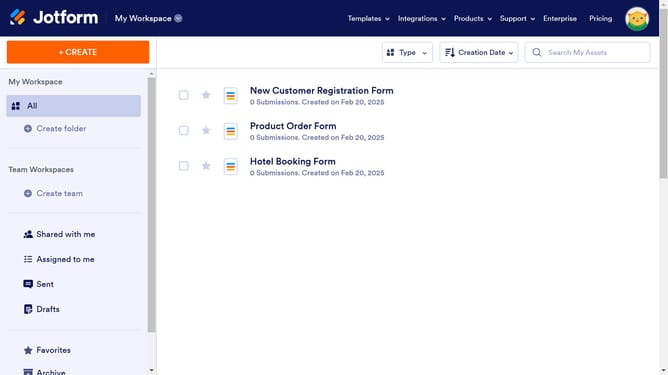
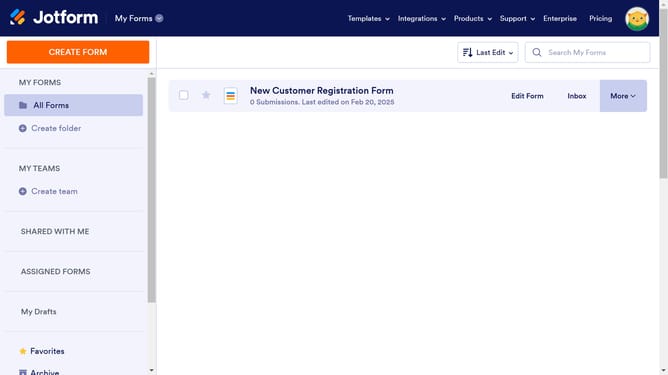
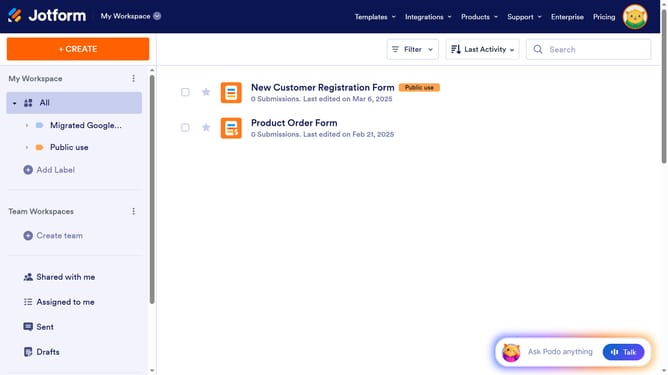
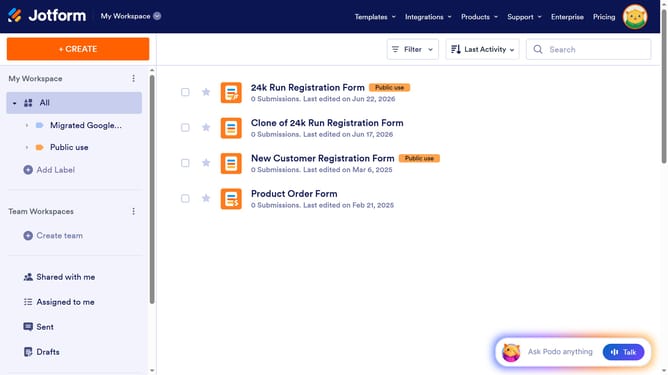
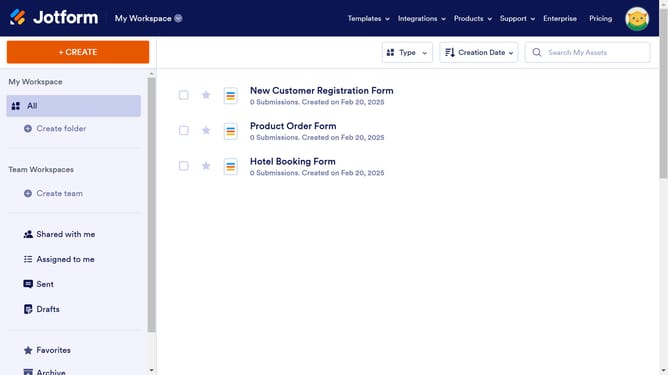
- First click on "All" in the left sidebar
- Then click on "More" button in the top menu
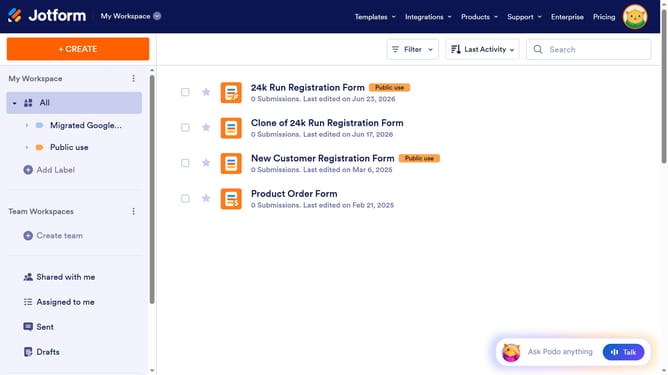
- Then click on "Rename" option in the dropdown menu
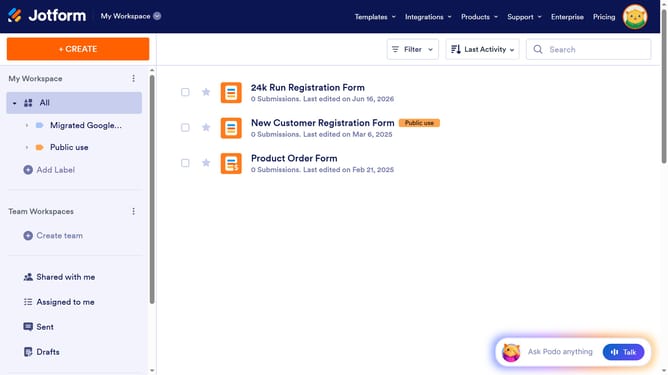
- Then click on the form name in the main content area and rename it
- Finally click anywhere outside the text area to confirm changes
Why should you rename a registration form in Jotform
Jotform is a versatile online form builder designed to simplify data collection.
One of Jotform’s standout features is the ability to rename a registration form effortlessly. This feature allows you to swiftly adapt and customize your forms to reflect the specific event or purpose it serves.
By renaming forms, you can enhance organization and clarity, ensuring that both the form creator and users can easily identify each form's objective. In essence, this small feature significantly contributes to a streamlined, user-friendly experience.
Last update