How to subscribe or unsubscribe to Jotform's newsletters on Jotform
Here is how to subscribe or unsubscribe to jotform's newsletters on jotform
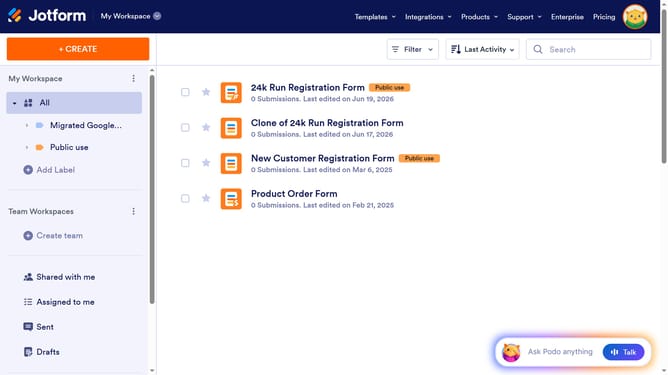
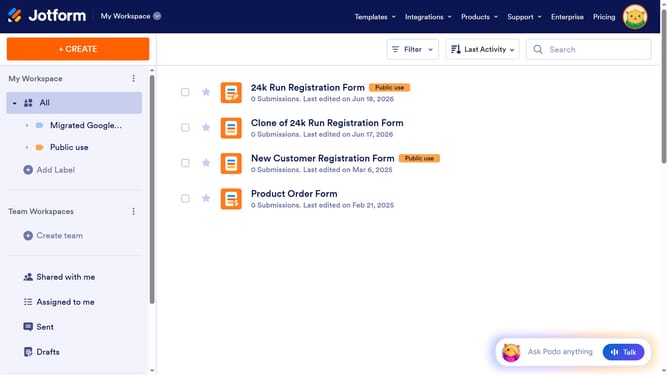
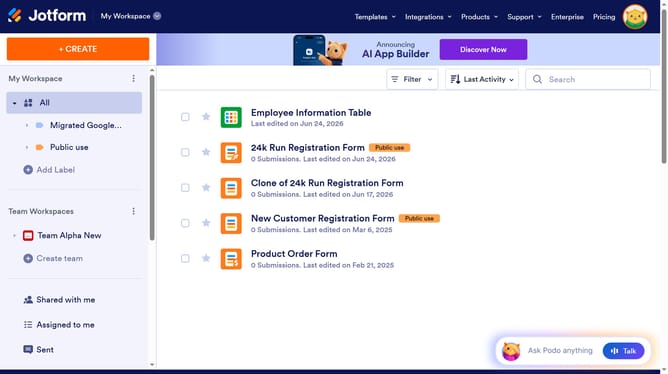
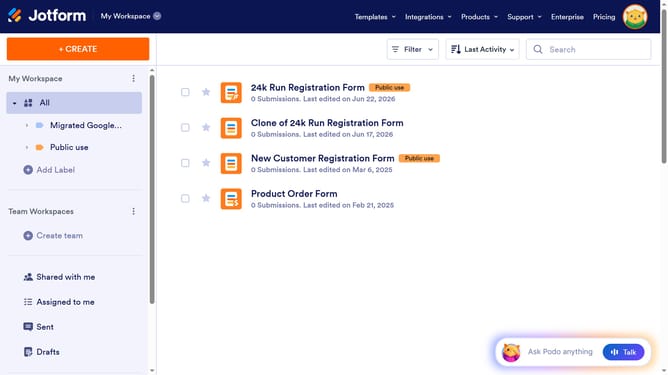
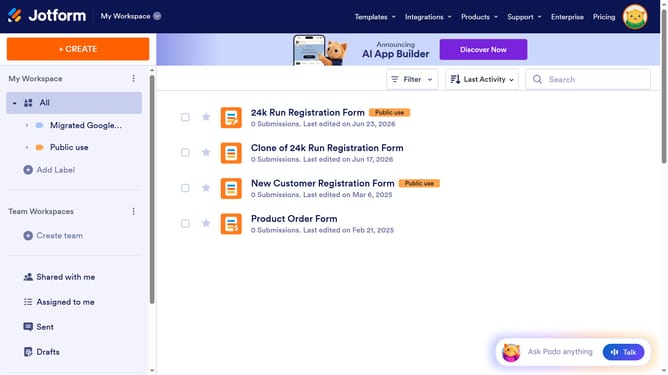
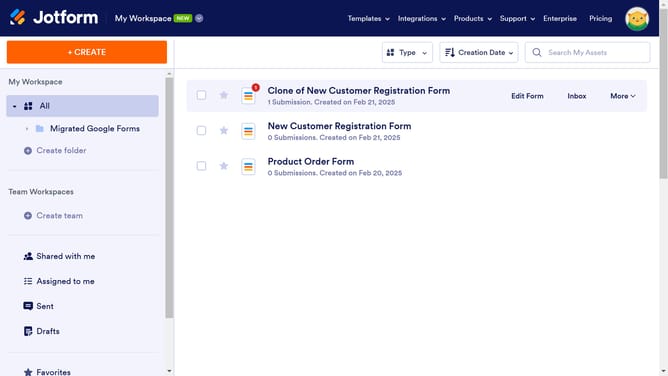
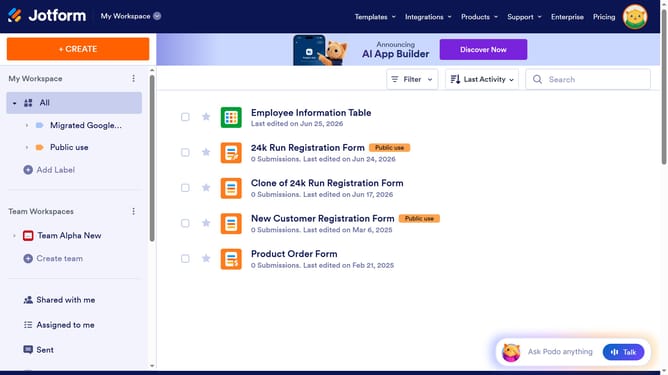
- First click on the user avatar in the top-right corner of the navigation bar
- Then click on the "Settings" option in the dropdown menu
- Finally locate the "Subscriptions" section in the settings page and click the checkbox to subscribe or uncheck it to unsubscribe
Why should you subscribe or unsubscribe to Jotform's newsletters on Jotform
Jotform is a user-friendly platform designed to simplify the creation and management of online forms.
Subscribing or unsubscribing to Jotform's newsletters directly on the platform offers you flexibility and convenience.
Staying informed about the latest features and updates can enhance your experience by providing timely insights and tips.
Whether adjusting your preferences to receive valuable content or opting out, having control over your newsletter subscriptions ensures that your inbox remains tailored to your interests.
Last update