How to limit file size in a file upload field in a registration form in Jotform
Here is how to limit file size in a file upload field in a registration form in jotform
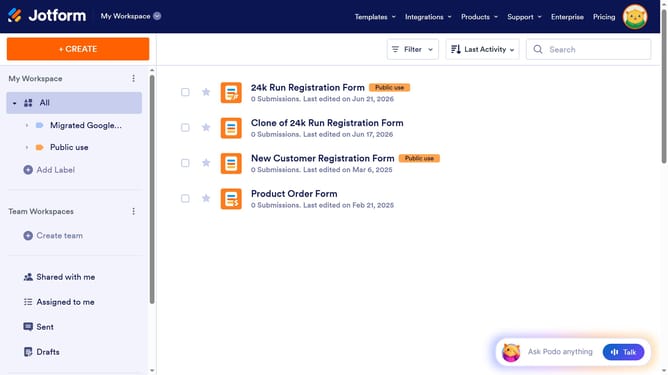
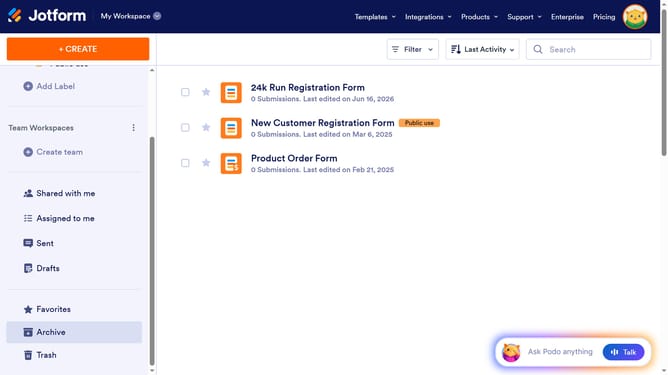
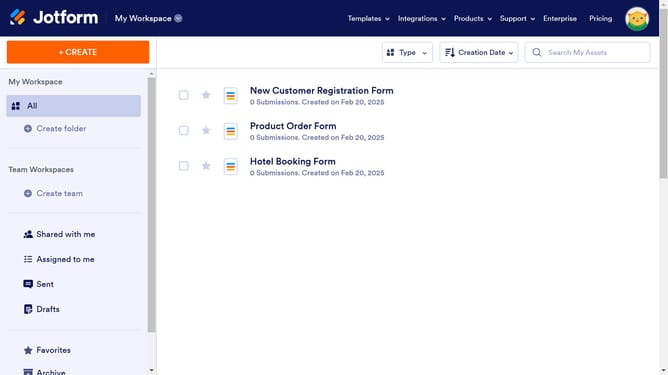
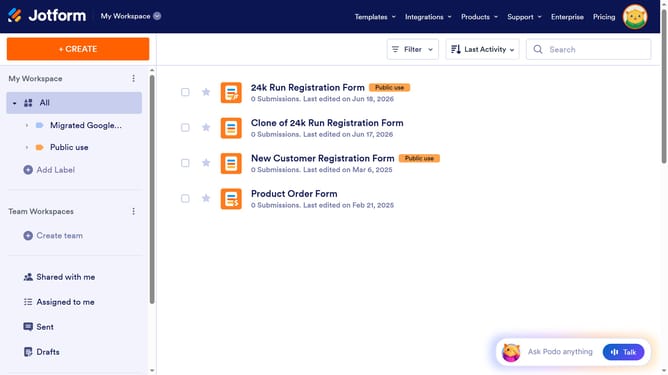
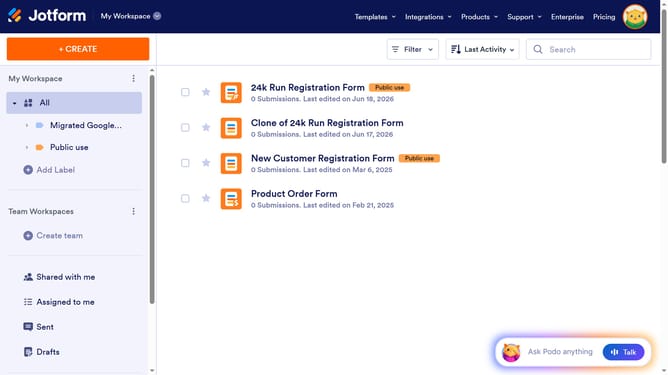
- First click on "All" item in the left sidebar
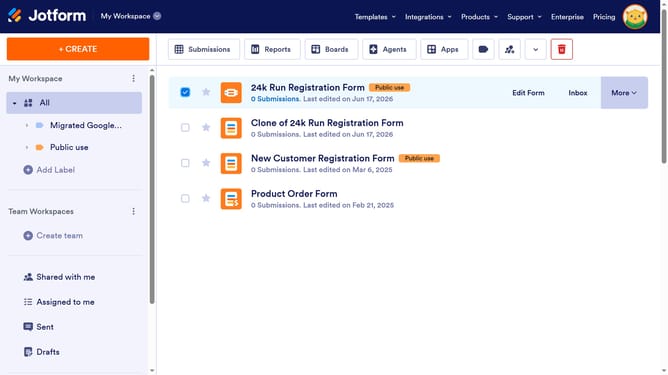
- Next click on "Edit Form" button at the right side of the form name that you want to manage
- Then click on the file upload field in the form builder
- Then click on the "Properties" button
- Then click on the "Options" tab
- Then click on the minimum file size input field and enter a value
- Finally, click on the maximum file size input field and enter a value
Why should you limit file size in a file upload field in a registration form in Jotform
Jotform is an intuitive platform designed to simplify online form creation and management.
One valuable feature in Jotform is the ability to limit file size in a file upload field within registration forms. This feature ensures that form submissions remain concise and manageable, preventing overly large files from clogging your storage space.
By setting file size limits, you protect your system's capacity while enhancing user experience by streamlining the form submission process. It also reduces the risk of technical issues related to oversized files.
Last update