How to add a page break in a registration form in Jotform
Here is how to add a page break in a registration form in jotform
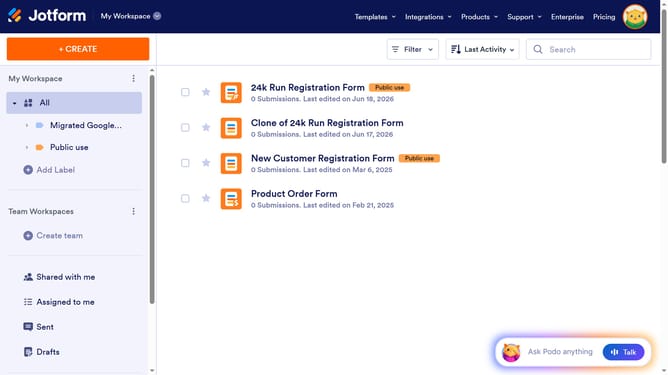
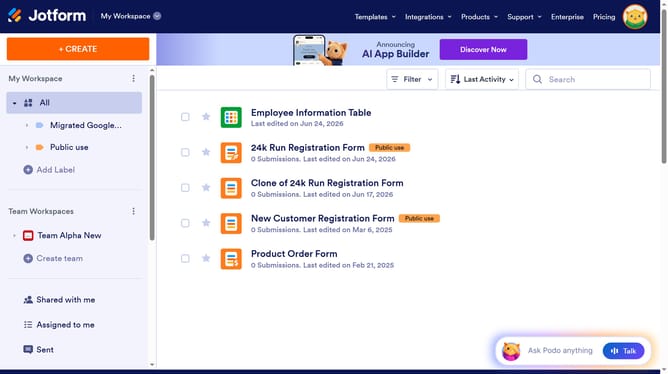
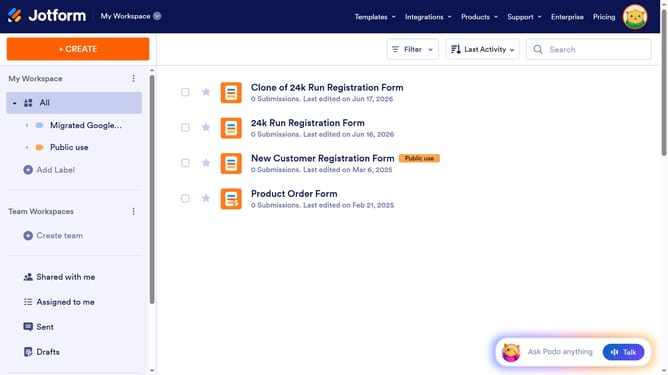
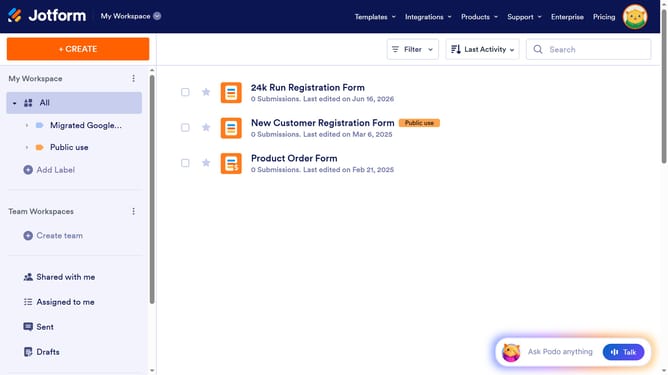
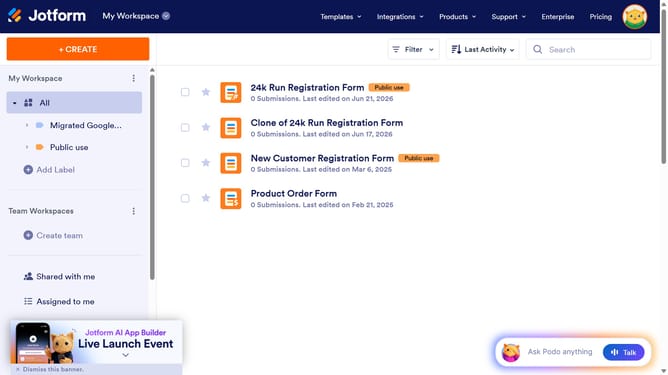
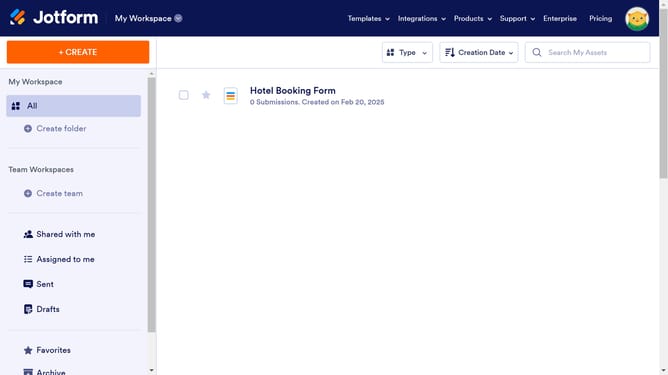
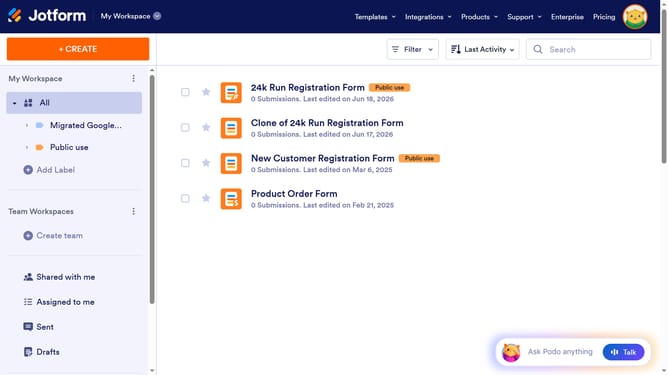
- First click on "All" in the left sidebar
- Then click on "Edit Form" button at the right side of the form name that you want to edit
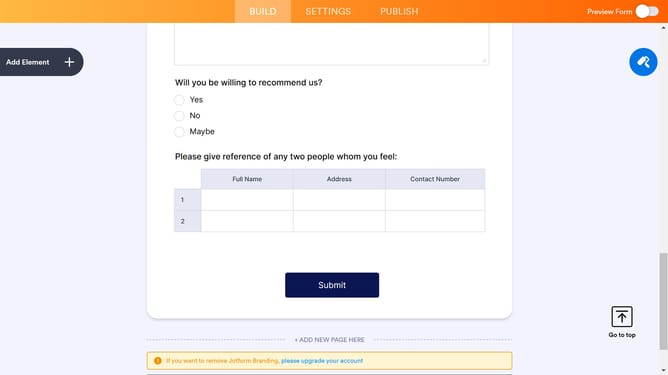
- Then click on the "Add Element" button in the left sidebar
- Finally select "Page Break" element in the left sidebar
Why should you add a page break in a registration form in Jotform
Jotform empowers users to create personalized online forms effortlessly.
Adding a page break in a registration form enhances user experience by dividing content into manageable sections. This simple feature makes long forms appear less daunting and improves clarity.
By streamlining the registration process, page breaks lead to higher completion rates and more accurate data collection, ensuring both users and organizers benefit.
Utilizing page breaks showcases an attention to detail, making any registration form look professional and thoughtfully designed.
Last update