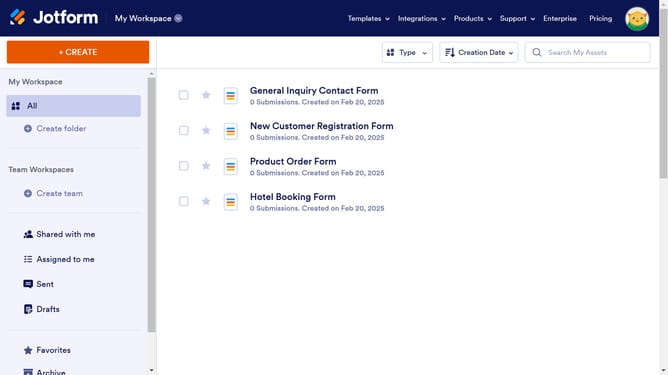
How to spread into columns the options in a multiple choice field in a registration form in Jotform
Here is how to spread into columns the options in a multiple choice field in a registration form in jotform
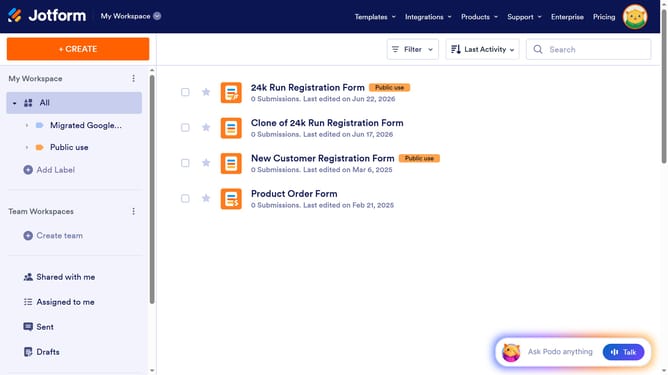
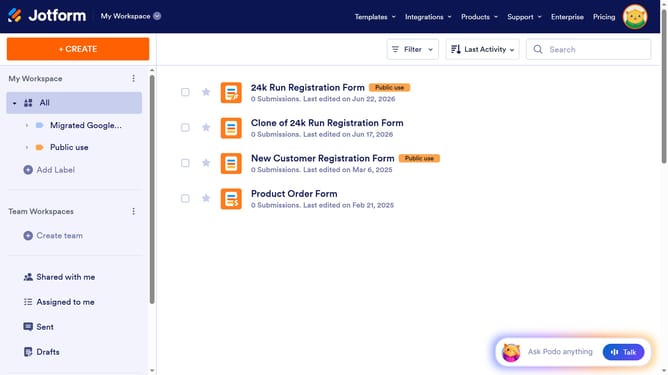
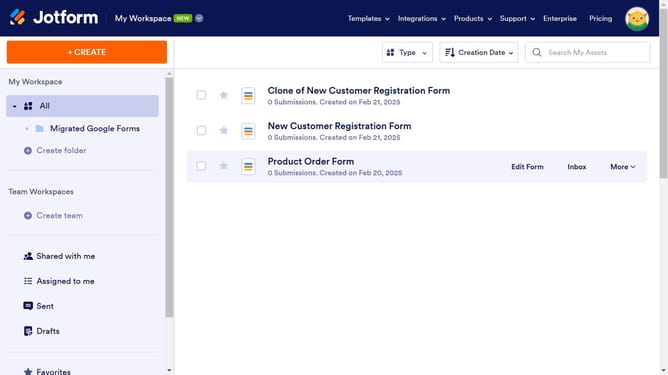
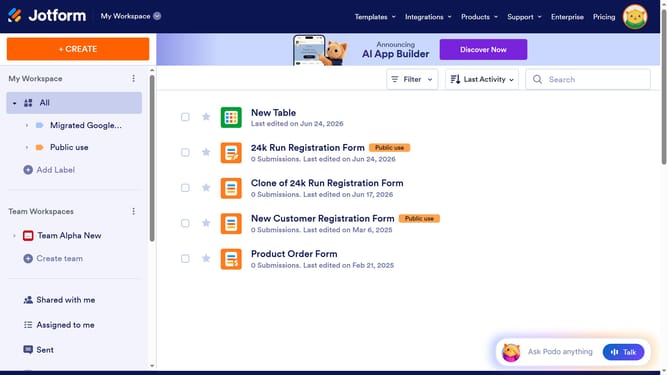
- First click on the "All" item in the left sidebar
- Next click on "Edit Form" button at the right side of the form name that you want to edit
- Then click on the multiple option field in the form builder
- Then click on the settings icon
- Then select the "Options" tab
- Finally click on the "Spread to Columns" option slider to enable it
Why should you spread into columns the options in a multiple choice field in a registration form in Jotform
Jotform is a versatile tool designed to simplify the process of creating forms for various needs, enhancing productivity and efficiency.
The option to spread choices into columns within a multiple-choice field on a registration form greatly streamlines the user interface. This feature allows respondents to view more options at a glance, reducing scrolling and improving their overall experience.
By organizing choices into columns, you create a clean, professional-looking form that facilitates faster decision-making and increases the likelihood of responses, ultimately boosting engagement and data collection.
Last update