How to show hidden column in a data table in Jotform
Here is how to show hidden column in a data table in jotform
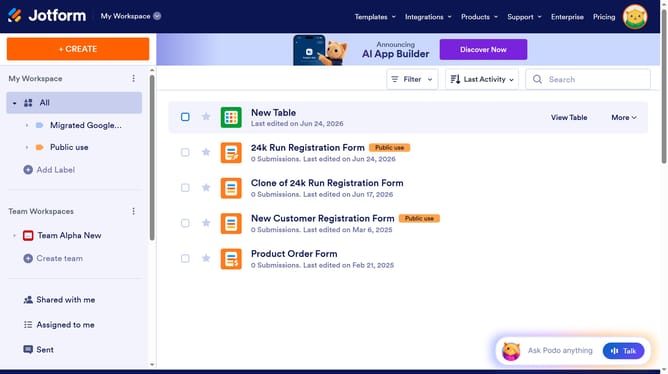
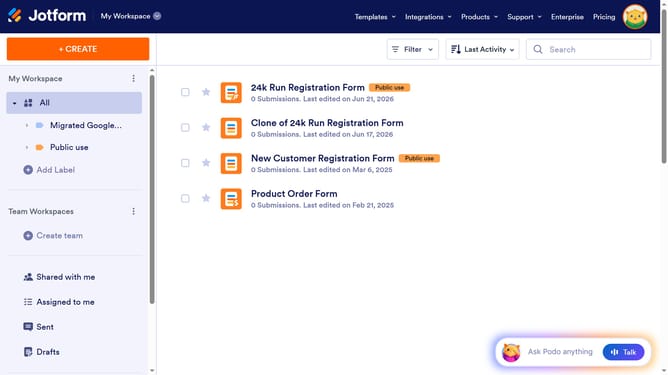
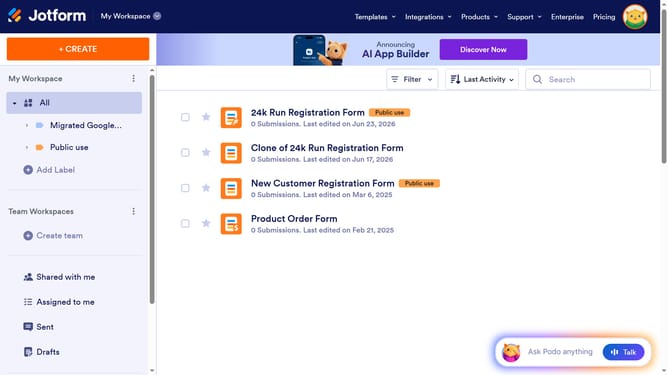
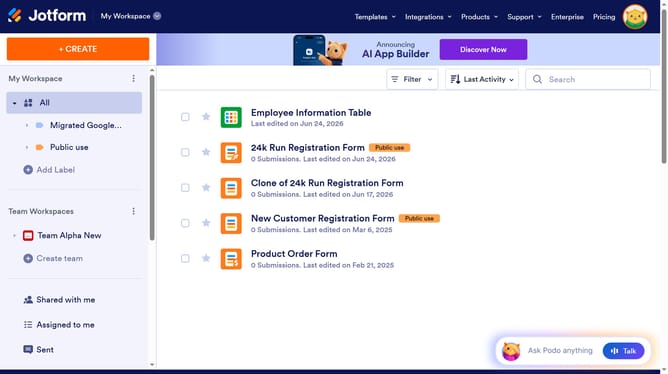
- First click on "All" in the left sidebar
- Next click on "View Table" button at the right side of the table name that you want to manage
- Next, click on the "Columns & AI" button in the table header
- Finally, click the checkbox of the column name that you want to unhide
Why should you show hidden column in a data table in Jotform
Jotform is a powerful platform designed for creating and managing online forms effortlessly.
Among its many useful features is the ability to show hidden columns in a data table, allowing for greater control and visibility over your collected data.
This feature is beneficial as it enables users to customize their view by revealing necessary information that the user might have previously hidden, enhancing data analysis and decision-making processes.
Overall, revealing hidden columns ensures that you have access to all pertinent information when you need it, streamlining your workflow efficiently.
Last update