How to add a star rating column in a data table in Jotform
Here is how to add a star rating column in a data table in jotform
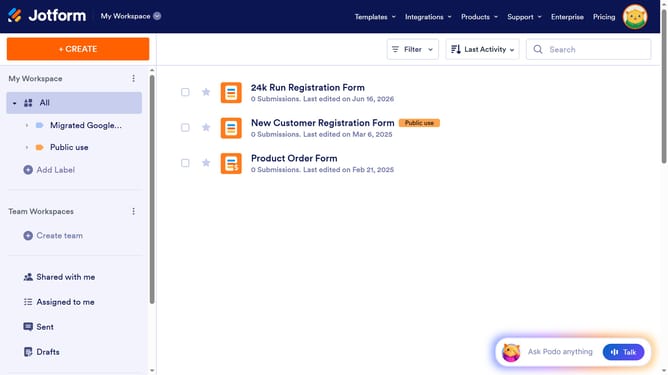
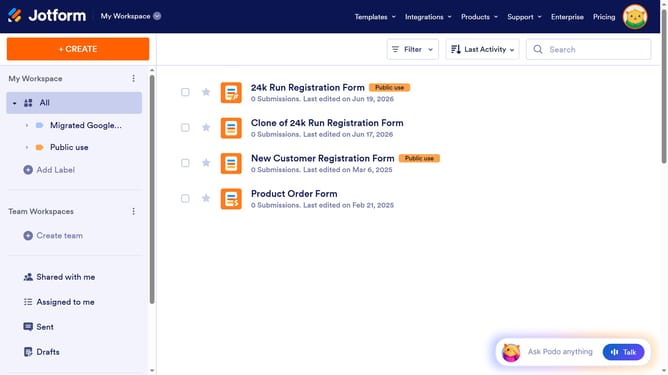
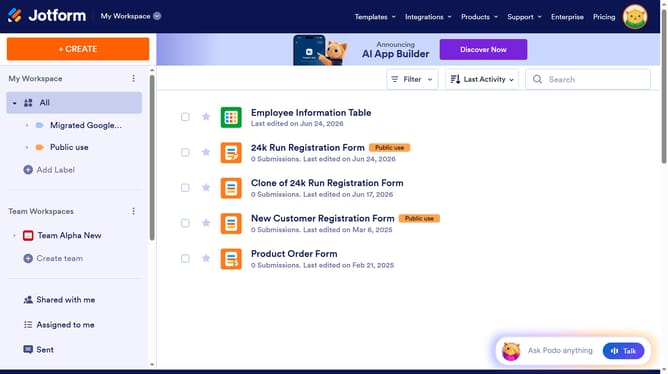
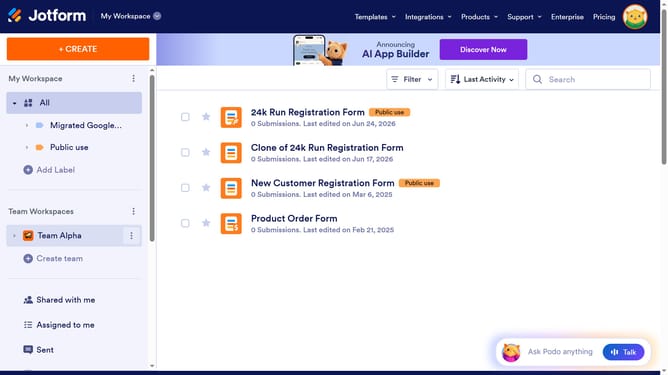
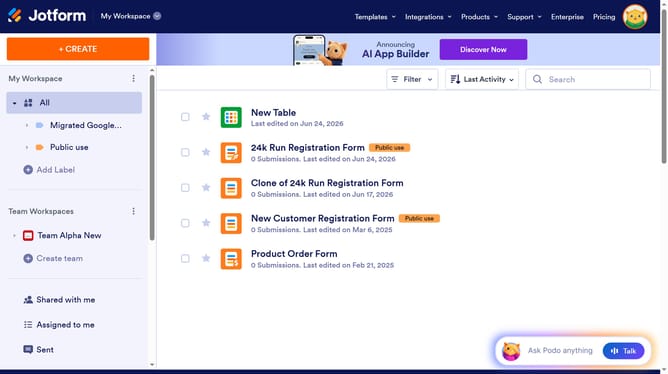
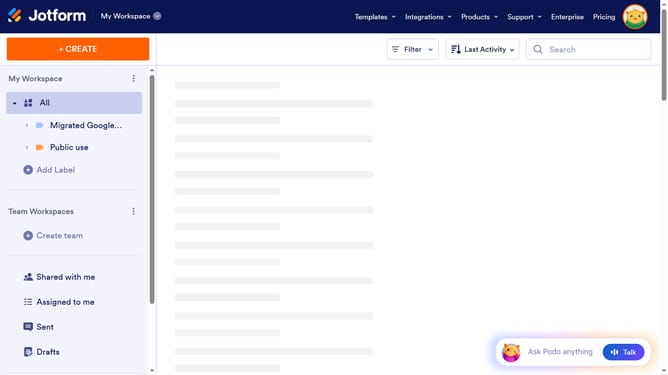
- First click on "All" in the left sidebar
- Next click on "View Table" button at the right side of the table name that you want to manage
- Next click on the "+ ADD" button
- Then select "Star Rating" option
- After that click on the "NEXT" button
- Click on the "ENTER A COLUMN NAME" input field and enter column name
- Finally click on the "CREATE COLUMN" button
Why should you add a star rating column in a data table in Jotform
Jotform is an intuitive platform designed to simplify the process of creating and managing online forms.
One remarkable feature you can leverage in Jotform is the ability to add a star rating column to data tables. This functionality allows users to easily visualize and collect feedback quantitatively, enhancing the assessment and decision-making process in surveys or evaluations.
Incorporating a star rating column can lead to quicker data interpretation and heightened engagement among respondents, as it offers an interactive and visually appealing way to express opinions.
By enhancing the clarity of feedback through direct ratings, businesses and researchers can transform raw data into actionable insights with greater precision and efficiency.