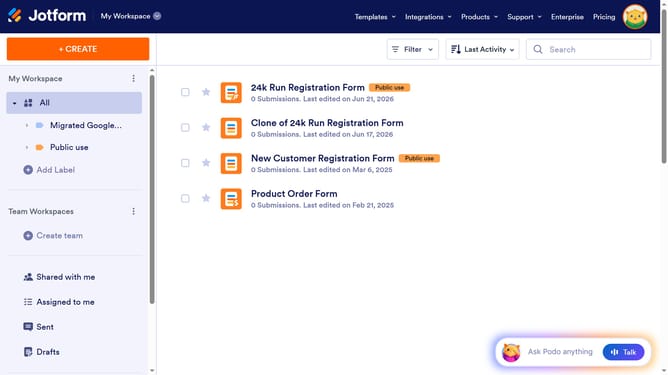
How to set state options in the address field in a registration form in Jotform
Here is how to set state options in the address field in a registration form in jotform
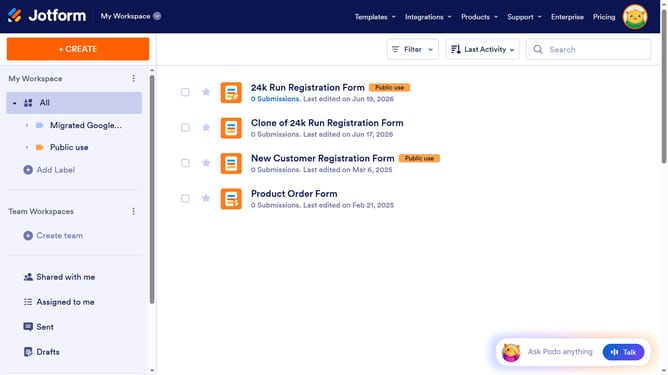
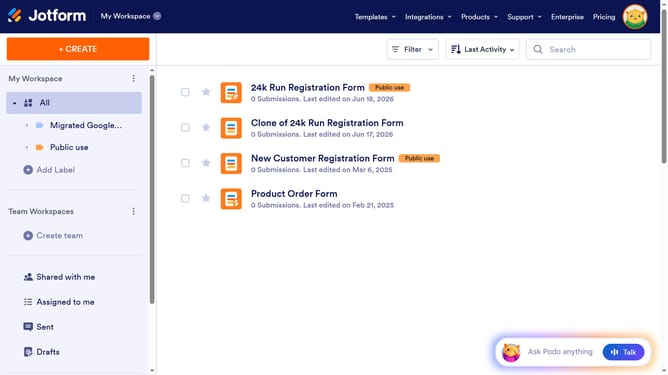
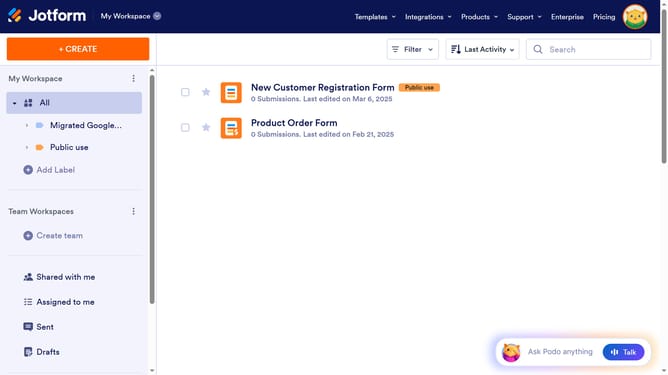
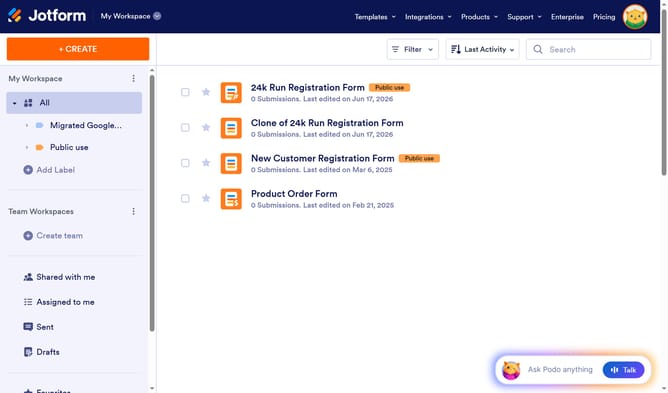
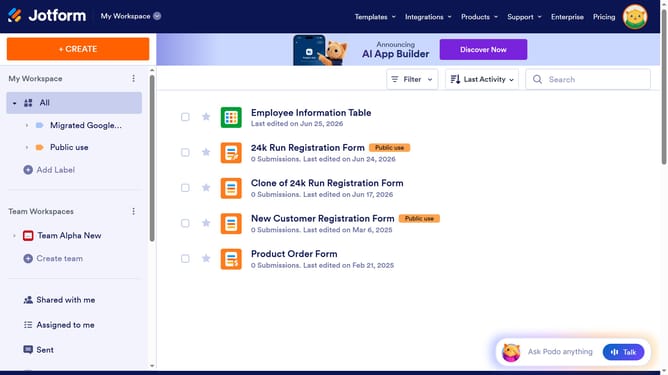
- First click on "All" in the left sidebar
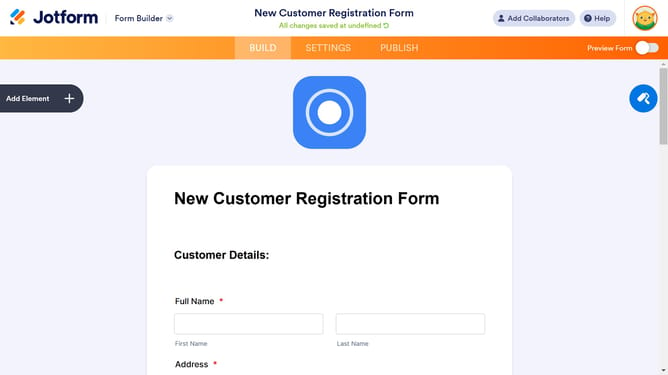
- Next click on "Edit Form" button at the right side of the form name that you want to edit
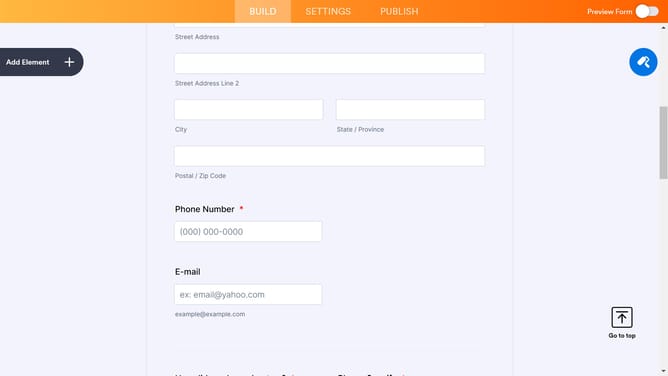
- Next click on the "Address" input field in the form builder
- Then click on the "Properties" button
- Next select the "OPTIONS" tab
- Finally click on your preferred "State Options" button
Why should you set state options in the address field in a registration form in Jotform
Jotform is an intuitive online tool designed to streamline form creation and data collection.
Setting state options in the address field of a registration form can enhance both user experience and data accuracy. It allows users to easily select their state from a predefined list, reducing errors and ensuring uniformity in responses.
This feature is particularly beneficial for businesses and organizations that require accurate and structured location data for efficient processing and analysis. By providing a clear and concise dropdown, Jotform helps to elevate the overall quality of the user's interaction with the form.
Last update