How to add a dropdown field to a registration form in Jotform
Here is how to add a dropdown field to a registration form in jotform
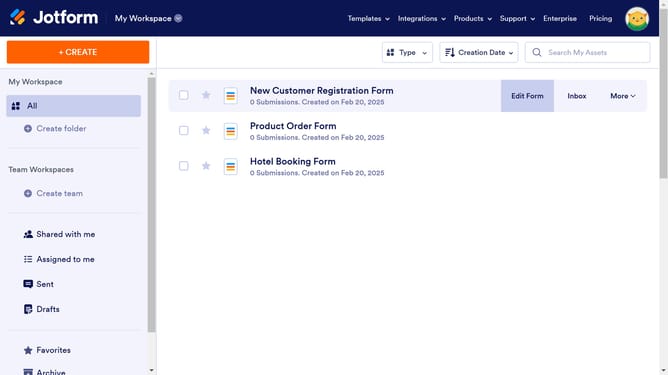
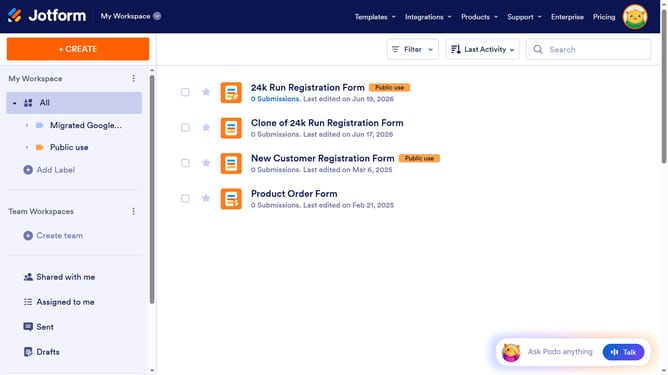
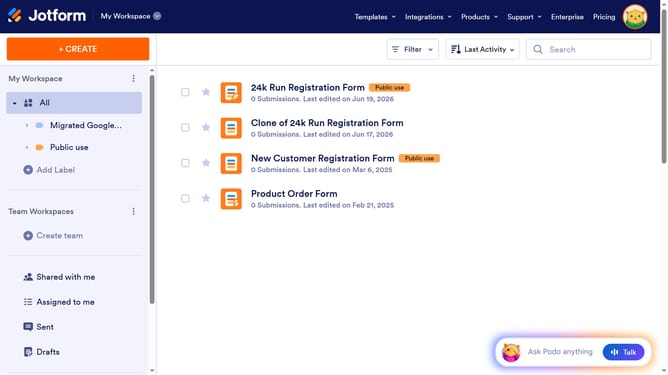
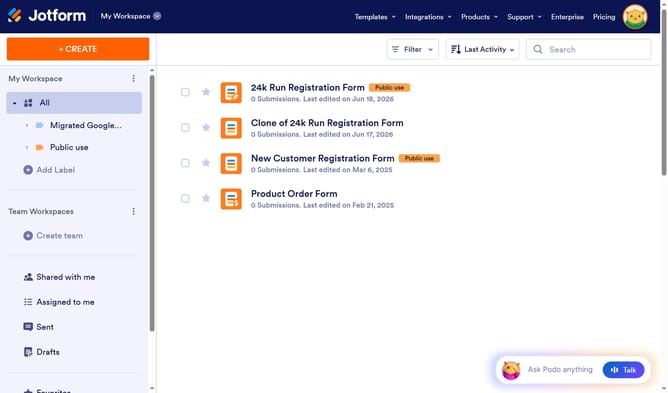
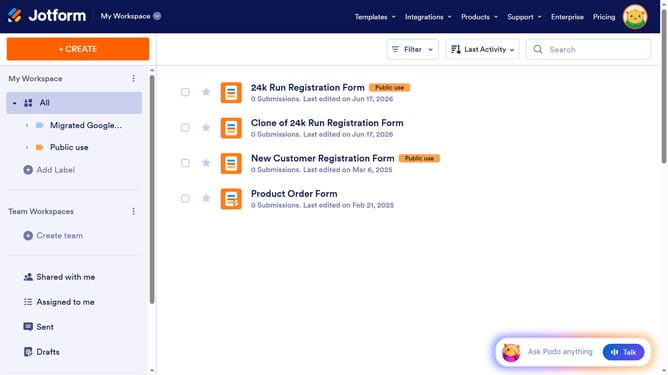
- First click on "All" in the left sidebar
- Then click on "Edit Form" button at the right side of the form name that you want to edit
- Next click on "Add Element" button in the header
- Finally click on "Dropdown" option
Why should you add a dropdown field to a registration form in Jotform
Jotform is your go-to tool for creating seamless online forms with ease and efficiency.
Adding a dropdown field to your registration form in Jotform is a simple yet highly effective way to enhance user experience. This feature allows you to present a list of options in a tidy, space-saving format, making it easier for users to provide the necessary information.
By incorporating dropdown fields, you ensure a more organized form completion process, reduce input errors, and streamline data collection. It's an excellent way to maintain form clarity while gathering essential information.
Last update