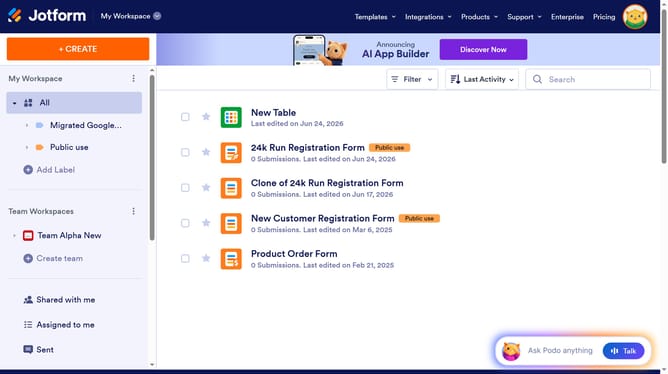
How to manage multiple fields in a Jotform form
Here is how to manage multiple fields in a jotform form
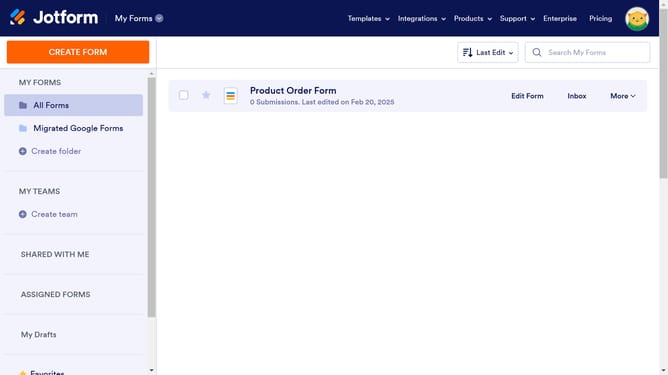
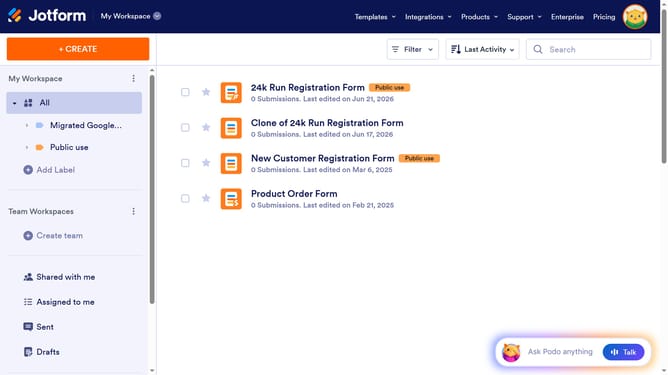
- First click the "Edit Form" button of the form you want to edit
- Then click on the first field you want to select
- Next click the second field while holding the "Ctrl" key to manage multiple fields
- Once done selecting the fields you want to manage, right click to open more options
- Here you will find different options to edit your multiple fields
Why should you manage multiple fields in a Jotform form
Jotform is a dynamic form-building tool designed to streamline data collection for any purpose.
Managing multiple fields within a Jotform form boosts your organizational efficiency, allowing you to tailor data collection precisely to your needs.
This feature enhances user experience by ensuring forms are not only comprehensive but also clean and easy to navigate.
Elevate your data collection process by utilizing this feature to sort, edit, and manage form fields with ease.
Last update