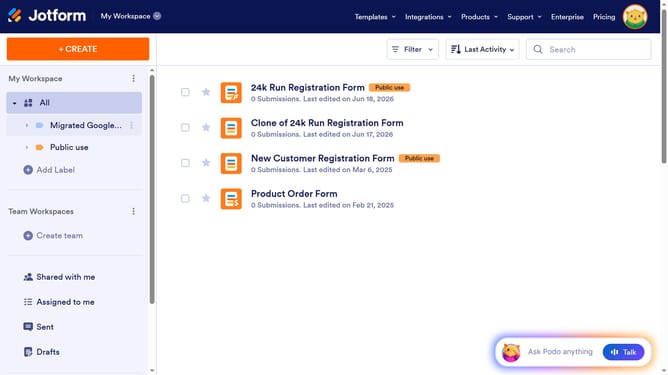
How to clone an existing form from your account on Jotform
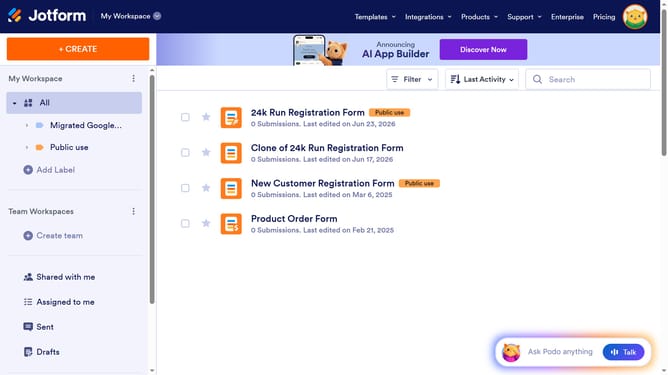
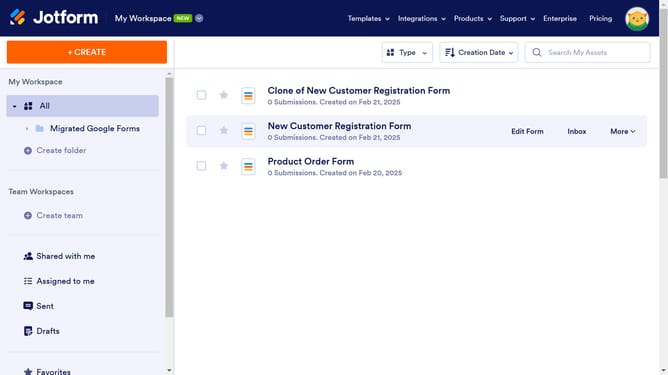
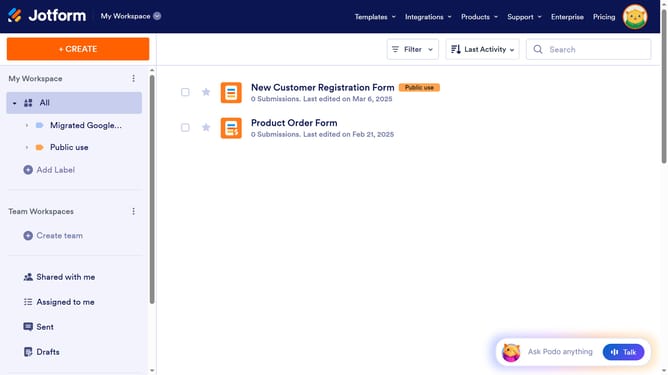
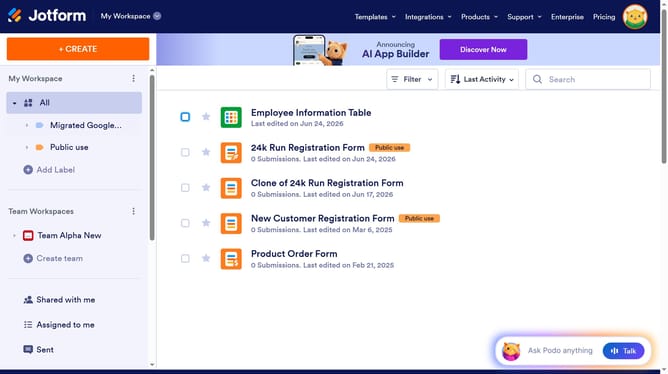
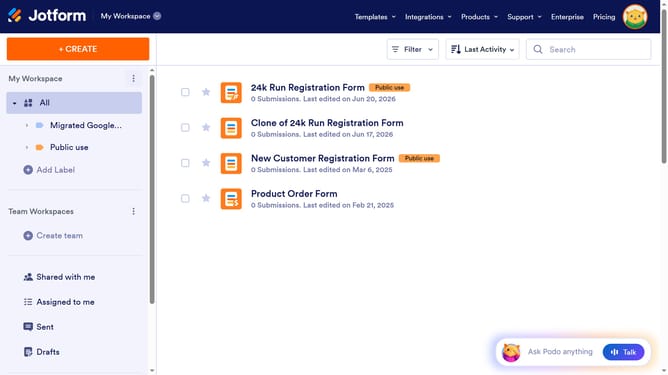
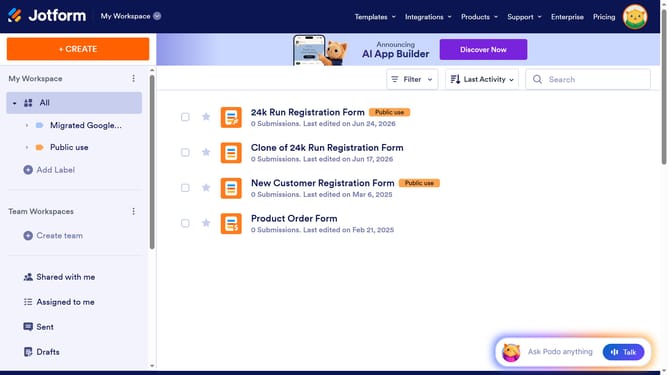
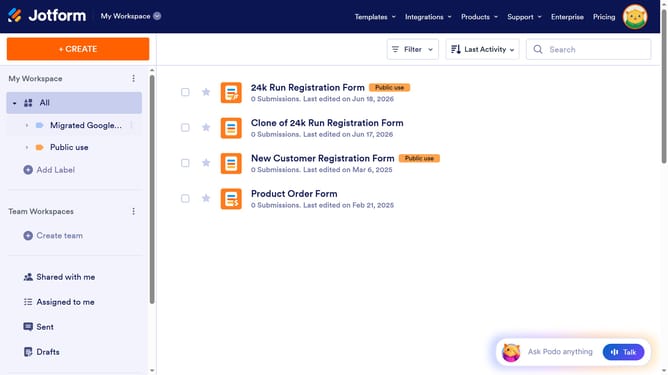
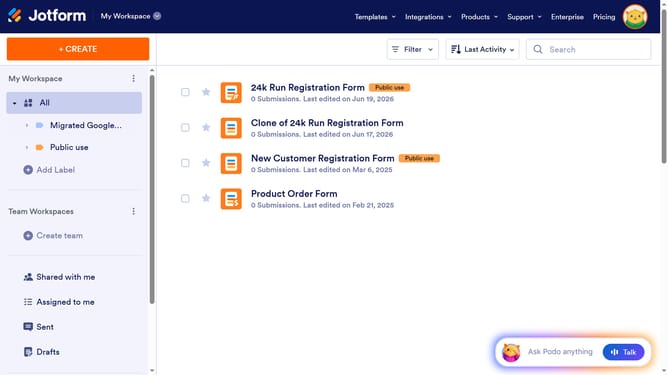
Here is how to clone an existing form from your account on jotform
- First click on the form you want to clone
- Then click on the "More" dropdown button in the form header
- Finally click on the "Clone" option in the dropdown menu under the FORM section
Why should you clone an existing form from your account on Jotform
Jotform is an intuitive online tool empowering users to create and manage forms effortlessly.
One standout feature on Jotform is the ability to clone existing forms directly from your account.
This feature is invaluable for maintaining consistency across multiple projects or streamlining the process of form creation.
With form cloning, you save valuable time by reusing well-designed layouts and proven workflows, ensuring an efficient and seamless user experience every time.
Last update