How to share form's submissions page on Jotform
Here is how to share form's submissions page on jotform
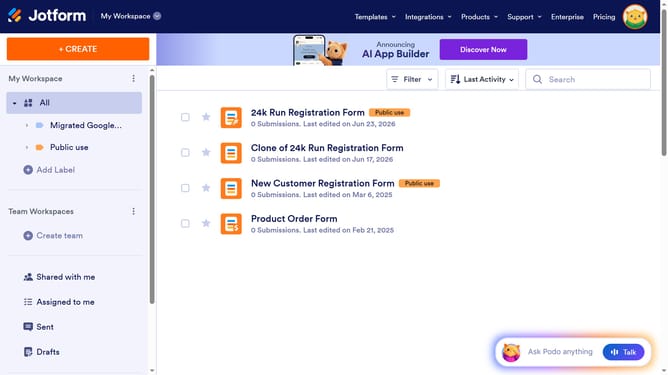
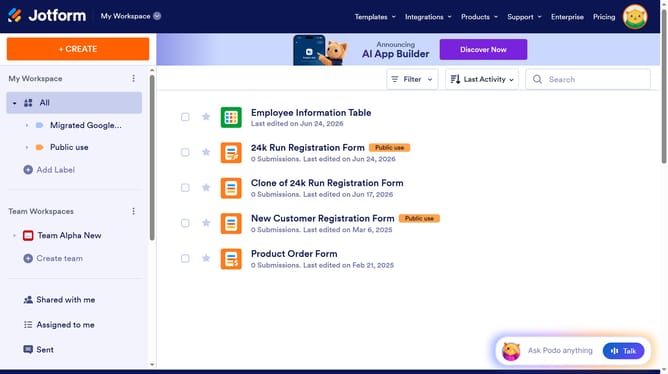
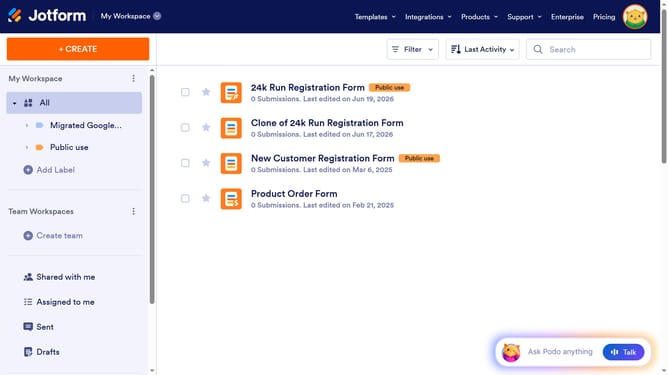
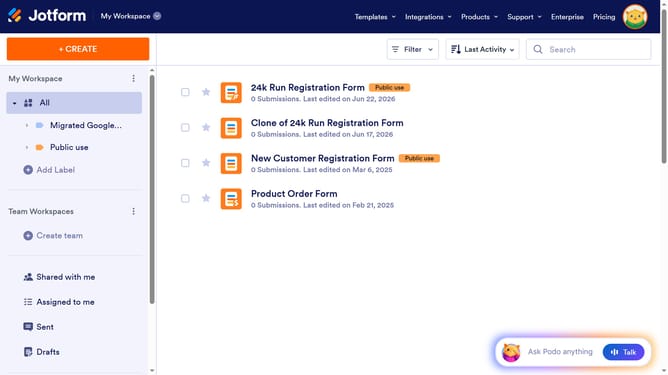
- In the main workspace, click on the form you want to use
- Click on the "Submissions" tab in the top navigation bar
- Click on the "Share" button located in the top-right corner of the page
- In the Share Table modal window, click on the "Create Link" button under the INVITATION LINK section
- Copy the link and share it through other mediums
Why should you share form's submissions page on Jotform
Jotform is a powerful platform designed to simplify online form creation and management.
The feature of sharing a form's submissions page on Jotform enhances collaboration and transparency. It allows you to effortlessly share collected data with team members or stakeholders.
Utilizing this feature ensures data is accessible, promotes efficiency, and keeps everyone aligned without endless email chains.
Overall, sharing submission pages streamlines communication, making data-driven decisions quicker and more informed.
Last update