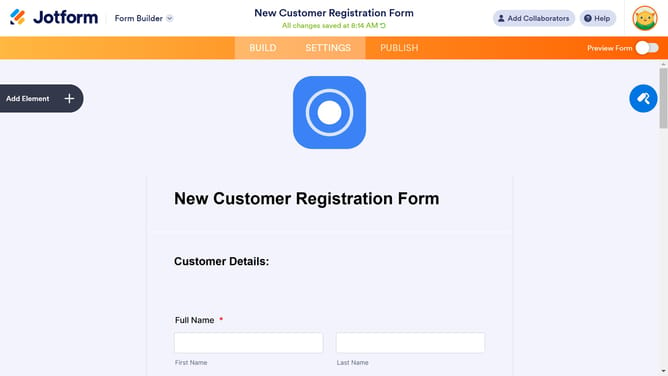
How to add options in a single choice field in a registration form in Jotform
Here is how to add options in a single choice field in a registration form in jotform
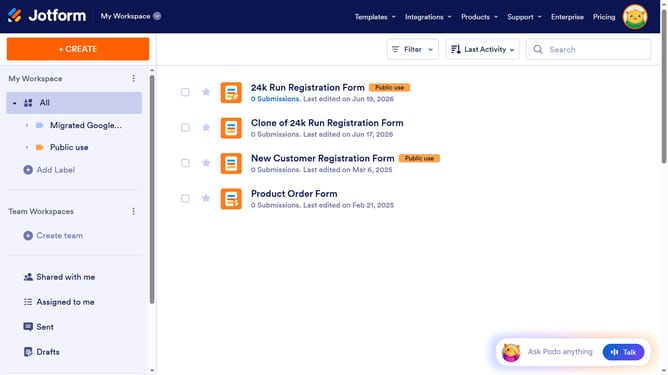
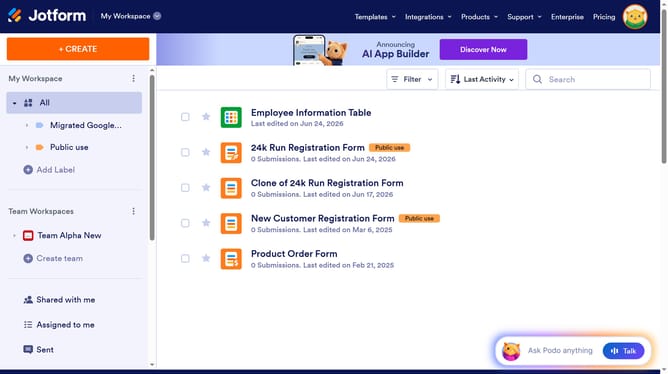
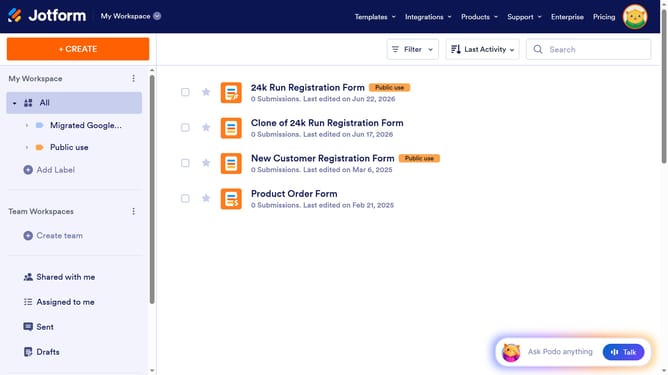
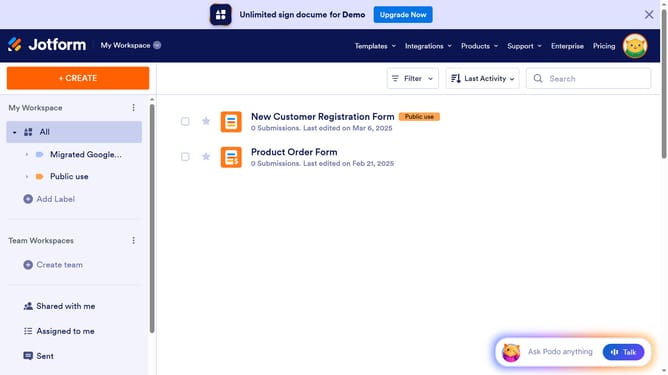
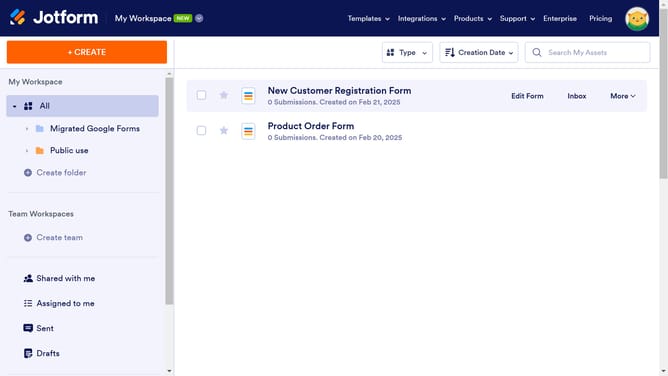
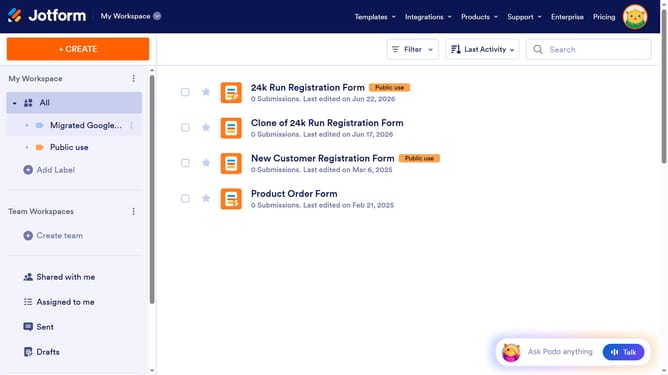
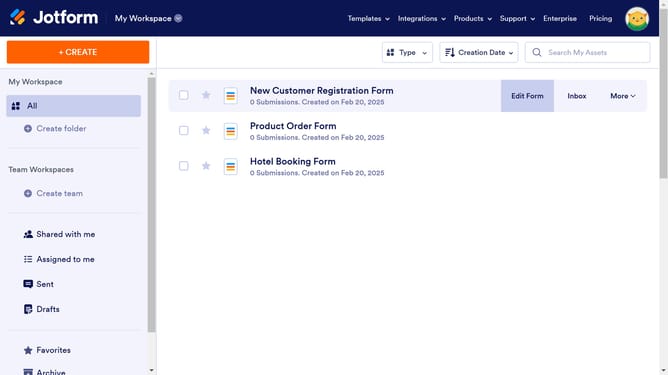
- First click on "All" in the sidebar
- Next click on "Edit Form" button at the right side of the form name that you want to manage
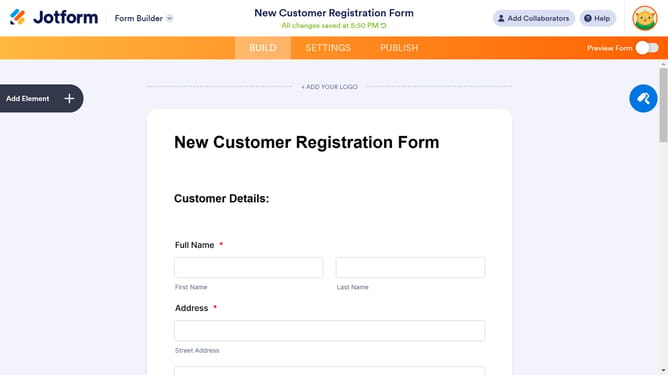
- Then click on the single choice field in the form builder
- Then click on the gear icon to open field settings
- Then click on the "OPTIONS" tab
- Finally select click on the options input field and enter your preferred options
Why should you add options in a single choice field in a registration form in Jotform
Jotform is a versatile online form builder that streamlines data collection effortlessly.
Incorporating various options into a single choice field on a registration form with Jotform enhances user engagement and data clarity. This flexibility allows users to choose from predefined answers, ensuring accuracy and efficiency in responses.
By adding options to a single choice field, the form becomes more interactive, significantly improving the overall user experience. This feature not only simplifies the form completion process for respondents but also enhances data analysis for the form creator.
Last update