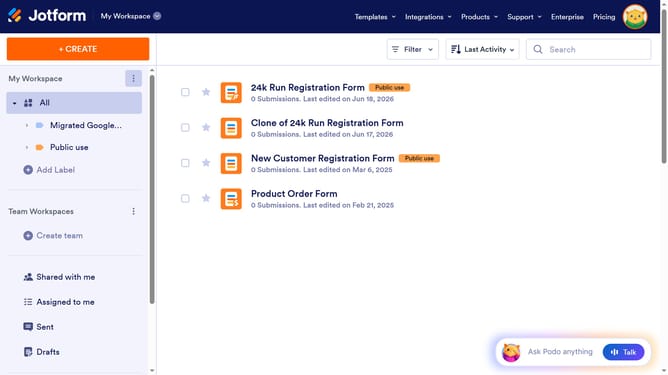
How to integrate Jotform forms with Google Gheets
Here is how to integrate jotform forms with google gheets
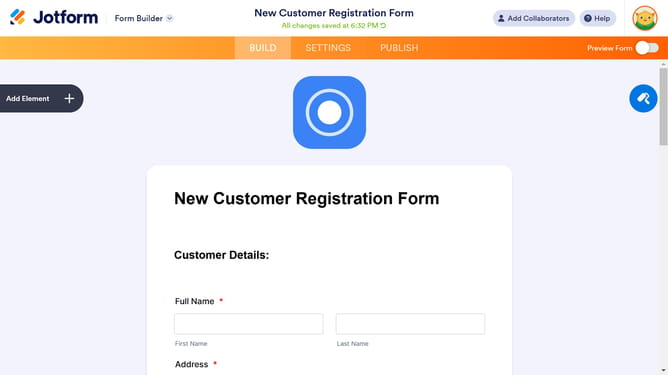
- First click on the "SETTINGS" tab in the top navigation menu
- Then click on "INTEGRATIONS" option in the left sidebar menu
- Next click on the "Google Sheets" integration card in the integrations grid
- Select an option in the action selection dialog
- Then click on the "Next" button in the bottom right corner
- Click the "Authenticate" button to connect with Google Sheets
- Select a Google account from the account selection screen
- Click "Continue" button on the Google sign-in confirmation dialog
- Click "Continue" button on the Google permissions request screen
- Finally click the "Save" button at the bottom of the form fields configuration screen
Why should you integrate Jotform forms with Google Gheets
Jotform is a versatile online platform designed for creating and managing custom forms with ease.
Integrating Jotform forms with Google Sheets offers a seamless way to organize and analyze data in real-time.
This integration automatically syncs form responses to Google Sheets, ensuring your data is instantly accessible for collaboration and analysis.
Using this feature enhances productivity by reducing manual data entry, allowing you to focus on insights and decision-making.
Last update