How to create your first web form on Jotform
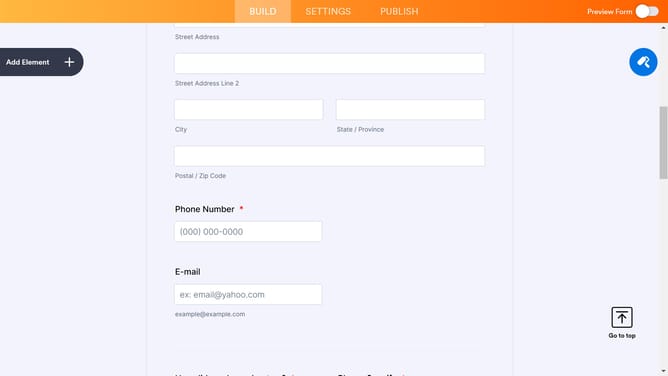
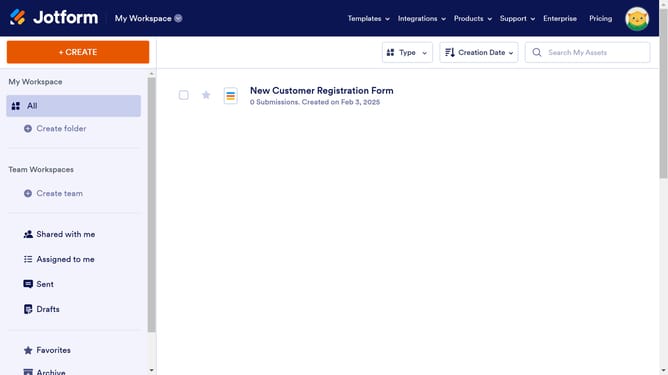
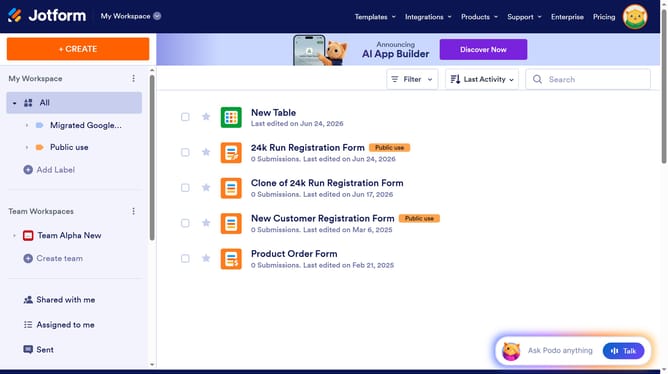
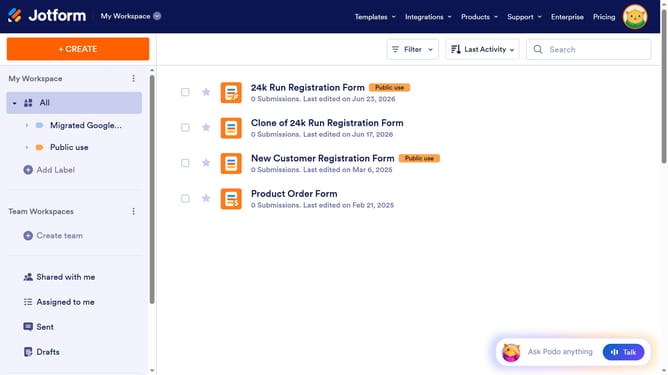
Here is how to create your first web form on jotform
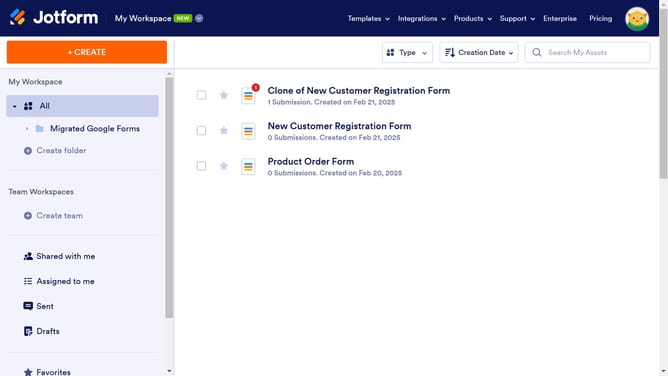
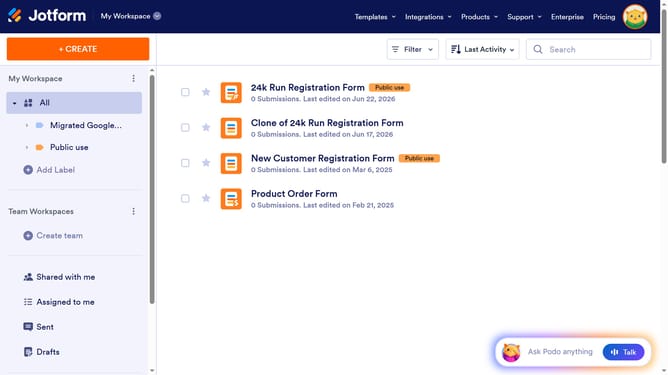
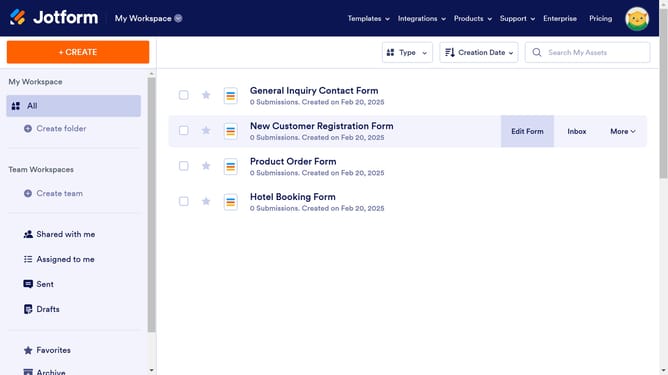
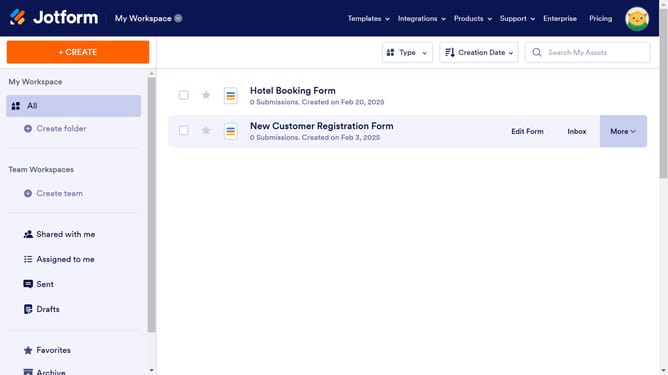
- First click on the "CREATE" button in the left sidebar
- Then click on the "Form" tile in the selection window
- Next click on the "Use Template" option in the form creation window
- Click on the "Use Template" button under the template you decided to use
- Click on the "SETTINGS" tab in the top navigation bar
- Make sure the status of your form is "Enabled"
- Click on the "EMAILS" option in the settings sidebar
- Set up your Email alerts to make sure you receive updates when someone completes your form
- After configuring your form, feel free to share your form by link or invite by email
Why should you create your first web form on Jotform
Jotform is an intuitive online platform designed to simplify form creation and data collection.
Creating your first web form on Jotform is a breeze, thanks to its user-friendly interface and rich features.
This feature allows you to effortlessly design custom forms that cater to your specific needs, whether for gathering feedback, conducting surveys, or collecting registrations.
Using Jotform not only streamlines data gathering but also enhances productivity by reducing manual data entry and processing.
Last update