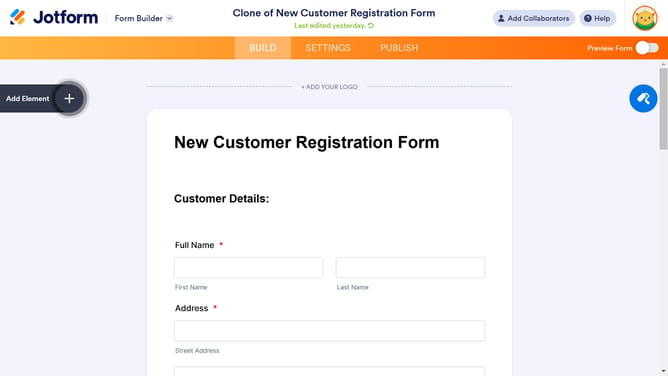
How to use form templates on Jotform
Here is how to use form templates on jotform
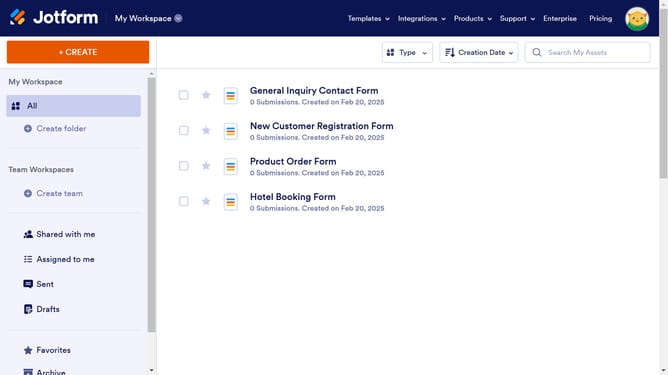
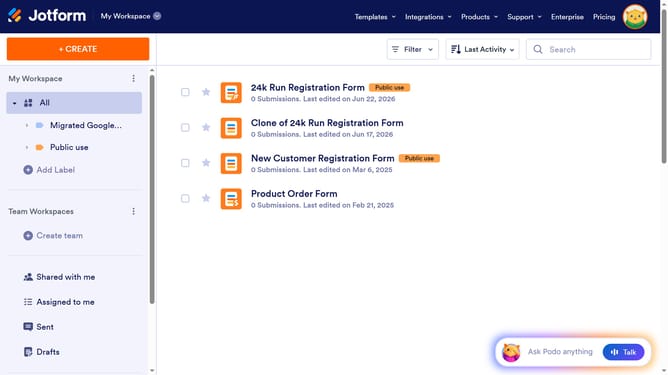
- First click on the "+ CREATE" button in the top left corner of the main workspace
- Then click on the "Form" option from the creation menu to start building a form
- Next click on the "Use Template" card to choose from pre-made form templates
- You can search a specific template you want by typing it here in the search box
- Finally click on the "Use Template" button below the template you decided to use
Why should you use form templates on Jotform
Jotform is a versatile online platform designed to simplify the creation and management of online forms.
One of its standout features is the array of form templates available to streamline your workflow. By tapping into this feature, you gain access to a diverse library of customizable forms that cater to various needs, from surveys to event registrations.
Utilizing these templates not only saves time but also ensures professional and polished form layouts, enhancing user engagement and data collection efficiency.
Last update